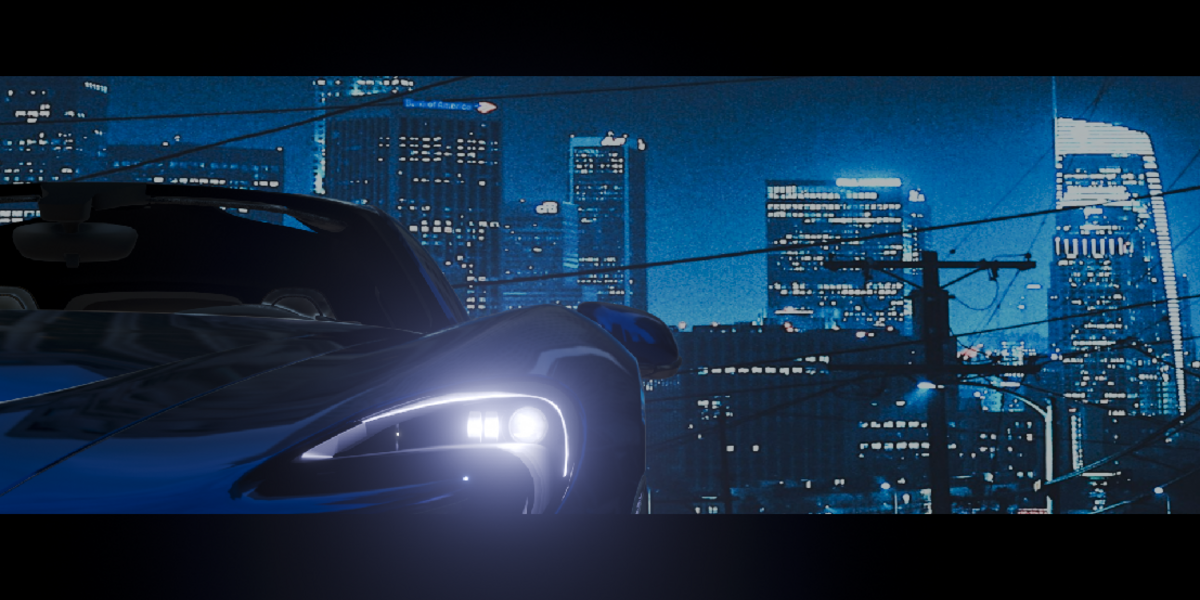
Aperturia Fx is a Blender compositor extension for shaping renders with camera-inspired effects. It brings about 60 settings into one configurable node, combining sensor-style noise, shadow treatment, color controls and optical effects inside Blender's native compositor. The node can sit alongside other compositor nodes.
Camera effects in one compositor node
The controls cover several common finishing tasks. Color tools include saturation, contrast, gamma, gain, lift, tint and shadow tint. Glare controls include bloom and anamorphic lens flare. Other options add lens distortion, color dispersion, vignetting, pixelation, blur, compression effects and smudges or fingerprints. Effects can be enabled and adjusted as needed.
Aperturia FX bases its noise profiles on photographs taken with digital cameras across different eras, sensor technologies and price ranges under the same environmental conditions. Noise can be subtle in highlights and stronger in shadows, with clean, gritty, harsh and soft profiles. An optional photographed noise overlay is also available.
Shadow masks and render passes
The Advanced Shadow Mask uses render-pass inputs to shape noise and tone according to light and shadow information. The Advanced Shadow Pass toggle enables and auto-connects all required render passes in one click. Transmission Indirect needs manual enabling and connection in Eevee; the Volume Direct render pass needs the same setup in Cycles. Aperturia FX works with both Eevee and Cycles. The Advanced Shadow Mask works best in Cycles because it provides richer render data.
A fast, lightweight shadow mask is available for turning a render into a black-and-white luminance map for grading. For computation-heavy scenes, the N-Panel's Optimize control switches the compositing device from CPU to GPU to speed up compositing calculations.
Presets, setup and recovery
The N-Panel includes built-in presets, custom preset management, and import and export for transferring or backing up setups. Build adds the node group to the scene. If the node is missing or damaged, Restore rebuilds it and reapplies saved configurations. Automatic Node Generation can add the node to new files.
The product overview recommends Blender 4.5 and later, with a legacy version for Blender 4.0 through 4.4. The listing details separately show Blender 4.0 to 5.2, so check the notes for the specific download and Blender release you use. You can install the extension ZIP through Blender Preferences with Install from Disk or by dragging it into Blender. Updates can be checked and downloaded from the N-Panel, but installation remains manual. The listing identifies the license as GPL.
See the Aperturia FX product page for the current listing, or read the product documentation for control and installation details.