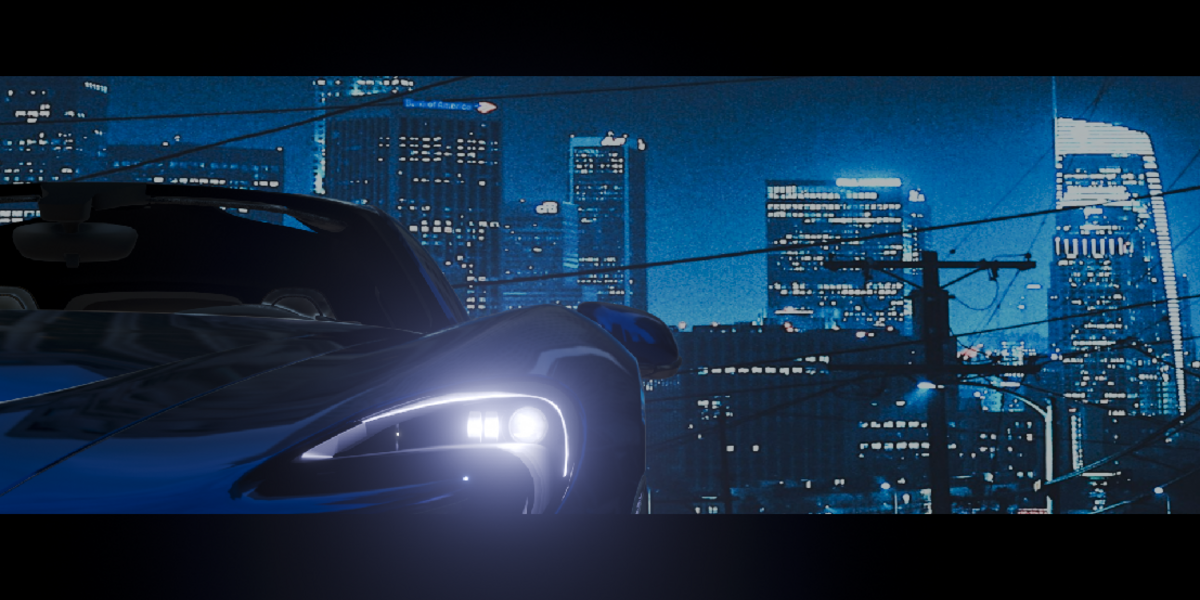
Cineblur - Bokeh Blur Add-On is a Blender compositor add-on for adding bokeh and lens blur to rendered images. The Superhive product listing describes 32+ organic lens kernels, including hexagons, triangles, circular fringe and anamorphic streaks.
Lens kernels and blur controls
Cineblur’s controls let you adjust blur strength, kernel rotation, distortion and style, so you can shape the effect around the image. The listing describes the kernels as having small distortions, streaks and irregular shapes inspired by real-world glass.
Compositor workflow
After installing the add-on, press Shift+A in Blender’s node compositor to add the CineBlur node. Adjust its controls in the compositor as you refine the look. The product listing describes the workflow as non-destructive and says the original render remains untouched.
The listing names Cycles and Eevee as supported render engines. It identifies Blender 4.4 as the Blender version and GPL as the license. The retrieved product details do not specify compatibility with other Blender versions, so check the current listing before installing it in another release. The documentation page links to an installation and usage video.
Who it suits
Cineblur is for Blender artists who want to adjust bokeh or lens blur at the compositing stage. Its kernel choices and controls are useful when a standard circular blur does not match the look of a shot, or when the blur needs further adjustment after rendering.