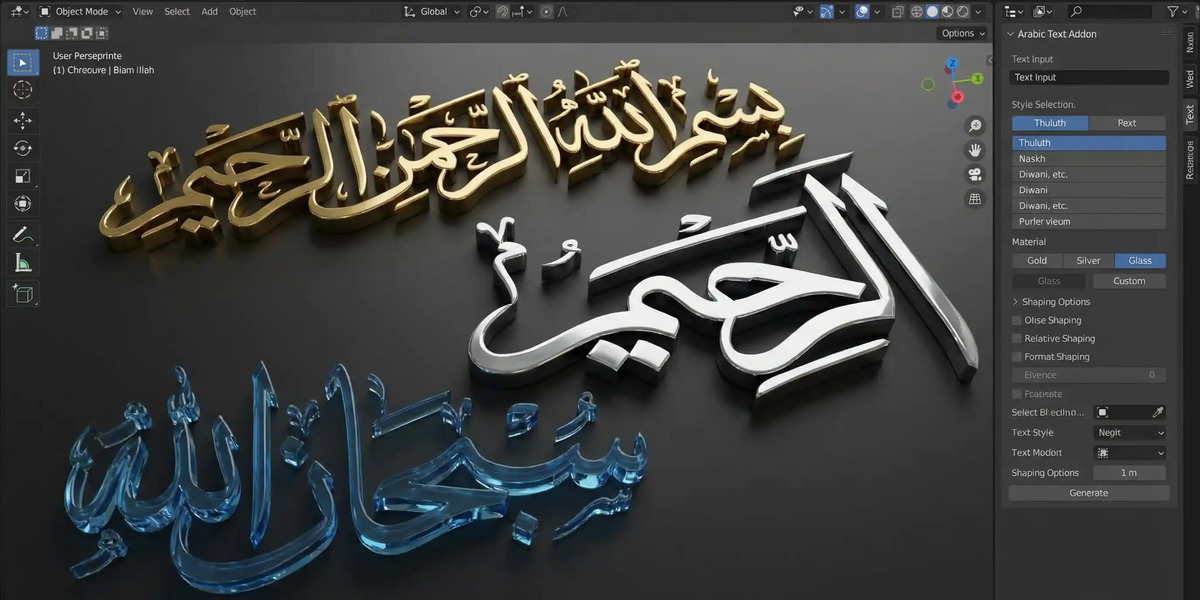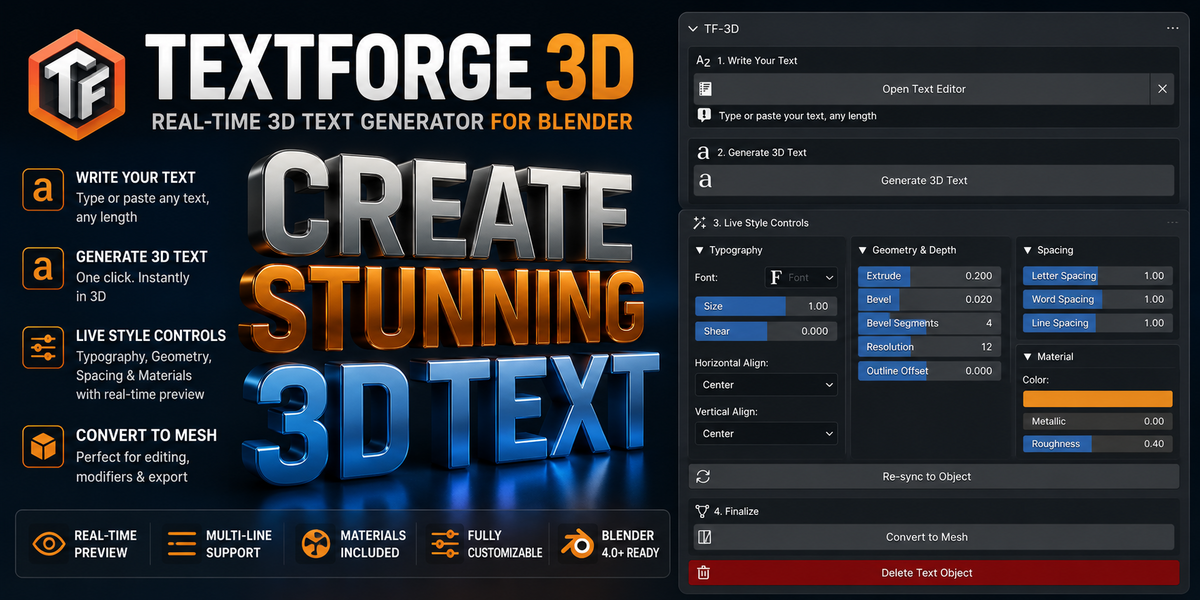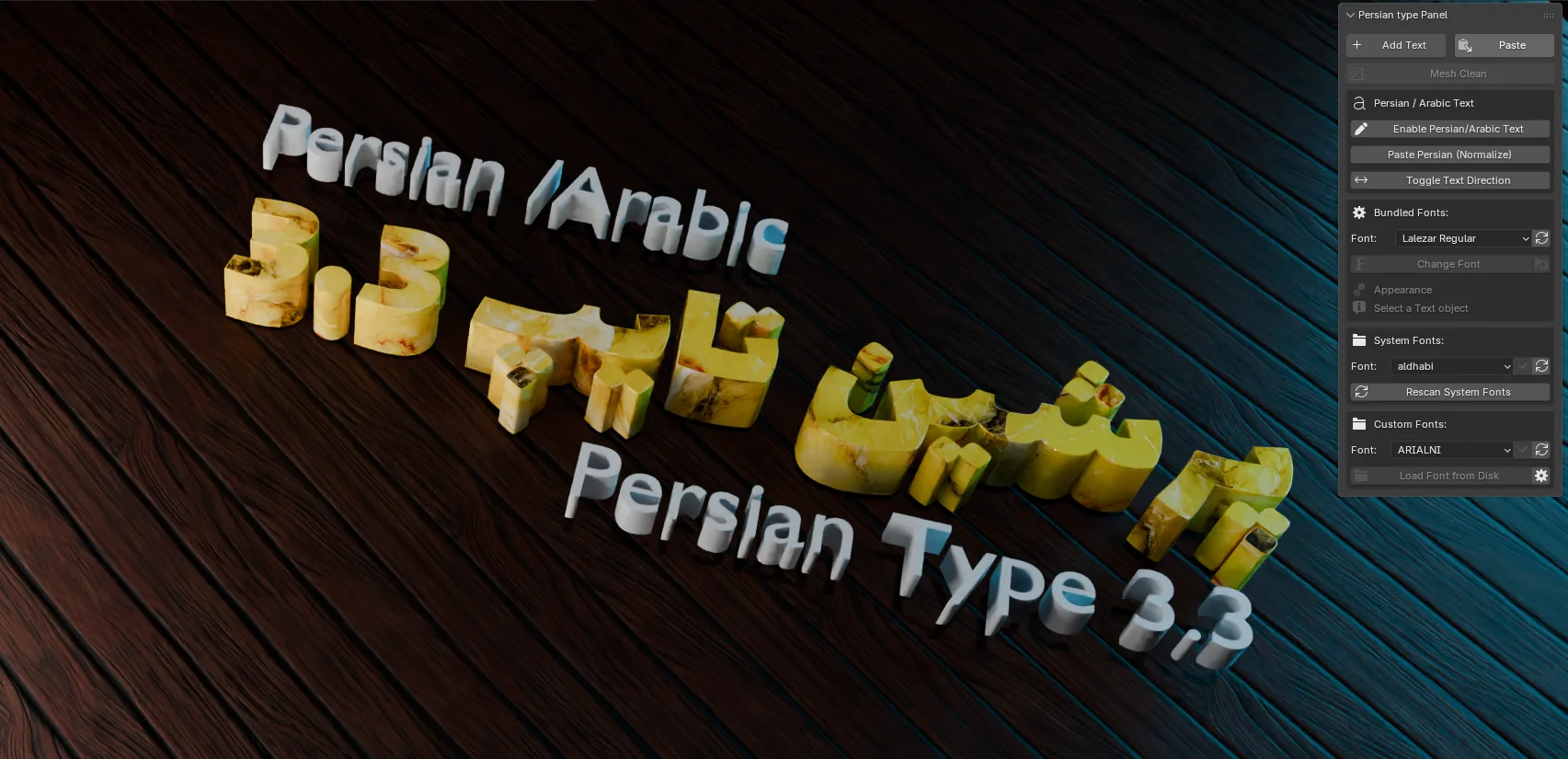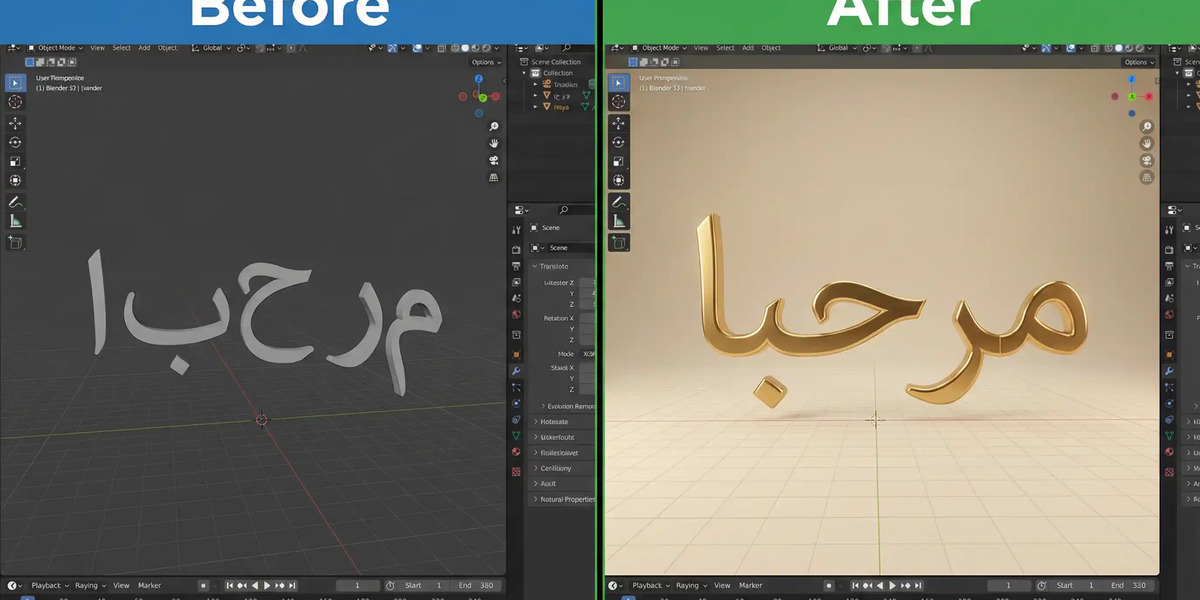
Arabic Text Auto Adjust is a Blender add-on by Basem ALi Deeb for shaping Arabic text in 3D scenes. Arabic letters can appear disconnected or in reverse order in Blender; the add-on reshapes the text and sets its direction from right to left with a one-click action. It is aimed at motion designers, 3D artists, and others creating Arabic typography in Blender.
Using Arabic Text Auto Adjust in Blender
Use it on a Blender Text object when Arabic script needs connected letter forms and right-to-left ordering. The add-on focuses on displaying Arabic text in a Blender scene and requires no coding. Its documentation describes a menu command for the selected text object.
Install Arabic Text Auto Adjust in Blender
- Download the add-on ZIP file and leave it zipped.
- In Blender, open Edit > Preferences > Add-ons, choose Install, select the ZIP file, and enable Arabic Text Auto Adjust.
- On first use, connect to the internet so the add-on can download the required libraries arabic_reshaper and python-bidi. The documentation says text adjustment will not work correctly without them.
- Add a text object with Shift + A > Text, select it, then choose Object > Adjust Arabic Text.
Compatibility and license
Superhive lists Blender versions 4.2 to 5.2, Cycles and Eevee under render engines used, and the GPL license. Check the product listing for its current details and the documentation for installation instructions.