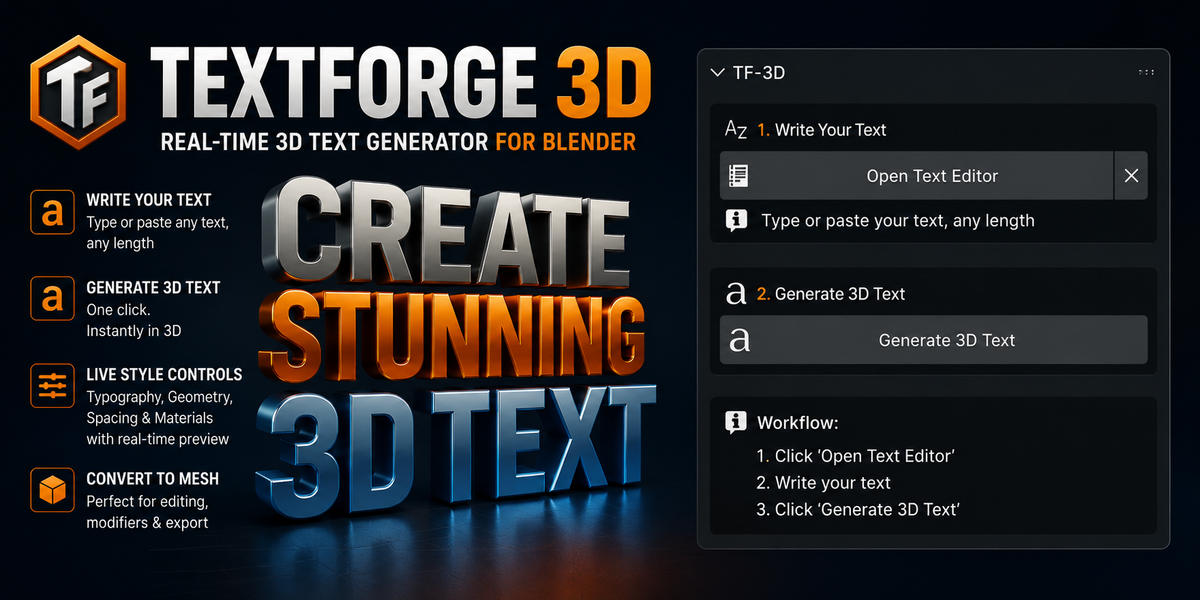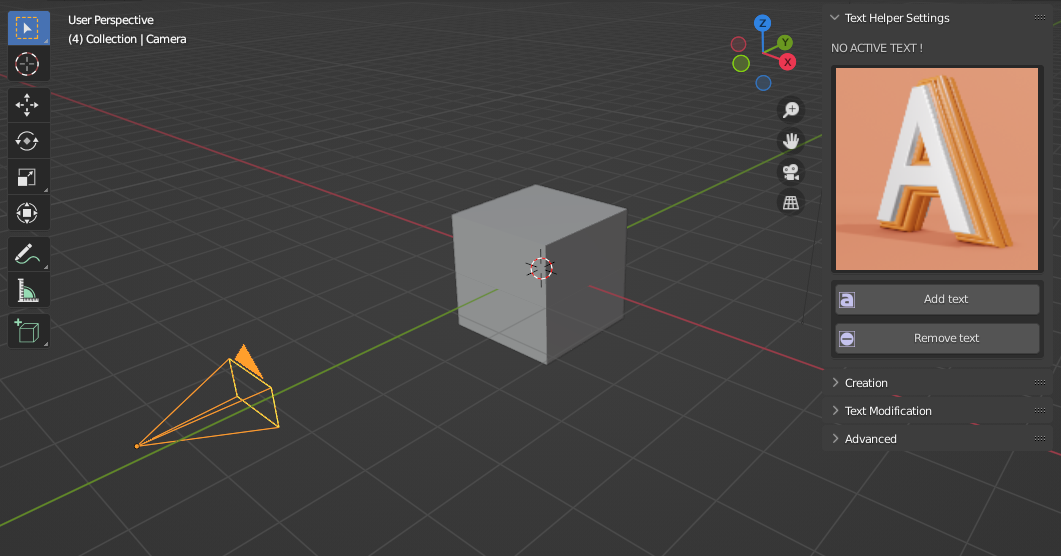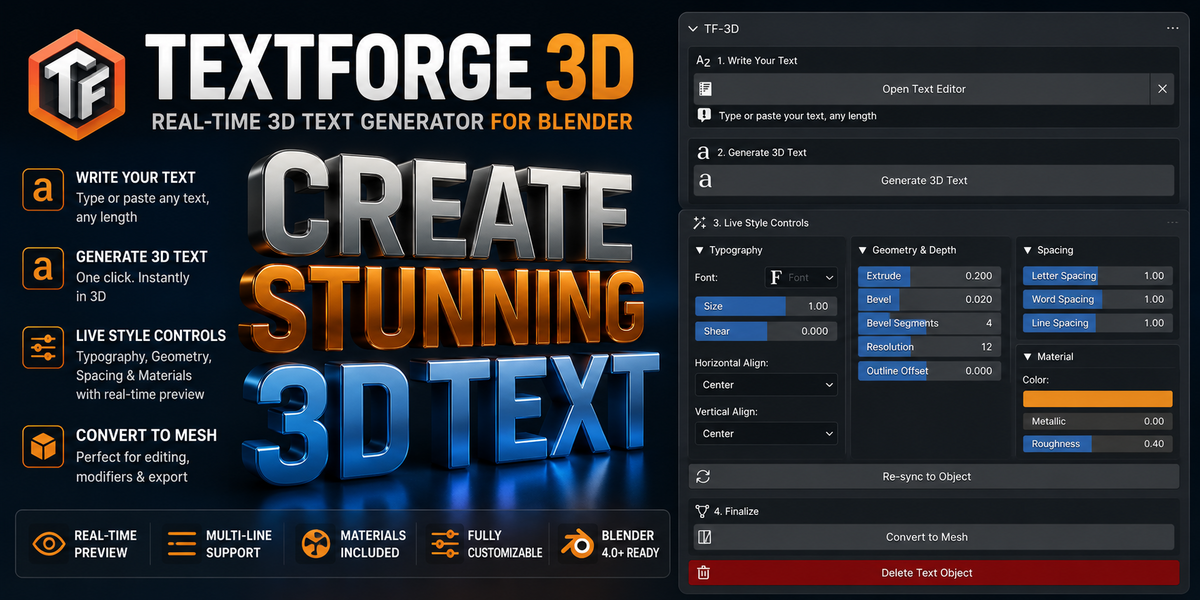
Textforge 3D is a Blender add-on for creating and shaping 3D text in the 3D Viewport’s N-Panel. Its interface brings typography, geometry, spacing and material controls together with live viewport updates, multi-line text and one-click conversion to an editable mesh. For more on its controls, see the Textforge 3D feature overview.
How the text workflow works
- Enter the text in the add-on’s panel.
- Choose Generate 3D Text.
- Adjust the text and its material using the panel controls; updates appear in the viewport.
- Convert the finished text to a mesh when you need editable geometry.
Textforge 3D supports multi-line text, and its non-destructive workflow lets you keep adjusting it before mesh conversion.
Typography, geometry, spacing and material controls
Typography settings include font size, shear for italic styling, and horizontal and vertical alignment. Geometry settings cover extrusion depth, bevel depth and segments, resolution, and offset. Letter, word and line spacing can be adjusted separately.
Textforge 3D automatically applies a built-in Principled BSDF material, with controls for base color, metallic and roughness. The product listing says an existing text object's settings can be loaded into the panel. Version 1.0.0 documentation describes Re-sync to Object in the other direction: it pushes panel values to an object after you manually move or edit it.
Compatibility and license
The product page’s Details section lists Blender 4.4 through 5.1, while a separate compatibility line says Blender 5.0+. The page also lists Cycles and Eevee as render engines and GPL as the license. Version 1.0.0 documentation says Blender 4.4 and above, but the current product listing does not resolve that conflict.
The listing names logo creation, motion graphics, title sequences, product visualization, branding, social media graphics, game assets and 3D printing preparation as possible uses.