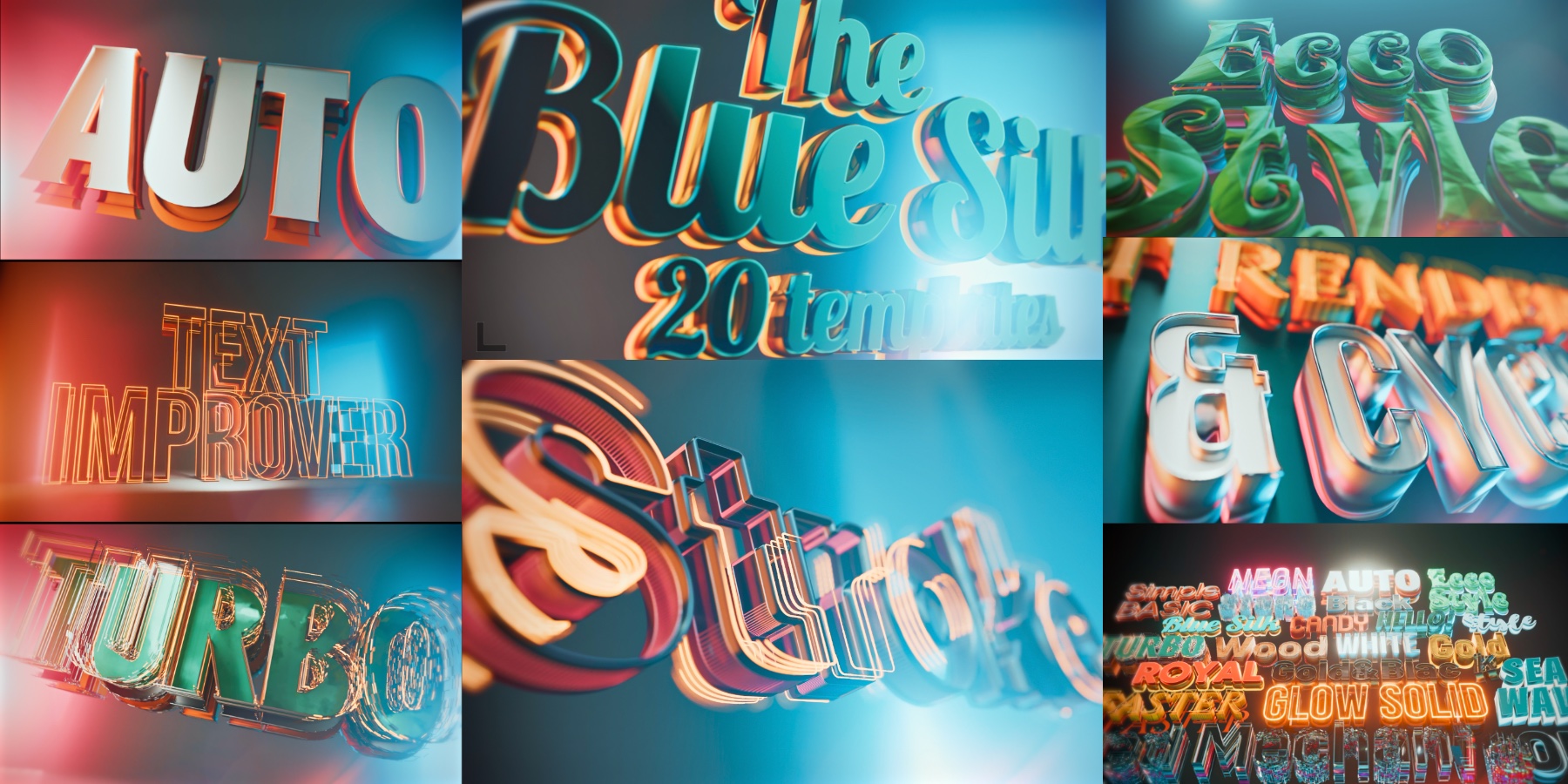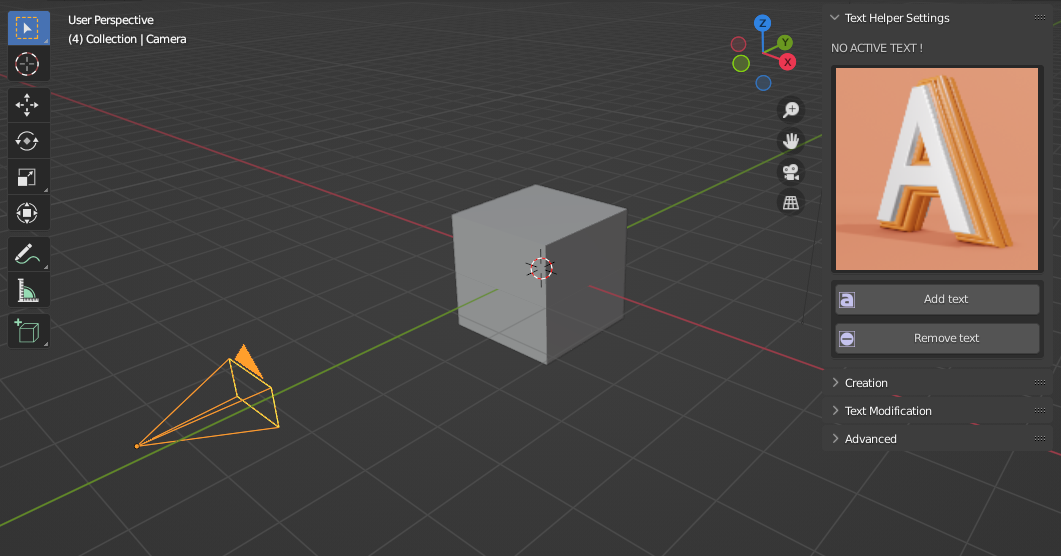
Text Helper is a Blender add-on from Fine studio for artists who create text for motion graphics. Its pie menu brings text parameters together, and a custom hotkey can open the menu. The add-on includes a Text Preset System, a solid and outline text tool, and modal controls for extrusion and bevel.
Build and adjust text designs
The preset system lets you work with reusable text designs. You can adjust extrusion, spacing and bevel for one text object or several at the same proportion. Other tools include font options, a bevel profile, a curve tool, and viewport padding and help-text options.
Edit multiple text objects
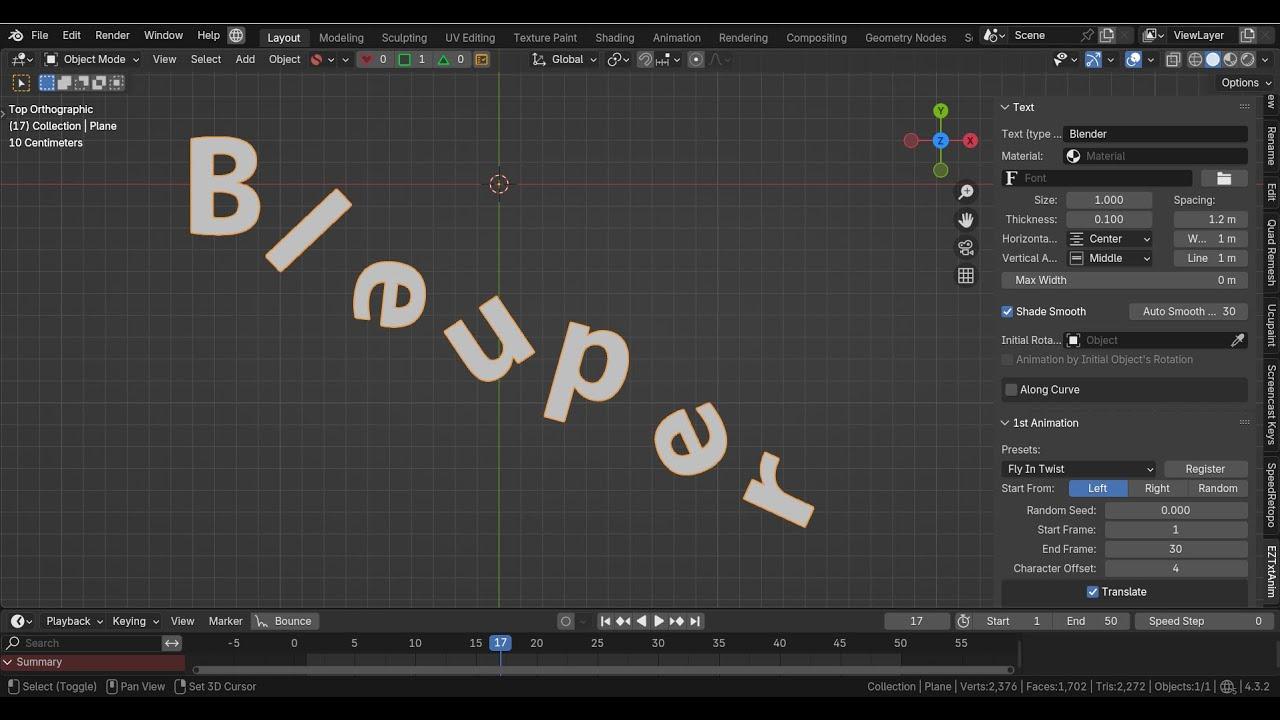
Text Helper can edit multiple text objects from Blender's N-Panel. It can also convert text to mesh or curve at the same time. These controls are useful when a design includes several text elements that need coordinated adjustments or a different output type.
Install and check compatibility
The product listing says to install the add-on through Blender without unzipping the file. Its compatibility list names Blender 2.9, 2.91, 2.92, 2.93, 3.0 and 3.1. Check Fine studio's product listing for current compatibility and download details before installing. The listing identifies the license as GPL; AnyPlugins lists the add-on as free.
The changelog for version 1.0.4 says the preset system was improved and the pie menu gained custom-hotkey support. It also notes that the split-text menu was removed. Fine studio's listing invites users to send bug reports through a marketplace message.