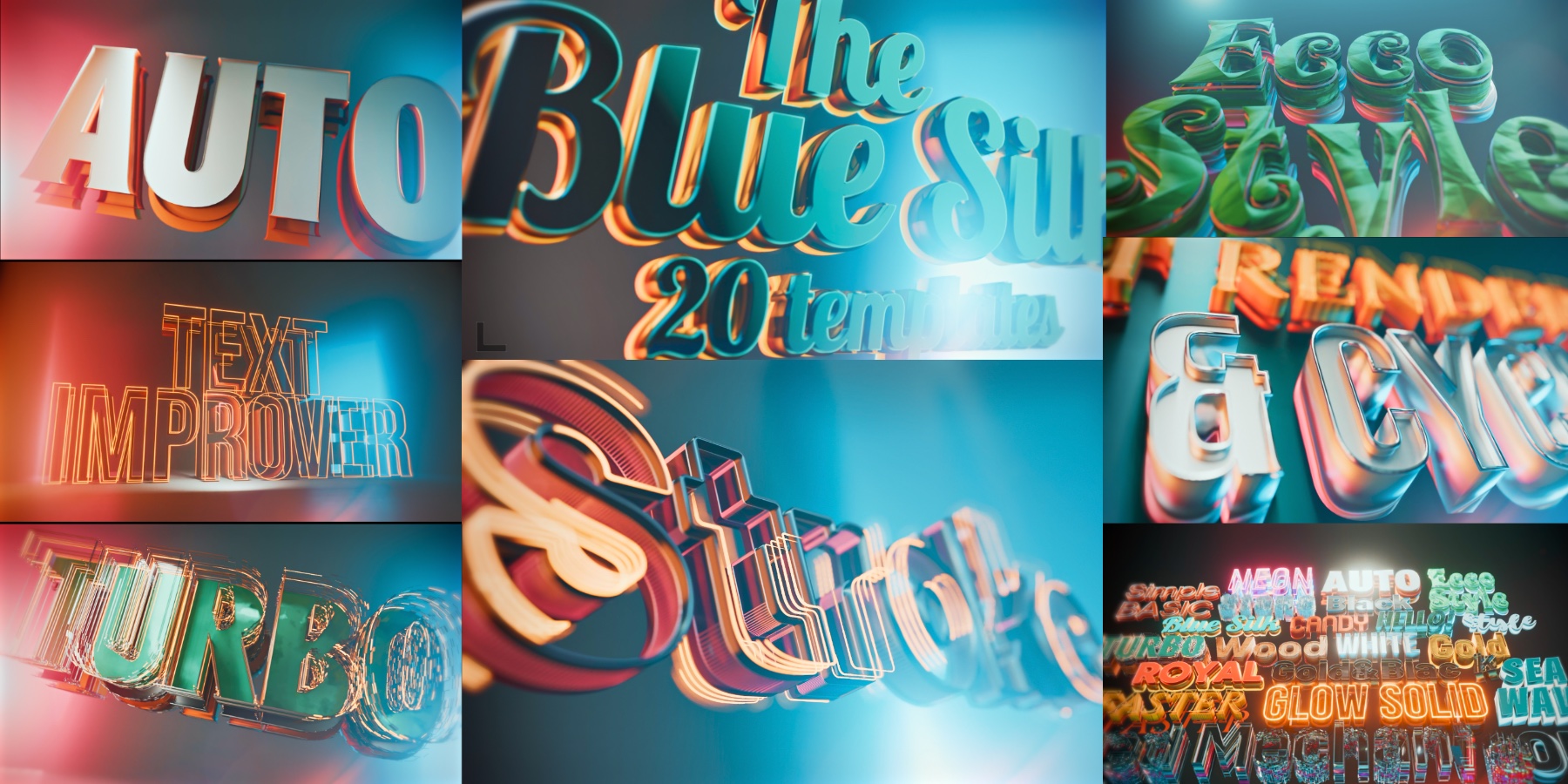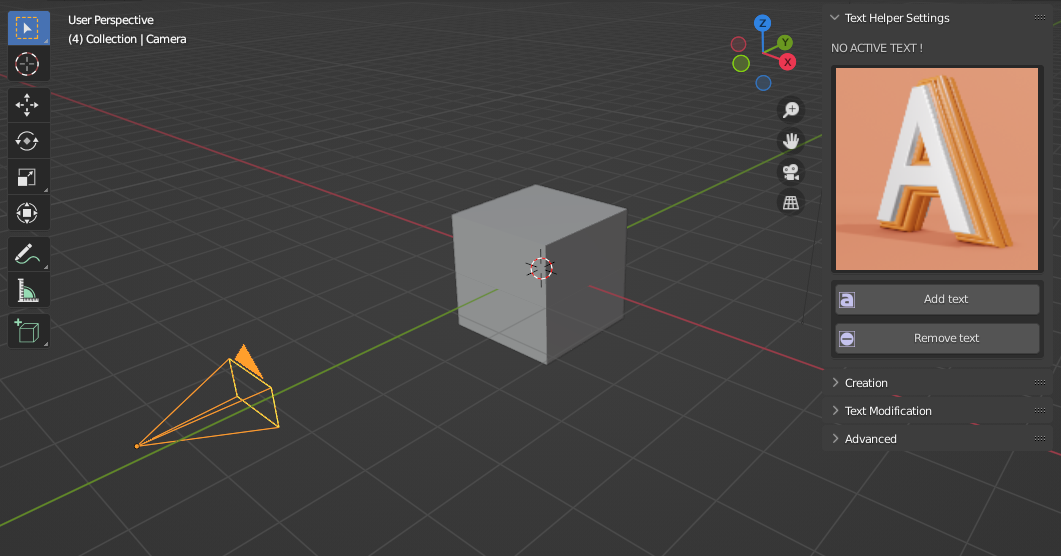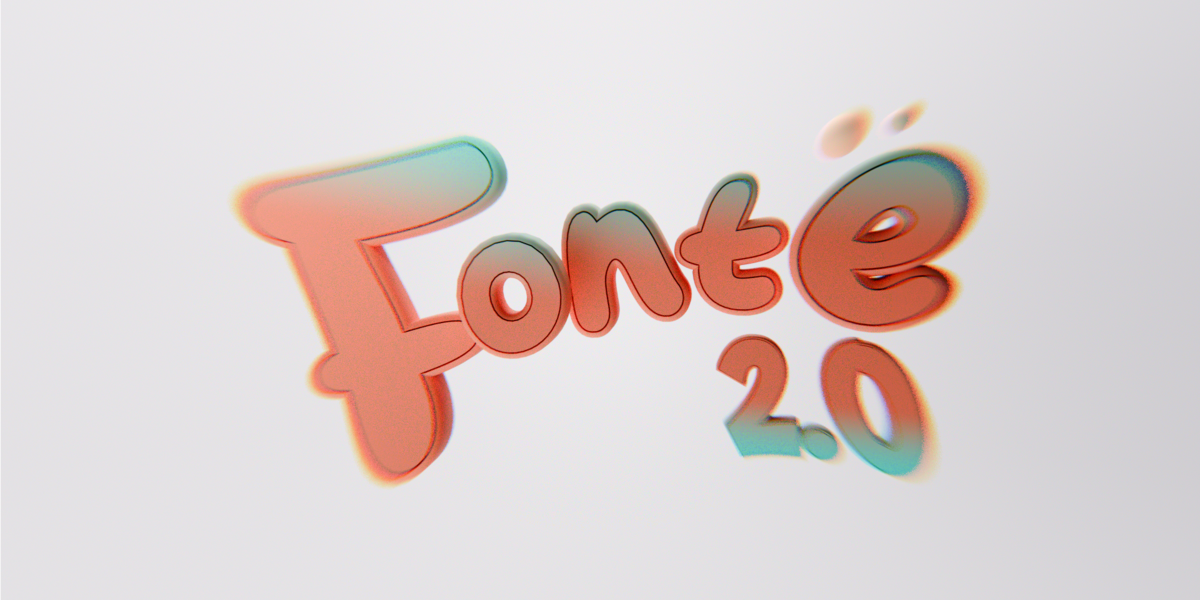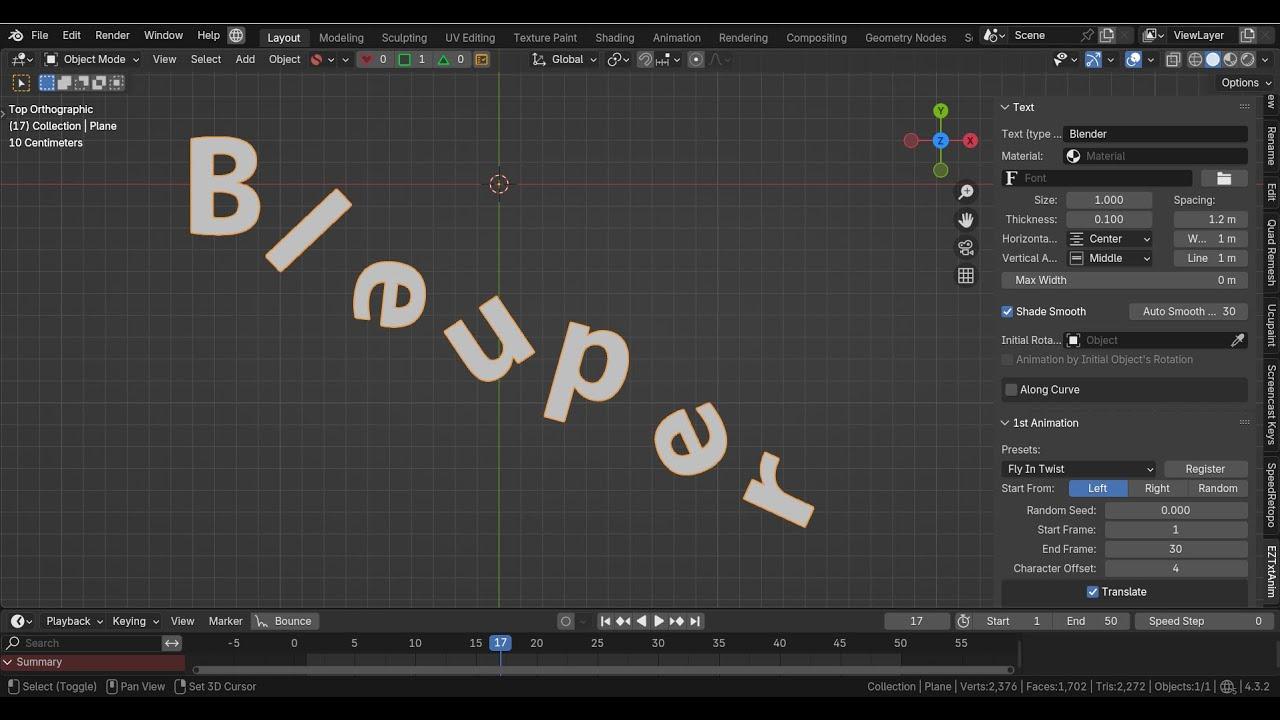
This Blender add-on from sum studio uses Geometry Nodes to animate text, with translation, scale and rotation values set for individual characters. That makes it relevant when letters in a title or caption need distinct movement, size changes or turns.
Character-level text motion
Translation changes position, scale changes size, and rotation changes orientation. Since you can set these values for each character, a word can have varied motion instead of receiving only one shared transform. A demo video is also linked from the Superhive product listing.
Compatibility and license
The Superhive listing names Blender 3.1, 3.2, 3.3, 3.5, 3.6, 4.0, 4.1, 4.2 and 4.3. If your project uses another release, check with sum studio because the displayed list does not establish support for it. The listing identifies the license as Creative Commons but does not specify a variant. Check the applicable license terms before using or redistributing the add-on.
AnyPlugins lists Easy Text Animation as free. Confirm the current price and terms at the download destination before getting it.
Who it may suit
Consider it if you need per-character position, scale or rotation changes in Blender and your version matches one in the listed range. The supplied details do not specify setups, preset libraries or timing methods. Check the Documentation tab and demo to see whether they cover that workflow before building a scene around it.