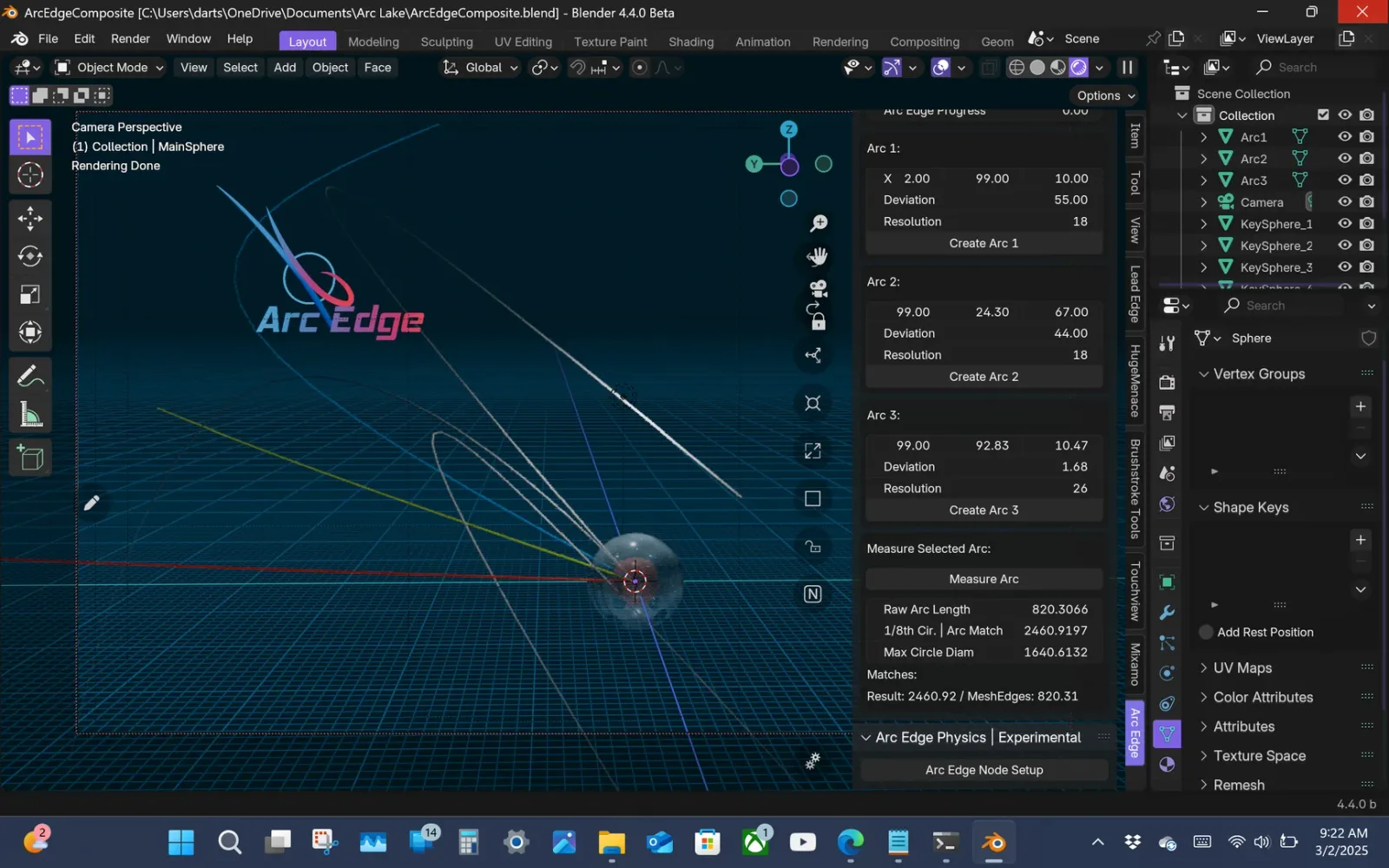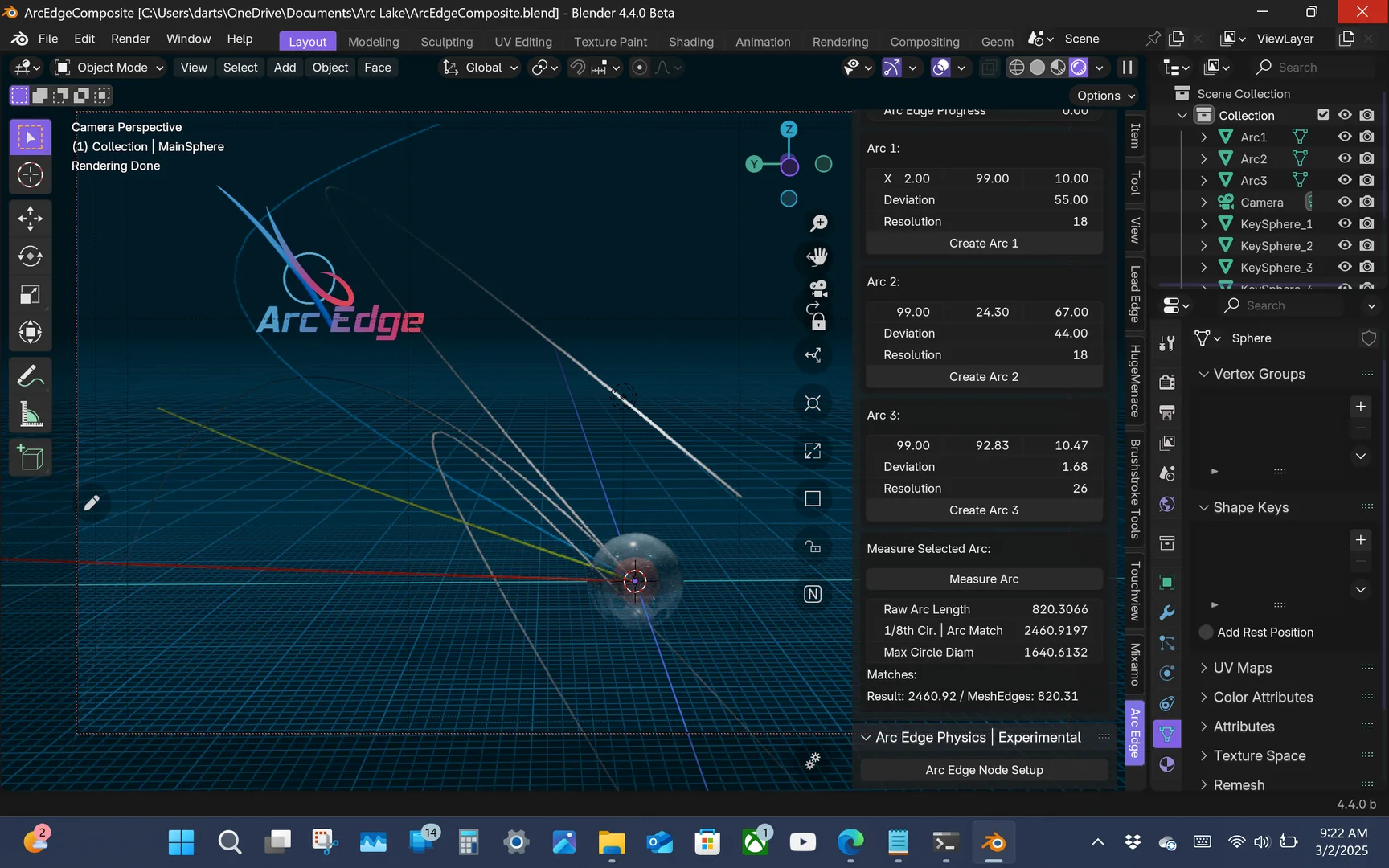
Arc Edge is a Blender add-on for creating and measuring finite arcs. It reports the distance from an arc’s start to its end, along with measurements named 1/8th Circle Arc Match and Max Circle Diameter. The developer describes it as a measurement tool for scientific analysis, with values intended for use in other setups.
Measurements for finite arcs
Arc Edge focuses on finite arcs, which the developer describes in contrast to the symmetrical cases of circles and ellipses. The 1/8th Circle Arc Match describes the circumference of a circle matching the point where the arc begins to curve back toward its start. Max Circle Diameter is the first circle too large for its curvature to touch the arc. These names describe measurements specific to the add-on.
Arc Edge can also measure Blender’s default geometry objects when they are selected. The developer says its measurements may feed into other setups for real-world use or simulation feedback.
Updating measurements
To refresh a measurement after changing the geometry, repeat the Measure Arc function. The developer says you must repeat this step in Blender to get updated Arc Edge measurements. Arc Edge measures geometry for scientific analysis; simulation or CFD work would happen in other tools that use its output.
Compatibility and installation
The official Blender Extensions listing shows version 1.1.0, Blender 5.0.1 or later, and the GNU GPL v3.0 or later license. For manual installation, follow Blender’s Install from Disk instructions. The listing also links to an Arc Edge .blend file for experimentation.