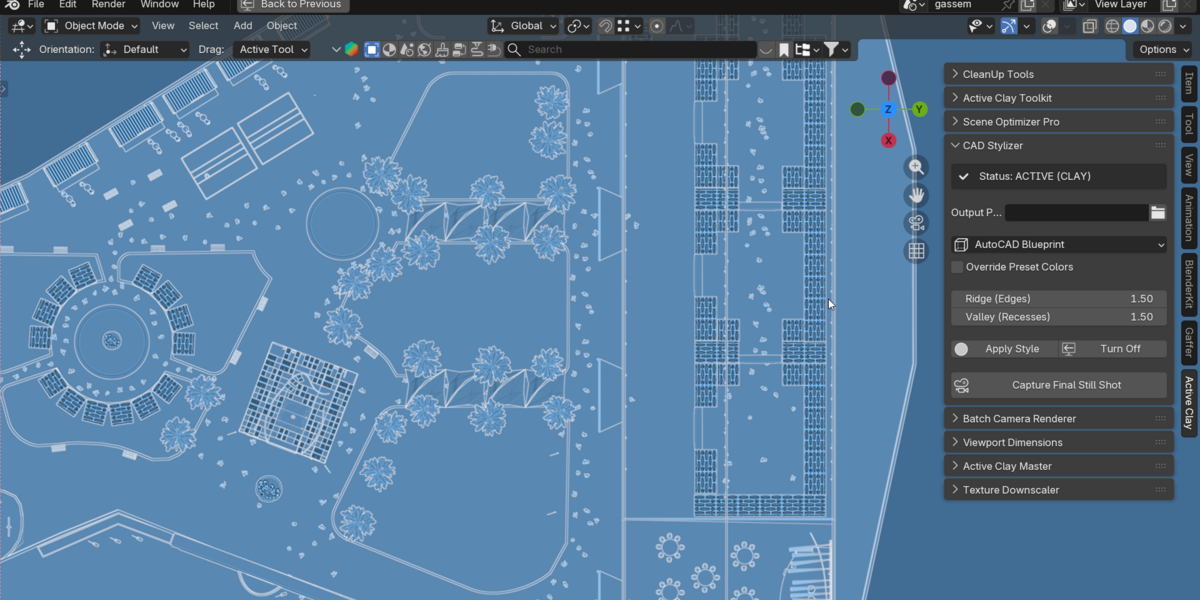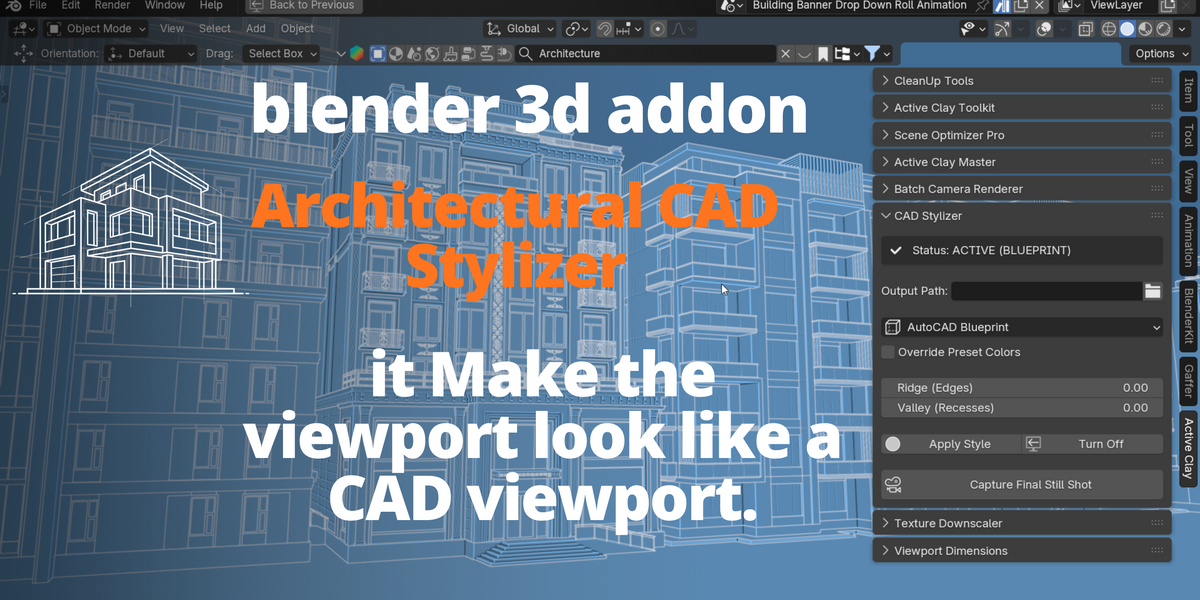
Architectural CAD Stylizer is a Blender add-on by active clay for giving architectural models a drawing-style look in the 3D viewport. It offers seven presets, live preview, controls for edges and recesses, custom colors, and a button for capturing a still. The workflow does not require setting up materials.
Choose a viewport preset
After installing and enabling the add-on in Blender Preferences, open the 3D Viewport sidebar with N and select the Active Clay tab. Choose a style from the dropdown to preview it on a visible object in your project.
- Classic Clay
- AutoCAD Blueprint blue
- Technical Draft white
- Dark Mode
- Najdi Adobe, inspired by traditional mudbrick architecture
- Desert Sandstone
- Terminal Green
You can switch between the looks while viewing the model, which makes it easy to compare different drawing treatments before settling on one.
Adjust edges and colors
Use the Ridge and Valley sliders to control how strongly edges and recesses appear. To move beyond a preset, enable Override Preset Colors and choose the clay, line, and background colors. Select Apply Style to lock in the chosen treatment.
Capture a still image
Frame the view you want, then click Capture Final Still Shot. The add-on hides the interface and saves the shot to the output path set in Blender's render settings. Turn Off restores the viewport to its previous state. The Active Clay panel instructions explain the capture and viewport controls.
Compatibility, license, and price
The Superhive listing marks the add-on as Blender Extension Compatible and lists Blender 4.2 through 5.2 and a GPL license. The listing gives no separate add-on release number. AnyPlugins lists it as free, while the Superhive listing do not state a price. Check the current product listing for price and license terms before downloading.