Build image-based canvases
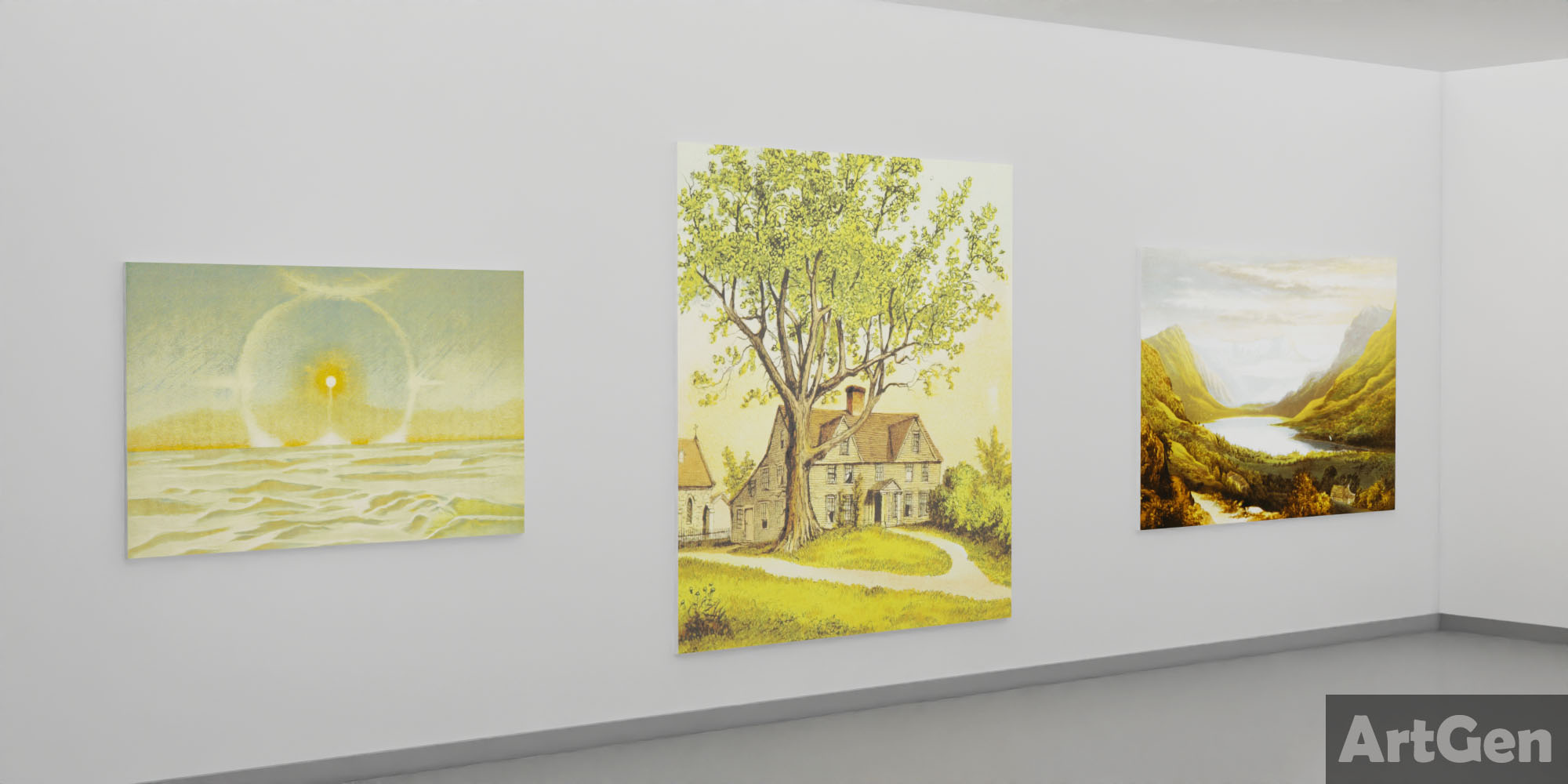
Artgen is an ACP add-on for Blender that creates ready-to-display artwork from an image. The product listing names paintings, photographs, and posters as examples. The canvas retains the source image's dimensions and proportions, which can help when preparing many pieces for a scene.
Generate and configure an artwork
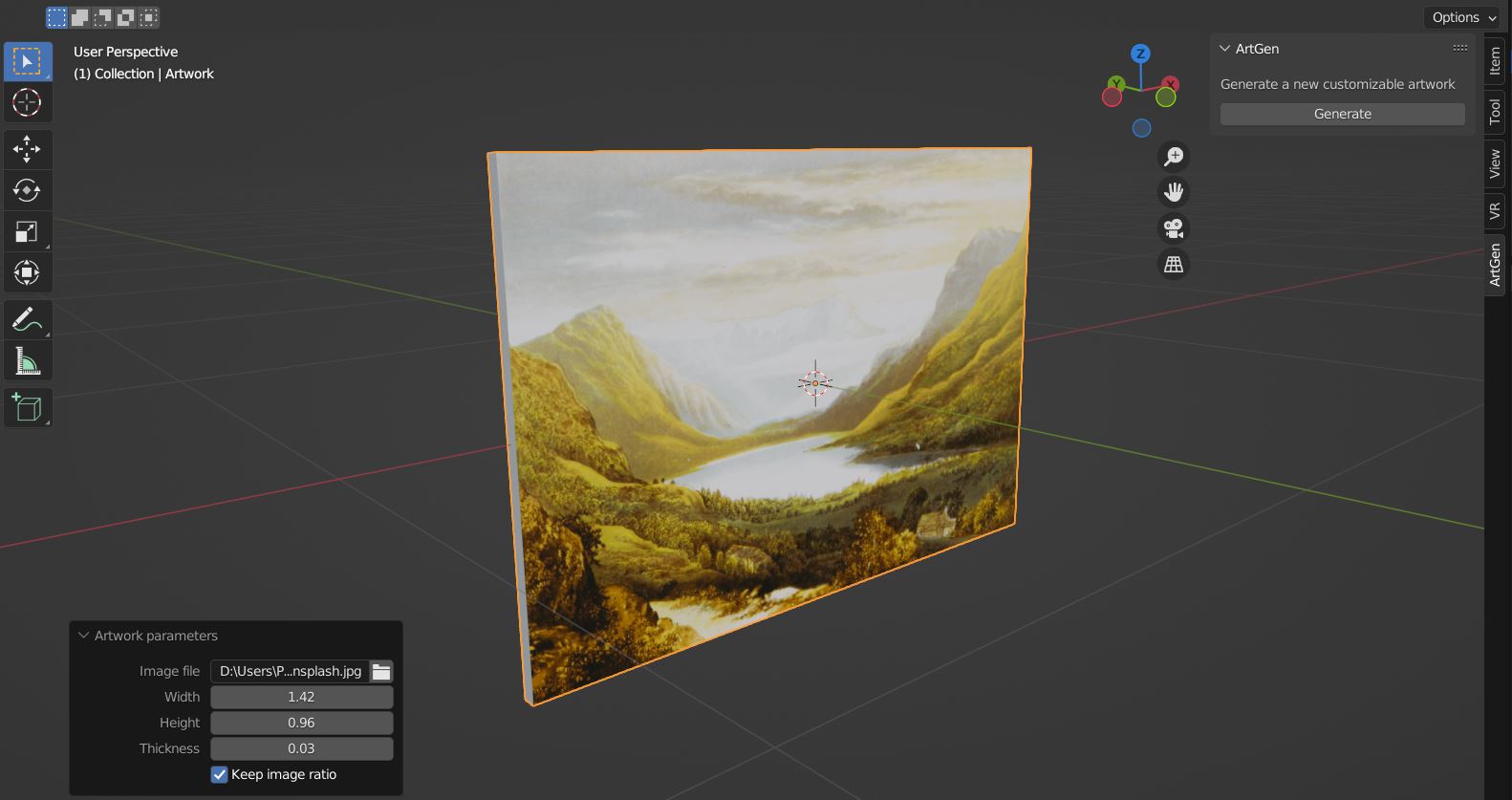
The product instructions describe installing Artgen through Blender's add-on preferences: choose Install, select artgen.zip, then enable the add-on. Once enabled, an Artgen tab appears in the N-panel on the right side of the 3D View.
Click Generate to create an artwork and open its configuration panel in the lower-left of the 3D View. There you can resize the artwork, add the main image, and choose whether to preserve its image ratio. Switch the viewport to Material Preview or Rendered to see the image texture while you work.
The generated object remains editable after you close the configuration panel. For example, you can change its default material.
Version and license
Superhive's Artgen listing identifies ACP as the creator, lists Blender 3.3, and gives the license as GPL. The Any Plugins listing marks Artgen as free. Check the current product listing for compatibility and download terms before installing.