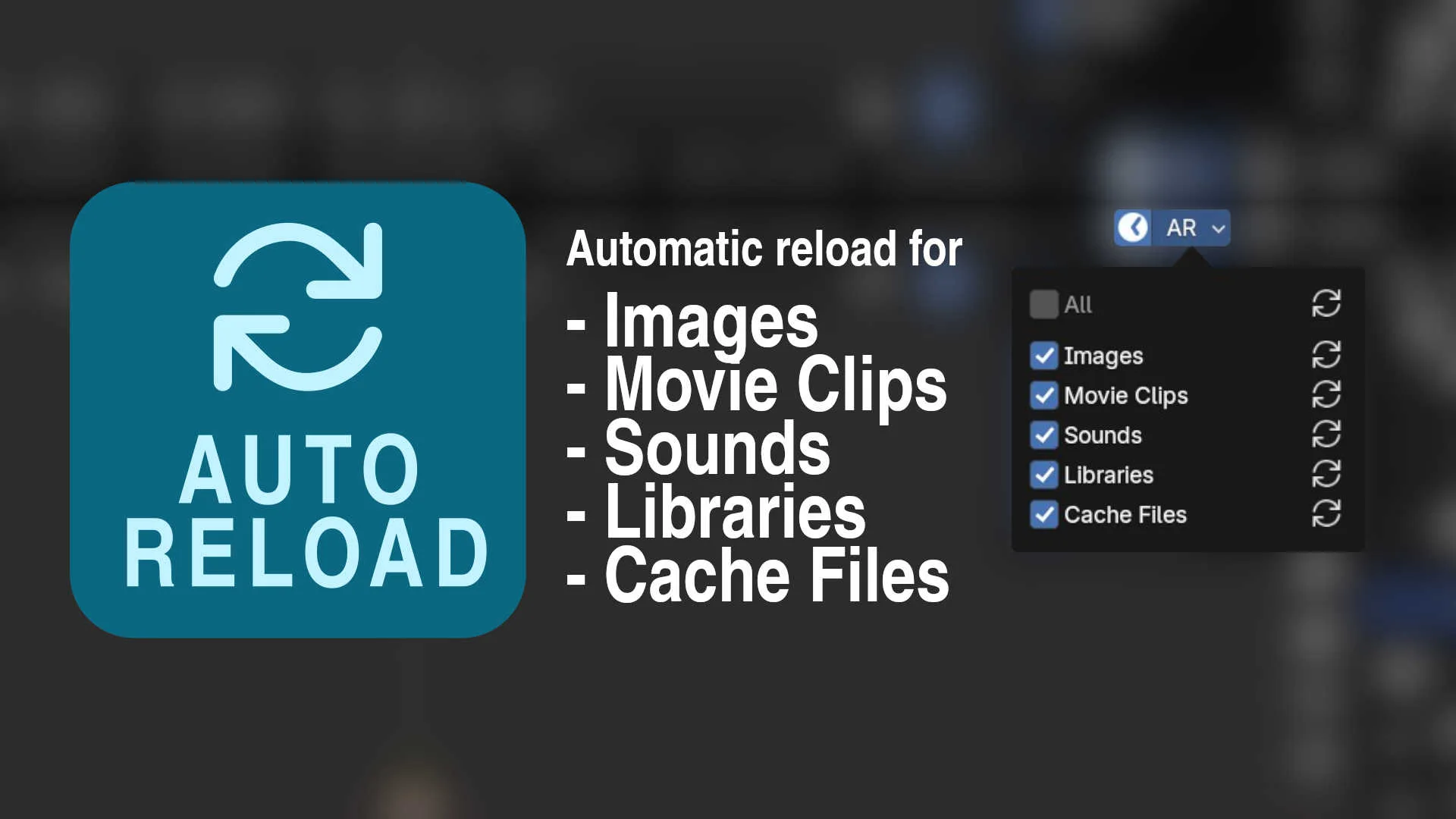
Keep external files current in Blender
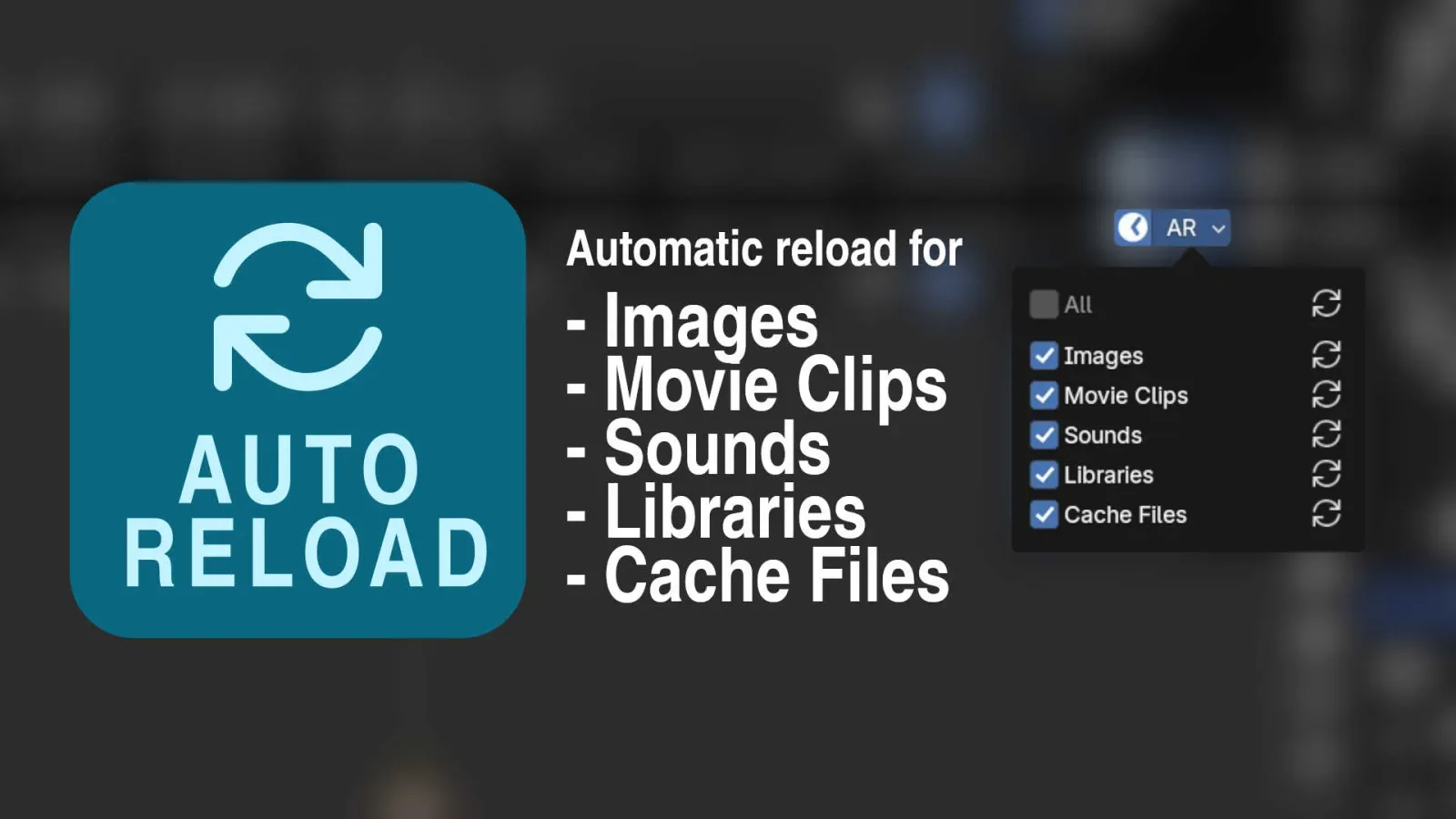
Auto Reload checks external files used by the current blend file and reloads them after they change outside Blender. Supported types include images, movie clips, libraries, sound files and cache files. A timer checks for modifications periodically, so you can keep Blender open while changing an asset in another application and have the updated file reloaded in the blend file.
This is useful when a scene depends on files edited elsewhere, such as an image or cache adjusted in a separate tool. If those sources rarely change during a session, automatic checks may add little to your workflow.
Control the timer and file types
Auto Reload adds a menu to the right side of Blender's topbar. A stopwatch button turns the timer on or off, and a popover lets you choose which supported file types it reloads. Select the types that match the assets you update outside Blender, then disable the timer from the same menu when you do not want periodic checks.
Compatibility and version 3.1.2
The Blender Extensions listing identifies version 3.1.2 and Blender 4.2.0 as the minimum Blender version. The listed maintainer is tonton_, and the license is GNU General Public License version 3.0 or later. Check the official version history for release details and compatibility updates.
Version 3.1.2 prevents images with the type GENERATED and a filepath from being reloaded. The listing describes this as a fix for an issue with baked ucupaint maps. If your project uses generated images, account for that behavior when deciding whether Auto Reload fits the workflow.
Installation
Use the extension listing to review the current package and compatibility details. Blender's extension installation instructions explain how to install an extension from disk. Auto Reload's stated permission is checking and reloading external files from the current blend file.