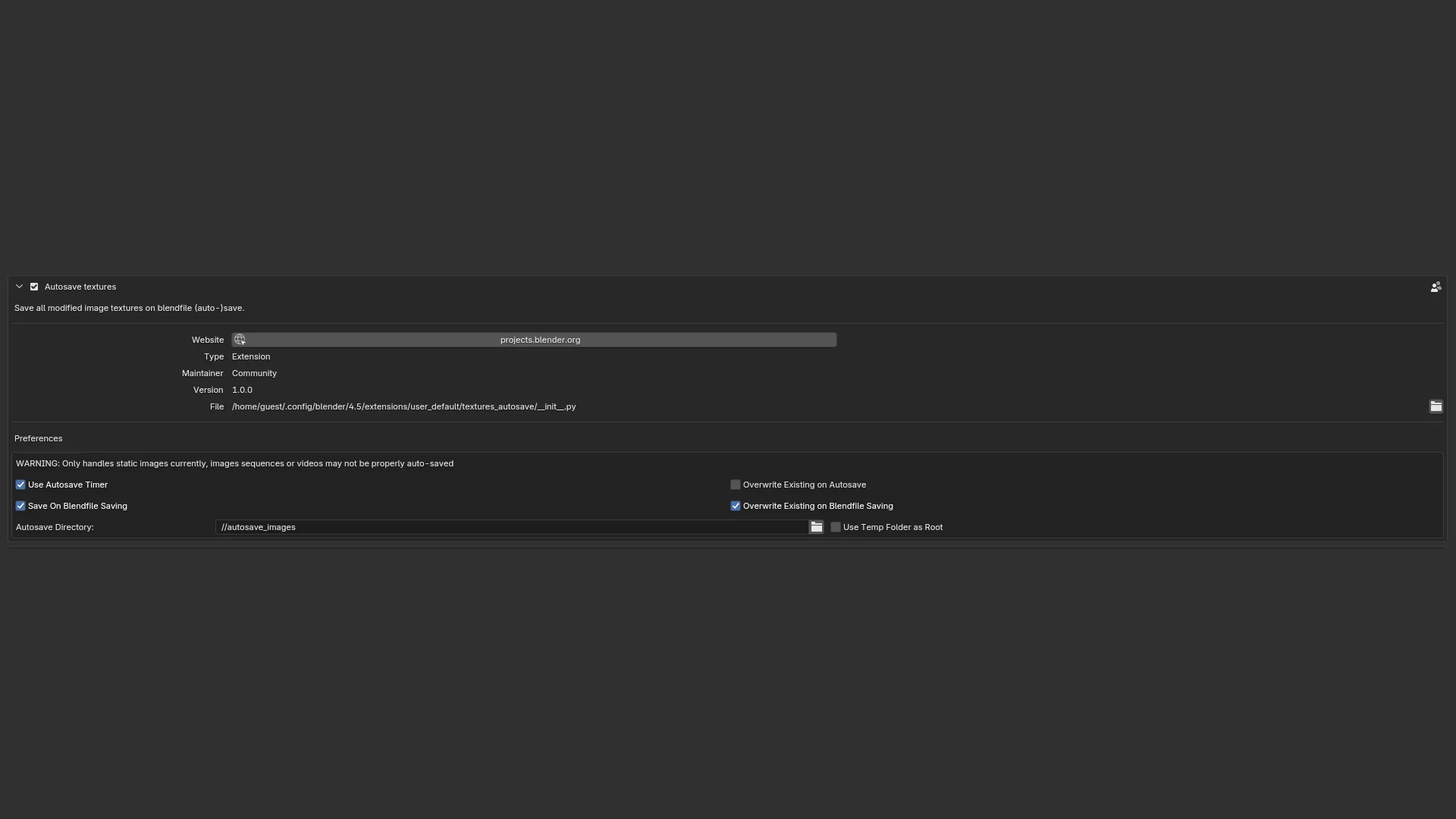
Autosave Textures is a Blender add-on listed to save modified image textures when you save a .blend file, including during an automatic save. A user review reports that edits to packed images did not appear to persist on save in Blender 5.x. That ties texture saving to the project-save event, so you can avoid saving each modified texture separately.
How texture saving works
The extension listing describes the add-on as saving all modified image textures on blend-file saves. It also lists permission to write image files to disk. Blender therefore needs write access to the relevant image-file locations for those saves to succeed.
The published description ties the action to manual or automatic .blend saves. It does not describe a separate timer for saving textures independently of the project.
Compatibility and installation
Version 1.0.1 lists Blender 4.4.0 as its minimum version. Check the Autosave Textures listing for the release details before adding it to a workflow. If you install the downloaded extension file manually, Blender's Install from Disk instructions cover that process.
The listing names mont29 as the maintainer and GNU GPL-3.0-or-later as the license. The add-on is aimed at Blender users who edit image textures as part of a project and want those modified files saved alongside their normal project-save routine.
Packed images need a separate check
A user review on the extension's review page reports that edits to images packed inside a .blend file did not appear to persist on save, at least in Blender 5.x, and asks about adding support. The extension record does not specify packed-image support. If your workflow relies on packed images, test a copy of a project before depending on the add-on to preserve those edits.
For projects that use image files saved outside the blend file, Autosave Textures provides a focused convenience: modified image textures are written when the project is saved, provided Blender can write to their locations.