Auto Sync Object Data Names keeps an object's name and its linked data-block name aligned when you rename the object. The Blender add-on also includes a manual sync operator for updating names in an existing file.
Choose what gets synchronized
You can set a prefix for new object data names and choose which object types the add-on affects. Its preferences let you disable types such as meshes, curves, lights, and cameras, so synchronization follows the parts of your scene you want to manage.
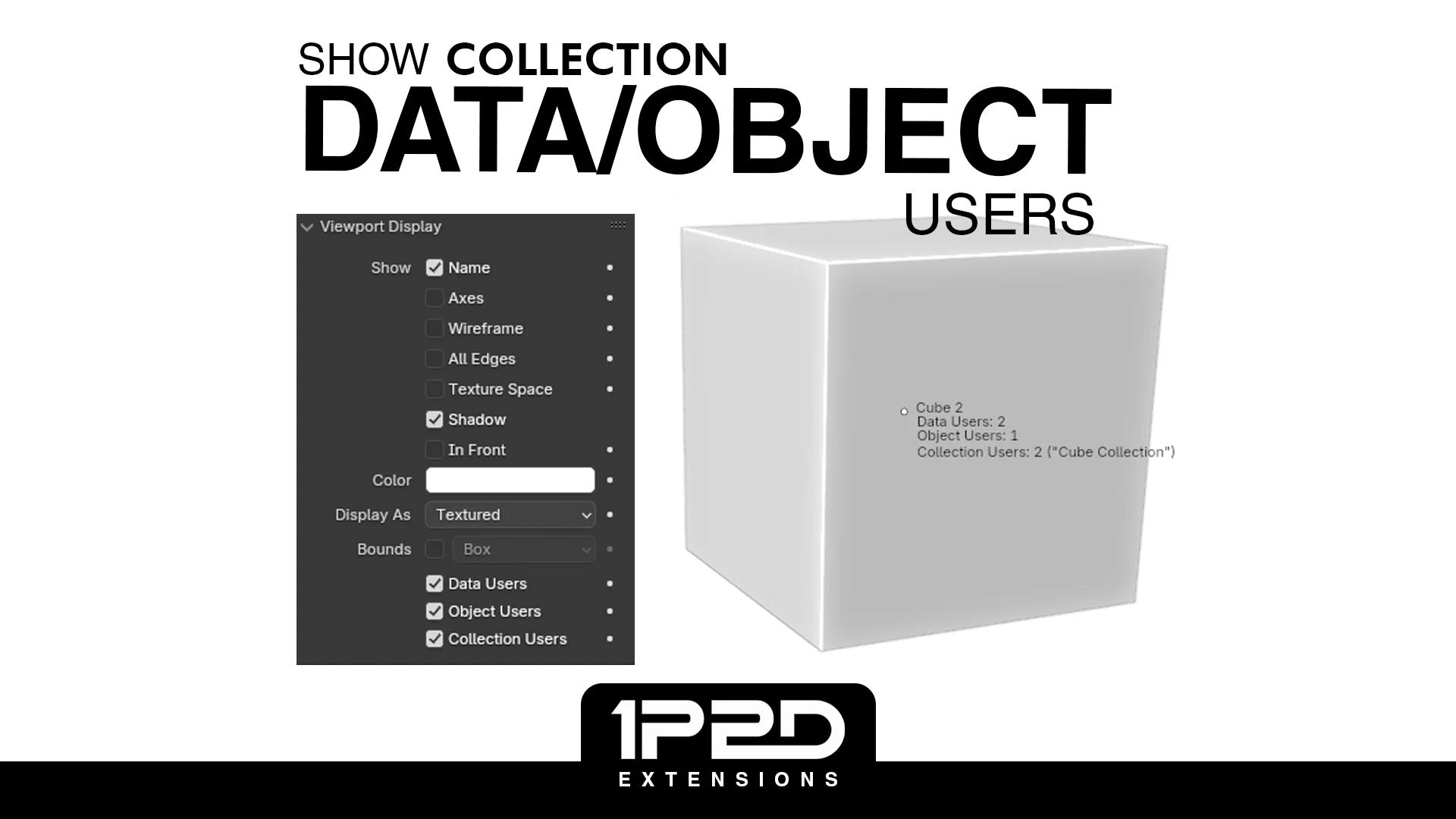
For data shared by multiple objects, choose how the add-on responds when one of those objects is renamed. The Rename option updates the shared data name; Do Nothing leaves it unchanged. An optional warning can notify you when data has multiple users.
Sync names in an existing file
In Object Mode, choose Sync Object Data Names from the Object menu or right-click menu. It can update selected objects or all objects in the blend file. Enable Include Children to process child objects recursively.
The operator also has an Inverse option, which replaces an object's name with its data name. Inverse follows the affected object types set in preferences. These controls let you choose the direction and scope of a cleanup pass without changing the add-on's automatic behavior for later renames.
Compatibility and project details
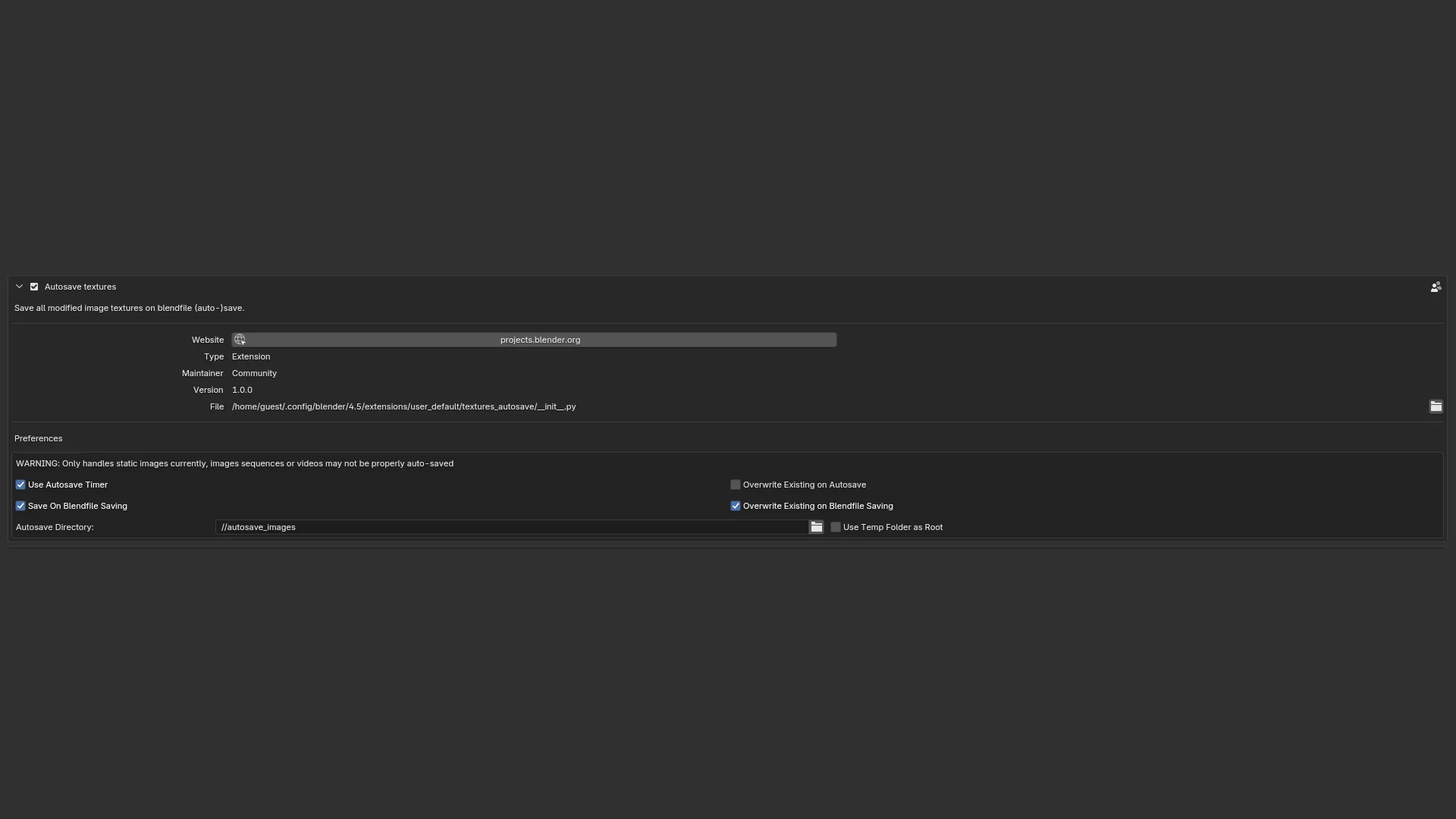
The Blender Extensions catalog lists version 1.0.0, maintained by GeeDoubleU, with Blender 4.2.0 as the minimum version and a GNU GPL-3.0-or-later license. The developer's README recommends Blender 4.0.0 or later and says earlier versions may work, though the developer provides no support if they do not function fully. See the official extension listing for the current release, or visit the source repository for code and issue reporting.
This add-on suits Blender users who want object and data-block names to follow a consistent convention, especially when a file contains shared data or needs a manual naming pass.