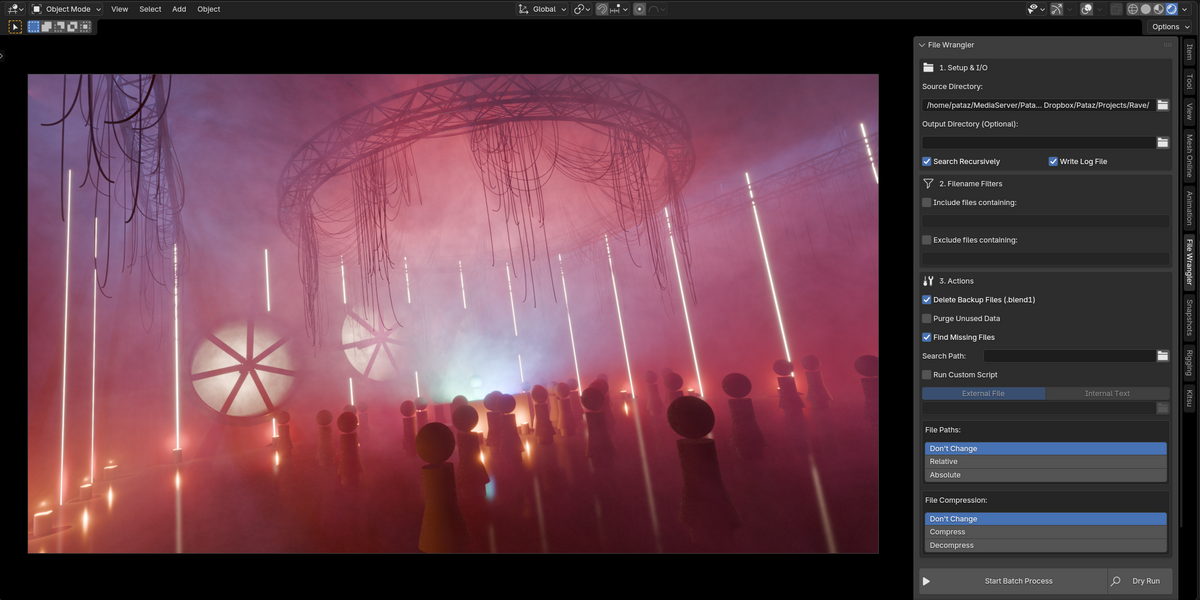
Blender Batch Execution Tools runs a custom Python script across .blend files in a selected folder. It is intended for repeated tasks such as batch rendering, renaming objects or applying the same scene settings to several projects. You choose the script; the add-on handles the file-by-file run.
When it is useful
The add-on can help studios, freelancers and technical artists maintaining asset libraries or client project folders. For example, a script can standardize object names across files or apply consistent scene settings before rendering. The operation itself comes from your Python script, so check what it changes before running it across a larger collection.
For a first run, choose copies of representative files and review the results. This lets you catch script behavior that does not fit a particular scene before processing the rest of the folder.
Set up and review a batch
- Select the folder containing the .blend files.
- Choose the custom Python script for the job.
- Set whether to include subfolders and choose the available file-handling options.
- Start the run and follow its progress. The logs show processed files and reported errors.
File-handling options
- Optional subfolder recursion includes files in nested folders.
- Save-version control sets how many backup versions to keep. Set the count to zero to skip backup files.
- The Pack External option packages external resources, making project files more self-contained and portable.
- Clean Unused purges unused data blocks.
These controls accompany the script run; they do not replace the script's task-specific logic. Decide how you want backups handled before processing original project files.