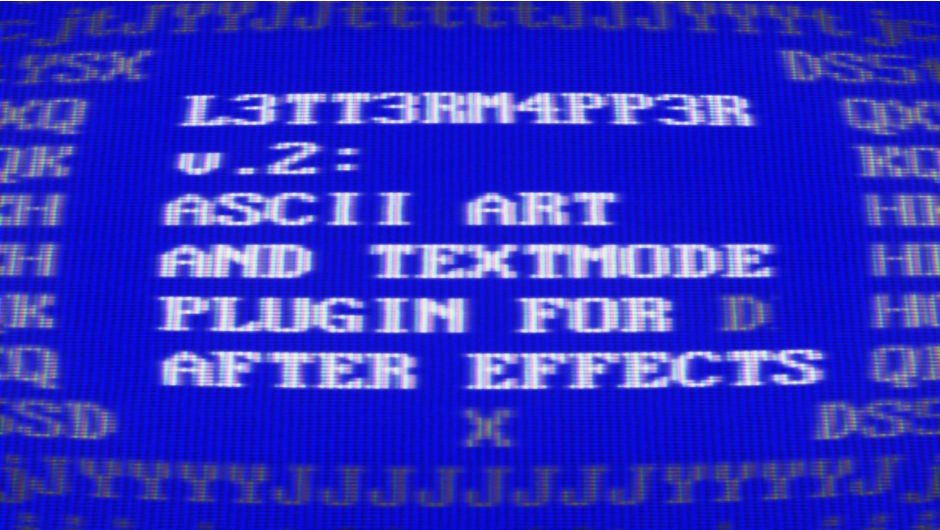
ASCII Generator by Motion Boutique converts selected After Effects text-layer content into retro ASCII art. It has more than 200 presets.
Create ASCII art from text layers
- Select at least one text layer in After Effects.
- Choose an ASCII font.
- Click Generate to transform the selected text-layer content.
The documented workflow converts selected text-layer content into ASCII art; footage and image-layer conversion is not specified.
Compatibility and purchase terms
The compatibility list names After Effects releases from 2025 back through CS5. It does not confirm support for later releases, so check with Motion Boutique before relying on a newer host version.
ASCII Generator is listed as Name Your Own Price, with $9.99 suggested. Individual users may pay any amount; businesses, teams and other non-individual buyers must pay the suggested price for a valid license. The standard license is non-transferable, applies to the number of seats on the invoice, and permits use for the licensee's internal needs only. It permits the licensed user one additional home or portable computer installation for exclusive use, as long as the two copies are not used at the same time.