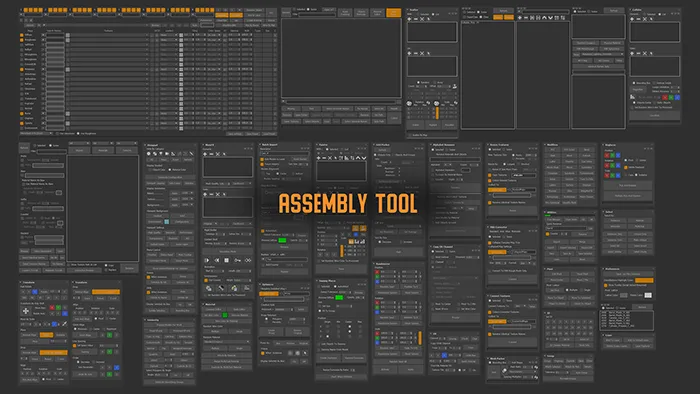
Assembly Tool is a broad collection of scripts for 3ds Max by Andrew Averkin and Viacheslav Sutormin. Its published feature list spans object transformation, scene assembly, modeling and unwrapping, along with materials and scene management. That makes it a candidate for artists whose work crosses several of these areas. It is a collection of utilities, so consider the exact operations you need when deciding whether it fits your workflow.
What the toolset covers
The listed tools include:
- Smart transformation and manipulation of objects.
- Scene assembly, modeling and unwrapping.
- Work with textures and materials, plus batch renaming for objects and materials.
- Tools for layers, groups, pivot points and scene management.
- Object painting, scattering, arrays and randomization.
- Optimization and physics tools.
For scene organization, look at the layer, group, pivot and scene-management tools. For repeated elements, compare the scattering, array and randomization tools with the task at hand. For asset preparation, check the modeling, unwrapping and texture or material tools. The available overview lists these areas but does not explain how each command works, so verify a specific workflow before depending on it for a project requirement.
Compatibility and release information
ScriptSpot lists version 1.191 for 3ds Max 2020 through 2023 and gives August 12, 2022 as the update date. The ArtStation listing shows Assembly Tool at $0 under its Standard Use License, which permits personal use and one commercial project up to 2,000 sales or 20,000 views. The listed compatibility does not establish support outside 3ds Max 2020 through 2023; confirm the version requirement before using it in production.
Who should consider Assembly Tool?
If you need one specific script or integration, evaluate that feature on its own.
Check the product listing
ScriptSpot lists the package details and supported 3ds Max releases. Check these details before downloading.