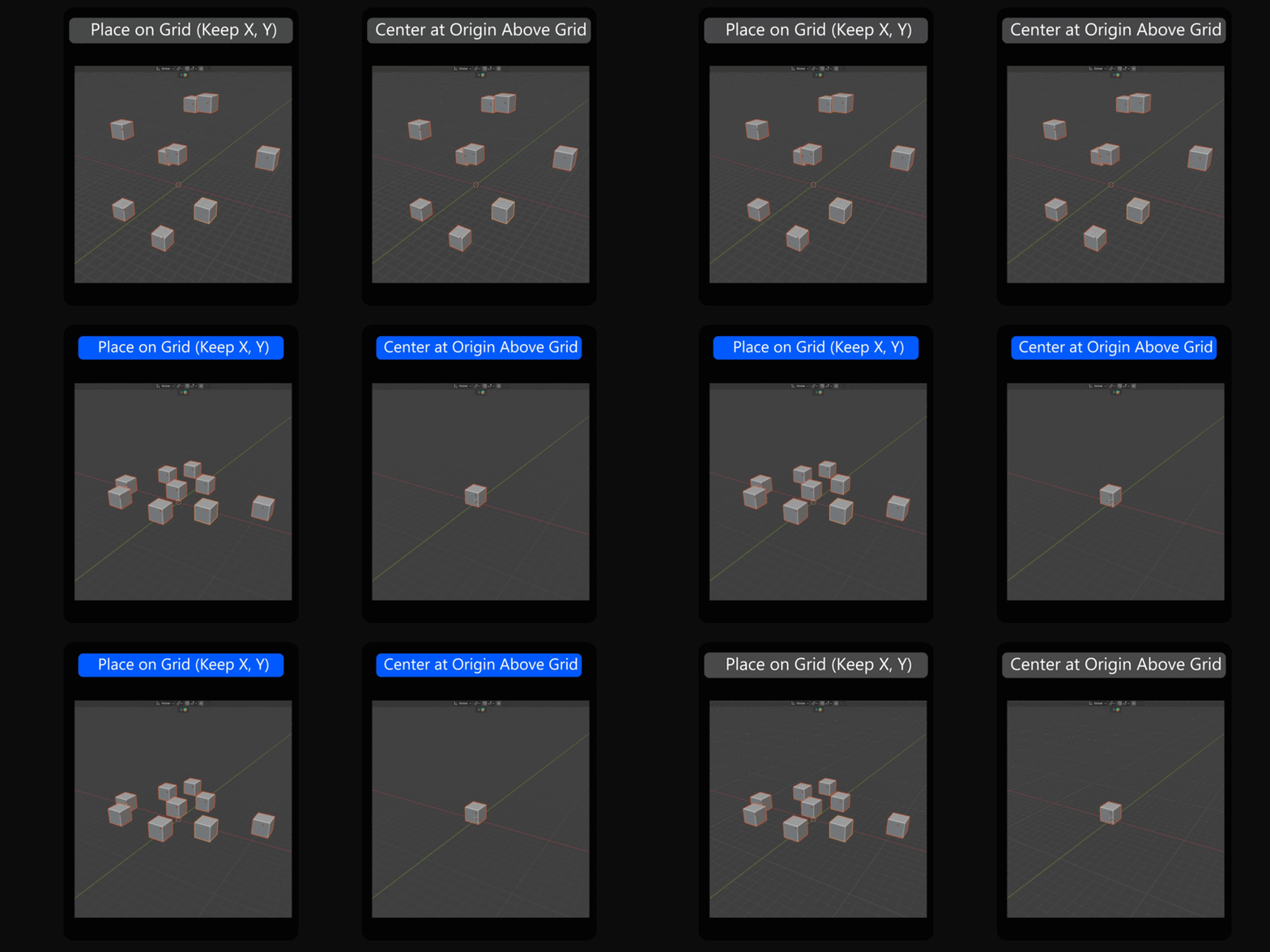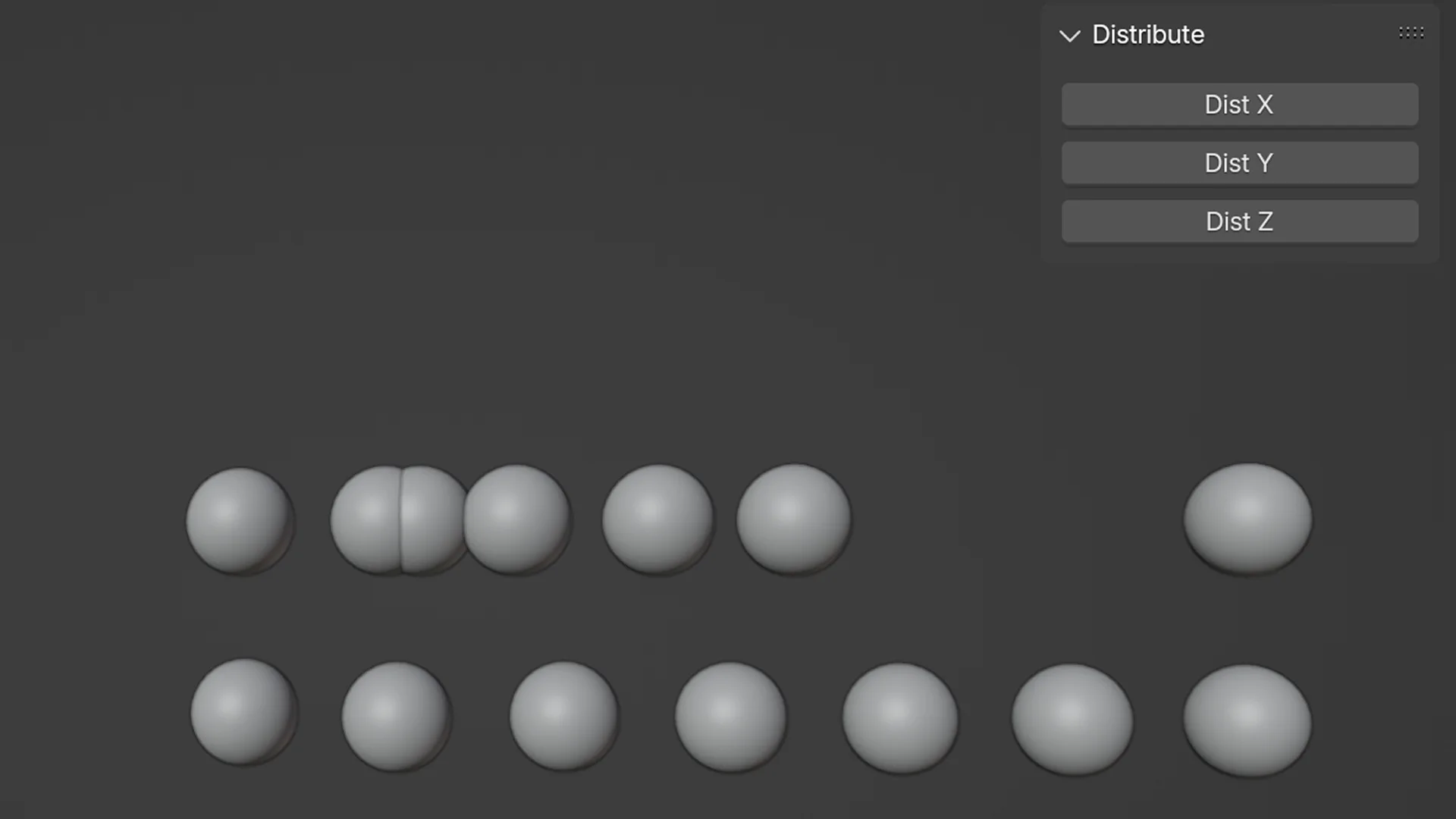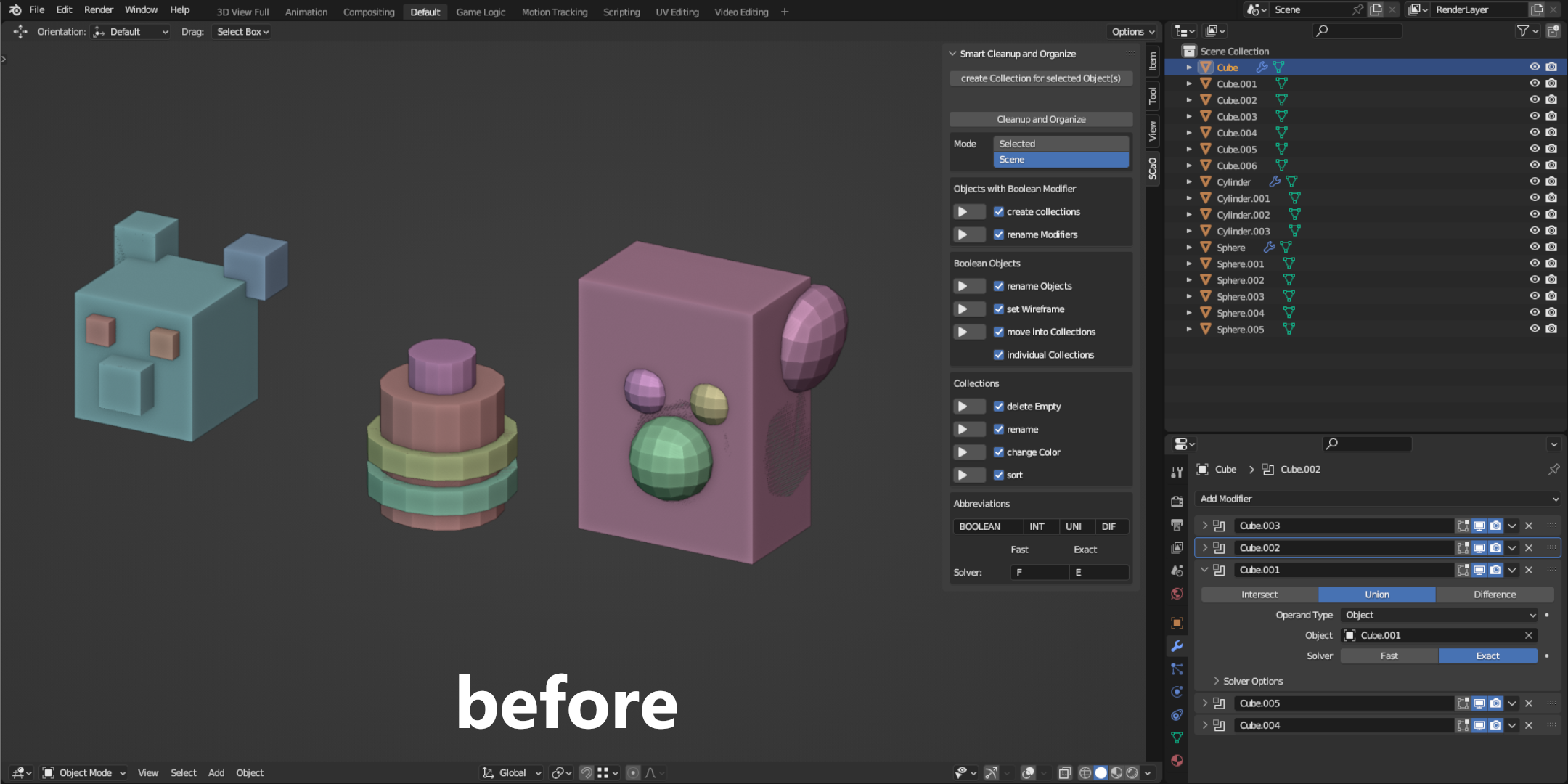
Assetflow is a Blender add-on for organizing meshes and reaching scene controls from menus. It brings together grouping, visibility, transform, modifier, and material tools for artists who regularly manage objects in busy scenes.
Open tools with F2 or right-click
Assetflow assigns its menu to F2, the shortcut Blender normally uses to rename objects. F2 keeps Blender’s object-renaming function while adding scene-organization options. Pressing F2 with no object selected opens the organization menu, and right-clicking opens the tool menu as another access option.
Group meshes and control visibility
The grouping menu can move one mesh or several selected meshes into a group. You can rename groups and choose colors from the options Blender provides. Mesh colors can automatically match the group color, which helps distinguish objects in the scene. Assetflow also provides controls for Render and Viewport visibility, including when you have multiple meshes selected.
Reach transforms, modifiers, materials, and origins
Transform controls are available through the add-on without opening Blender’s N Panel, and they can be used with multiple objects at once. Separate popup menus provide access to modifiers and materials. Opening the Material menu switches the viewport to Material Preview; the viewport can automatically return to Solid mode afterward. The add-on also provides a shorter way to place an object origin where you need it.
Check compatibility and purchase terms
The Superhive product listing gives a Blender version range of 4.0 through 5.1, lists Cycles and Eevee, and identifies the license as GPL. AnyPlugins labels Assetflow free, but an indexed Superhive listing showed paid tiers from $1 to $200; Superhive’s product text limits that pricing to Blender versions 4.0 through 5.1. Future versions and major feature updates may have separate pricing, and purchases are non-refundable. Check Superhive’s current listing for the price, terms, and compatibility before downloading.