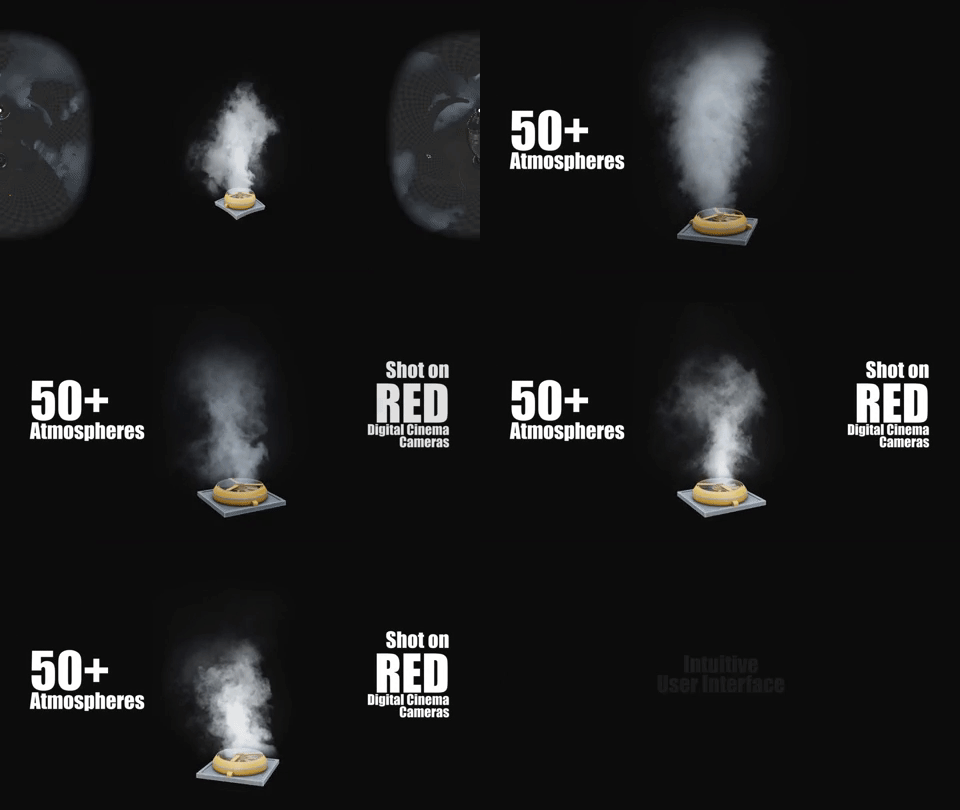
Atmospheric: Smoke Elements Add-On gives Blender artists a library of more than 50 looping smoke, steam, and fog elements for direct placement in 3D scenes. The ready-made assets can help with atmosphere in a composite or with set dressing in an environment.
Four types of atmosphere
The library groups its elements into four categories:
- Lingering fog: low ground haze for moody environments.
- Upward steam: rising columns for vents, pipes, manholes, and industrial scenes.
- Heavy plumes: dense smoke for explosions, wrecks, and dramatic shots.
- Low steam loops: close-to-ground steam for kitchens, sewers, and industrial floors.
Preview, place, and adjust
The workflow has three steps: choose a category, browse the preview panel, then place an element in the scene. The assets use pre-keyed alphas through Blender's native material system. After placement, you can use Blender's material editor to adjust density, color, opacity, and blend modes, and its native material settings to adjust position and scale.
Render engine support
The assets are 2K and optimized for both Cycles and EEVEE. Version 1.0 is the original release and includes an automated track-to-camera option. Check the Atmospheric product listing for the current feature and compatibility details, and see the installation documentation for setup instructions.