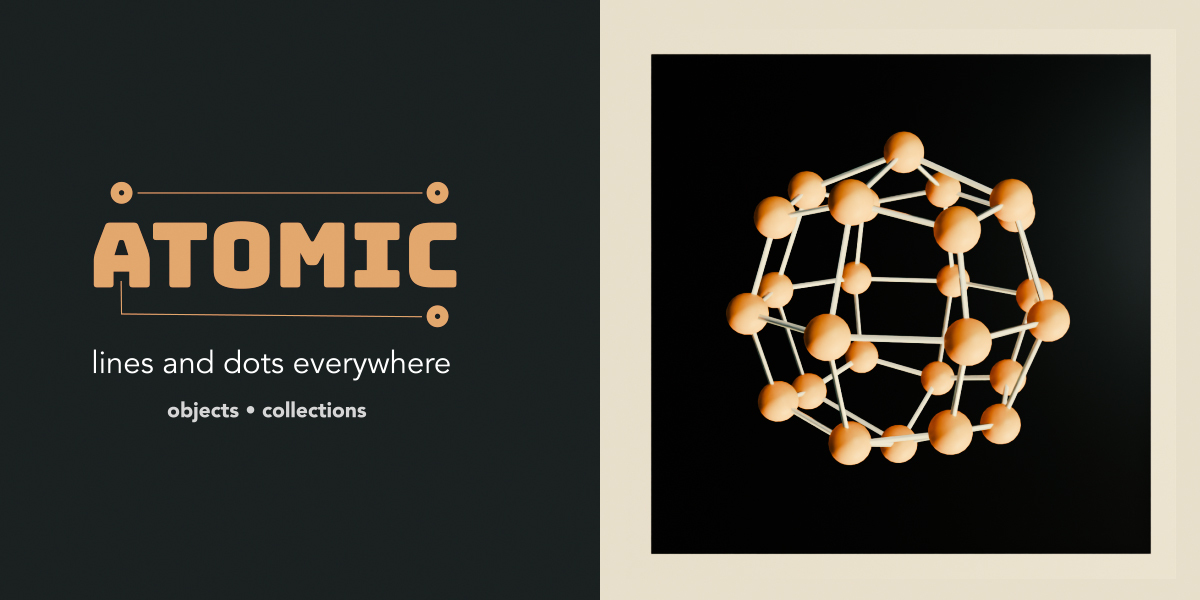
Atomic is a Blender add-on for creating visual effects from points, connecting lines and animated deformations on objects or collections. Inspired by Plexus, it can be used for abstract visuals, technical effects and motion design.
Point networks and deformation controls
Generate points on an object's surface or vertices, then adjust their density and choose uniform or normal-based distribution. Atomic connects points with dynamic lines. Max Distance sets the line reach, Connections per Point limits links from each point, and Randomization adds variation.
Deformation controls include amplitude and frequency, and the settings can be animated over time. Collection support lets you apply effects across multiple objects. Distance-based coloring adds gradients to points and lines; emission settings control glow on the line object or particle dots.
Using Atomic in Blender
- Download the Atomic add-on as a .zip file.
- In Blender, open Edit > Preferences > Add-ons, choose Install, select the .zip file and enable the add-on.
- In the 3D Viewport, press N and open the Atomic tab. Select an object or collection, adjust the settings and click Apply Atomic.
The product is suited to animated wireframes, abstract art, technical visualizations such as sci-fi or data-effect networks, and motion graphics such as intros and title sequences. The seller lists both Eevee and Cycles as supported render engines.
Blender version notes
The seller's product listing identifies Blender 4.4 in its version details, while its changelog labels v1.0.1 as an update for Blender 5.2. Those notes do not establish the full supported version range, so check the current listing or documentation for the Blender release you use. The listing identifies the add-on's license as GPL.