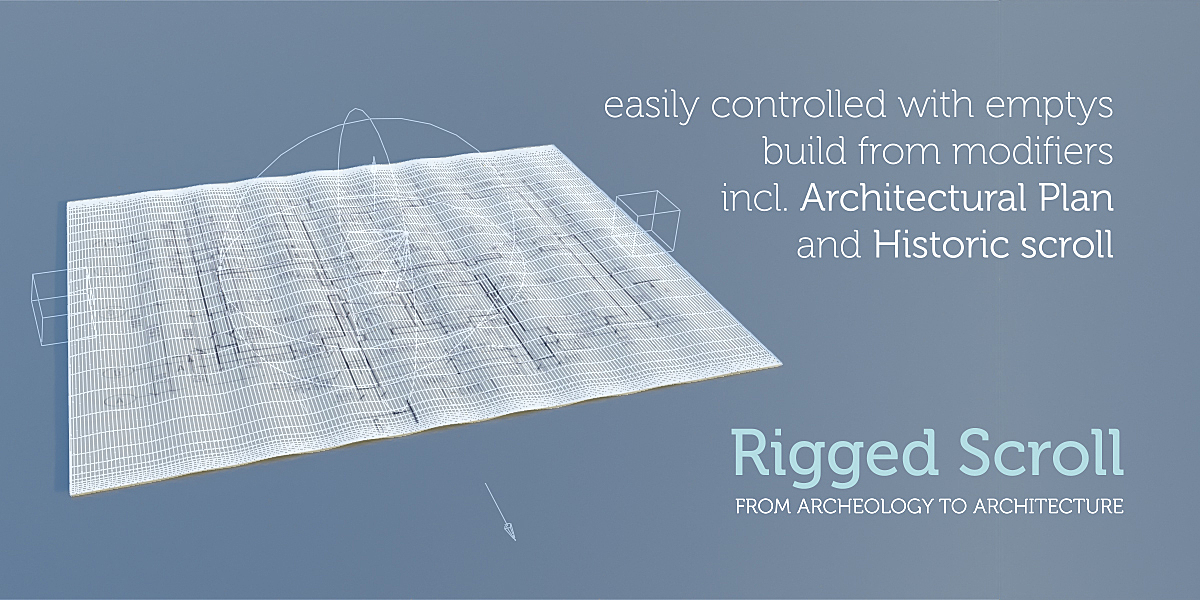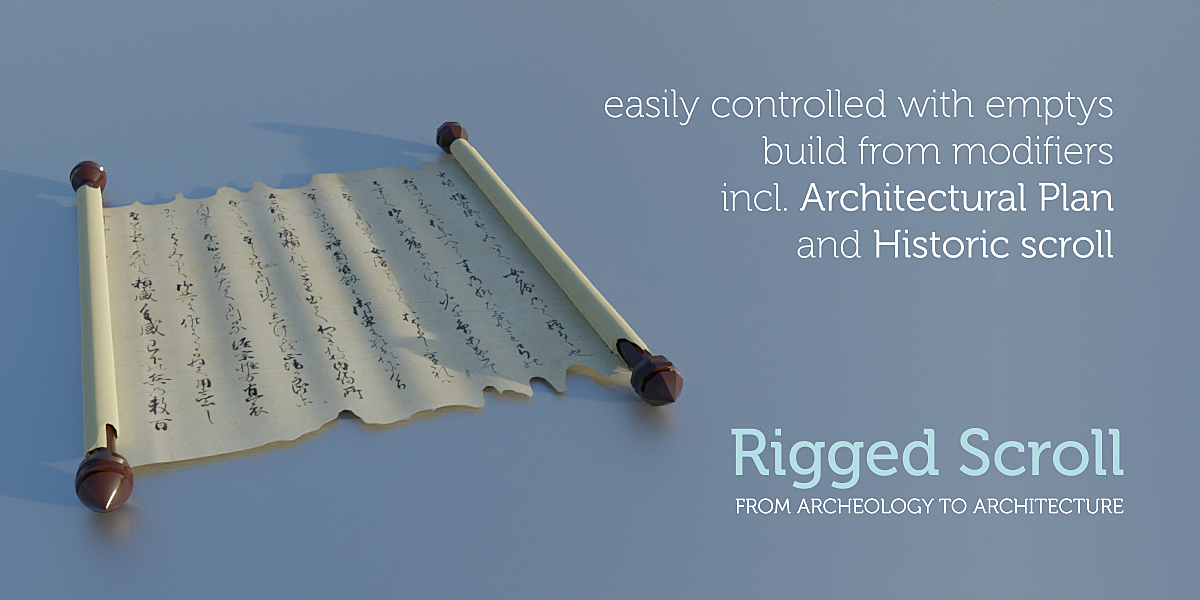
Rigged Scroll Plan is an animated Blender rig for unrolling scrolls or building plans, including marketing visuals built around a large plan. Its controls address the curves, tilts, and orientations involved in that motion. The product documentation describes how to adjust the rig and reuse its collections.
Adjust the scroll controls
A root Empty lets you position, scale and rotate the whole setup. Five connected Empties control the left and right handles, displacement amount, displacement direction with scale, rotation and location, and edge roughness. Drag the controls to change the look. For an uneven ripple, adjust settings such as the displacement texture map in the Modifiers list.
Make a new animation
The supplied Blend is already animated. For your own animation, the documentation says to select everything and search for the command remove animation to clear the supplied animation. Then use the root and control Empties to set up the motion for your scene.
Reuse the plan or scroll setup
To instance the setup, use the whole 01_Plan or 02_Scroll collection. The documentation notes that instancing either collection also brings along its related elements, which keeps the rig parts together.
Versions, render engines and license
The Superhive listing names Blender 2.8 and 2.81, with Cycles and Eevee as the render engines. It does not state compatibility with later Blender versions, so test the file in a copy of your project before relying on it in a newer pipeline. The listing identifies the license as Royalty Free, while AnyPlugins marks the product as free. Check the current product listing and license terms for availability and permitted uses. Superhive lists the product as published over six years ago.