Audio Exporter adds an audio export workflow to Blender’s Video Sequence Editor (VSE). It supports exporting audio as separate files or as one combined file. The Blender Extensions catalog lists version 1.1.0, a minimum Blender version of 4.5.0, and developer Dinesh007. Check the official extension listing for the current release details.
Choose separate or combined output
Separate-file export writes each audio strip to an individual file; combined export creates one file from the audio. The Audio Exporter feature summary lists AAC, AC3, FLAC, MP2, MP3, PCM, and Vorbis codecs; sample-rate and bit-rate controls; Mono, stereo, 5.1, and 7.1 channel layouts; and automatic filename numbering.
Compatibility and file access
The official extension catalog sets Blender 4.5.0 as the minimum version and identifies the license as GPL-3.0-or-later. It also states that the add-on needs access to the directory where it exports audio. Grant the required folder access so Blender can write the exported files.
Install and find Audio Exporter
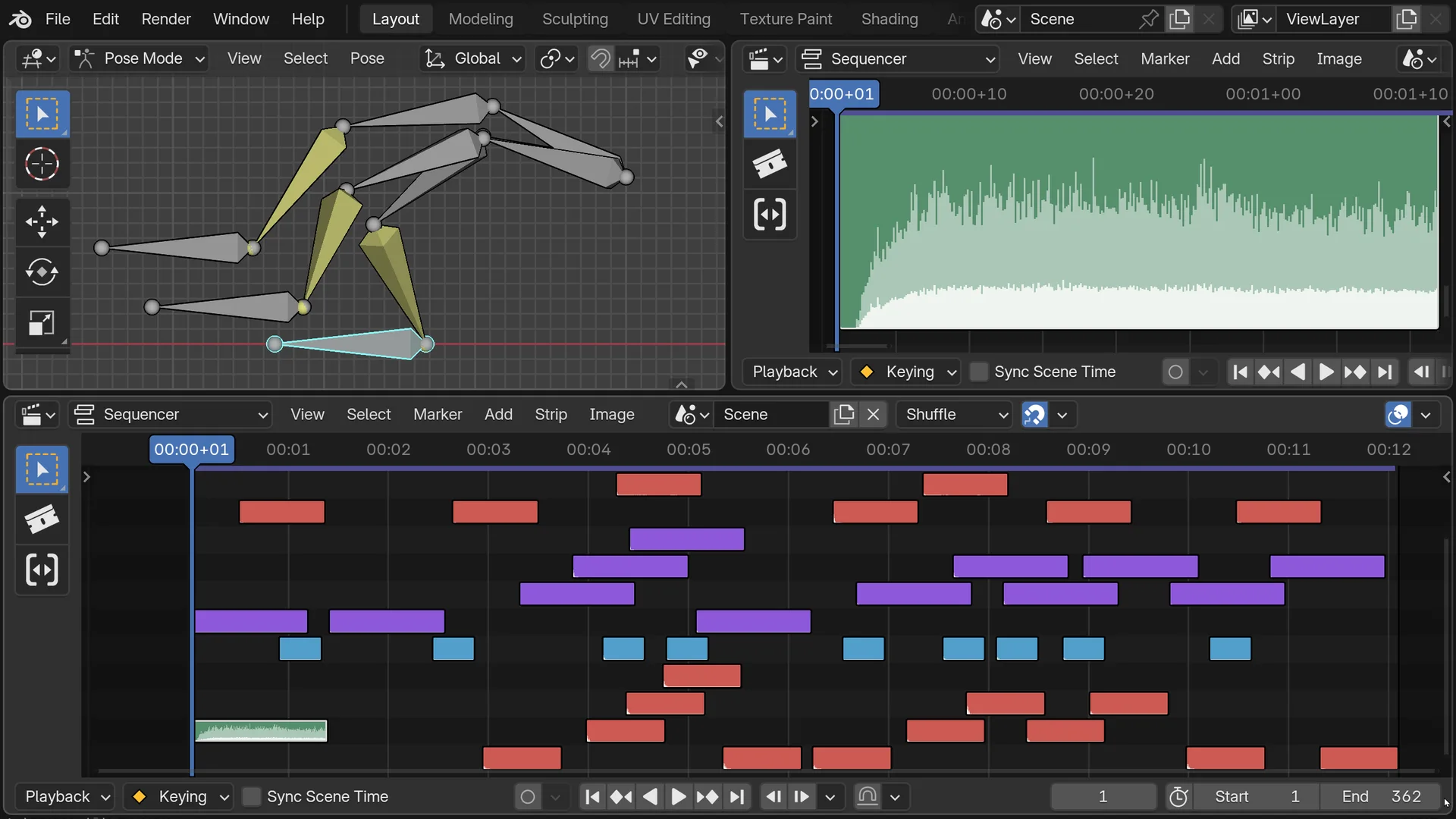
The extension listing links to Blender’s Install from Disk instructions. After installation, open the Video Sequence Editor and use Sequencer > View > Audio Export, as described in the feature summary. Choose an export mode, set the output options and destination, then check the resulting files in that folder.