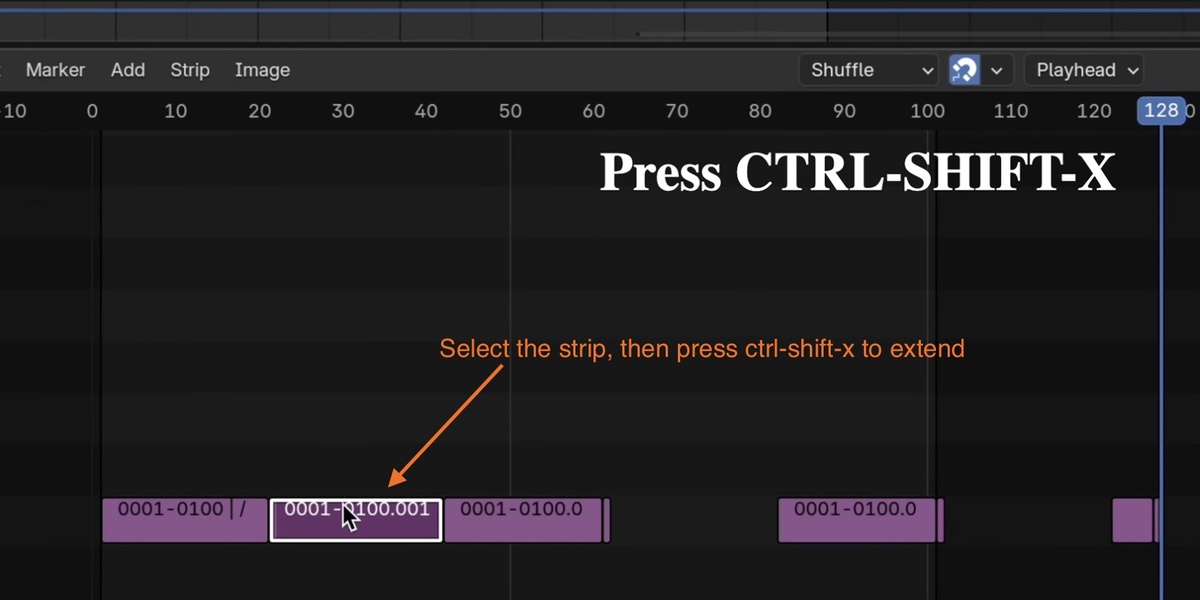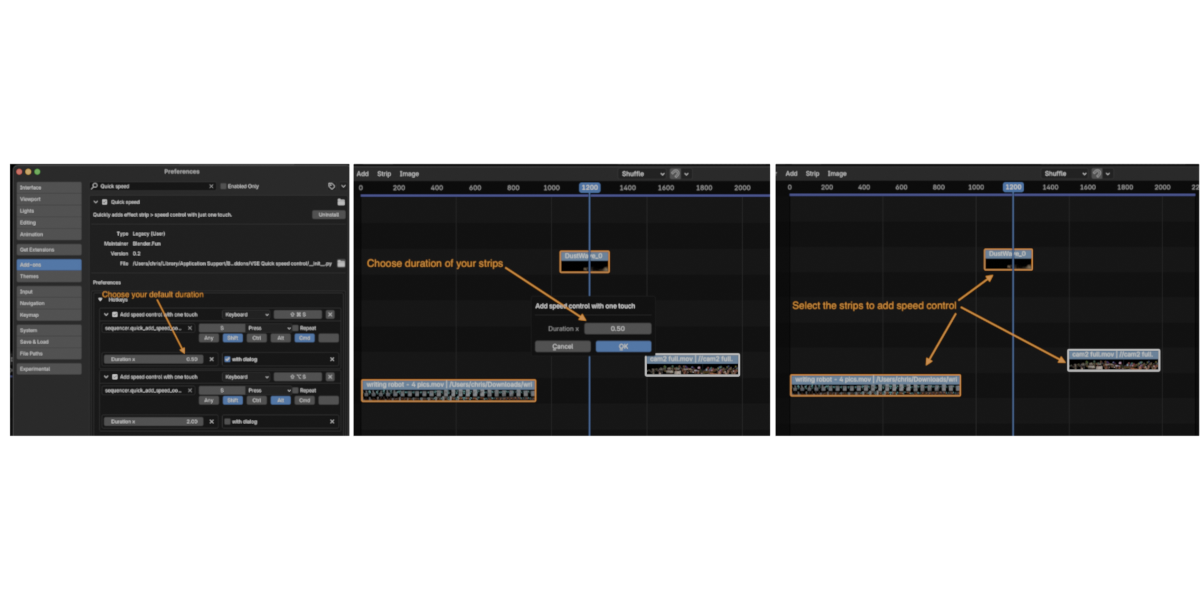
Power Sequencer is a Blender add-on for editing video in the Video Sequencer (VSE). It adds tools for cutting, trimming, selecting, concatenating strips, and adding transitions. The Blender Extensions listing gives version 2.0.4 as compatible with Blender 4.4.0 and newer and describes the add-on as offered as-is with limited support.
Editing tools in the VSE
Power Sequencer works with sequence strips inside Blender's editor. The Blender Manual describes its editing scope as cutting, trimming, selecting, concatenating, and adding transitions between sequences. In practice, these tools support tasks such as:
- Cutting or trimming strips to set the boundaries of a clip.
- Selecting sequences to work on parts of the timeline.
- Concatenating strips to bring sequences together.
- Adding transitions between sequences.
Who may find it useful
Power Sequencer suits editors who regularly change clip boundaries, arrange strips, and place transitions in Blender's Video Sequencer. Familiarity with sequence strips helps show where its tools apply. Its tools may be less relevant if you rarely use that editor, since the listed features focus on sequence editing rather than other parts of Blender.
Version and support
The 2.0.4 release note says it was updated for a newer Sequencer API. Check the Blender Extensions listing for the current compatibility details and version history before installing.
The extension is maintained by the Community team and credits Nathan Lovato as its original author. Blender's listing says it was part of Blender 4.1's bundled add-ons. It uses the GNU General Public License v3.0 or later and requires no special permissions, according to the listing.