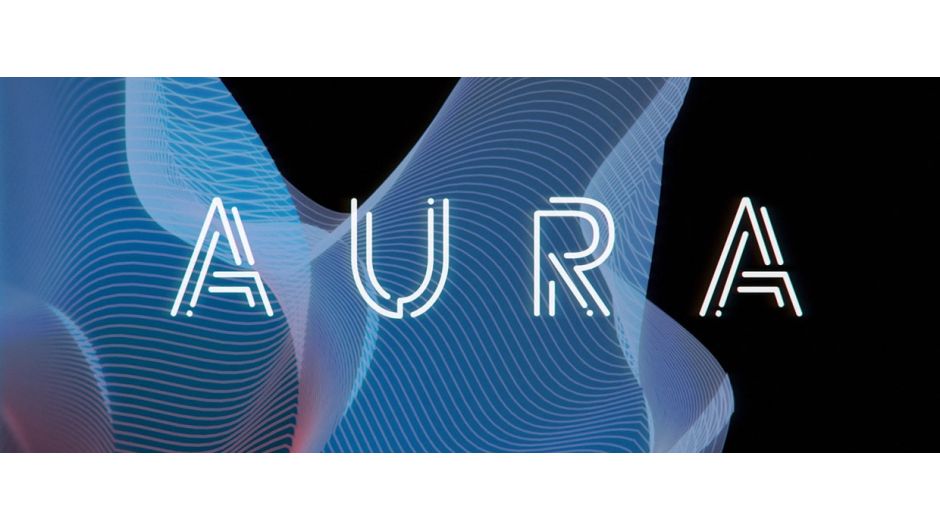
Aura is an After Effects effect for generating animated geometric waves. A point, selected 3D layers or layer motion paths can produce shapes over time. This suits procedural backgrounds, abstract 3D elements and flowing graphic forms built inside a composition.
Choose a source for the waves
Apply Aura from Effects > Rowbyte > Aura, then choose a producer type. Point mode emits waves from one location. 3D Layers mode uses one or more layers as producers, while Motion Path mode makes waves follow layer paths and orient toward them. In both layer-driven modes, you can select layers by name. In 3D Layers mode, layer color can set wave color when Color Gradient Over Time is off, and layer opacity can set wave opacity; increase null-layer opacity when using the latter. These modes accept 3D nulls, solids and footage layers, but not lights.
Shape and animate the output
Choose a polygon or a mask path as the wave shape. Polygon controls include side count, star shape and curvature. Text layers can also be converted to masks and used as wave shapes. Wave controls include frequency, lifespan, size, velocity, orientation, spin, thickness and fade. Start and end values, along with graph controls for selected parameters, let you shape how a wave changes over its life.
Turbulent noise can affect the shape vertices or its path. For color, use a gradient or an After Effects layer as a color map. The render modes create different results: Lines draw the waves, Bands fill between alternating waves, Surface creates a surface around the waves, and Dots place dots along their shape. Aura uses the After Effects camera, and depth of field applies when its Depth of Field setting is set to Camera Settings and the composition's active camera also has depth of field enabled.
Rendering and vector output
Aura includes GPU-accelerated high-frequency rendering, Multi-Frame Rendering support and a Render Quality control for balancing quality and performance. It can export SVG files that open in Adobe Illustrator. Surface shading may look flatter in SVG because the format does not support the triangle gradients used for that shading.
Compatibility and licensing
The aescripts listing identifies version 1.2.7 and lists compatibility with After Effects 2025, 2024, 2023, 2022, 2021, 2020, CC 2019, CC 2018 and CC 2017. It does not list After Effects 2026, so confirm compatibility with your version before buying. The Aura documentation, which applies to versions 1.0 and later, lists Windows 7 or later and requires OpenGL 4.1 or later; for macOS it lists 10.11 (El Capitan) or later and a GPU that supports OpenGL 4.1. The listing offers a trial; an unregistered copy displays a watermark, and SVG export is disabled in trial mode. The standard license permits one copy on one computer at a time. The listing also offers render-only licenses, and additional users or computers require appropriate licensing.