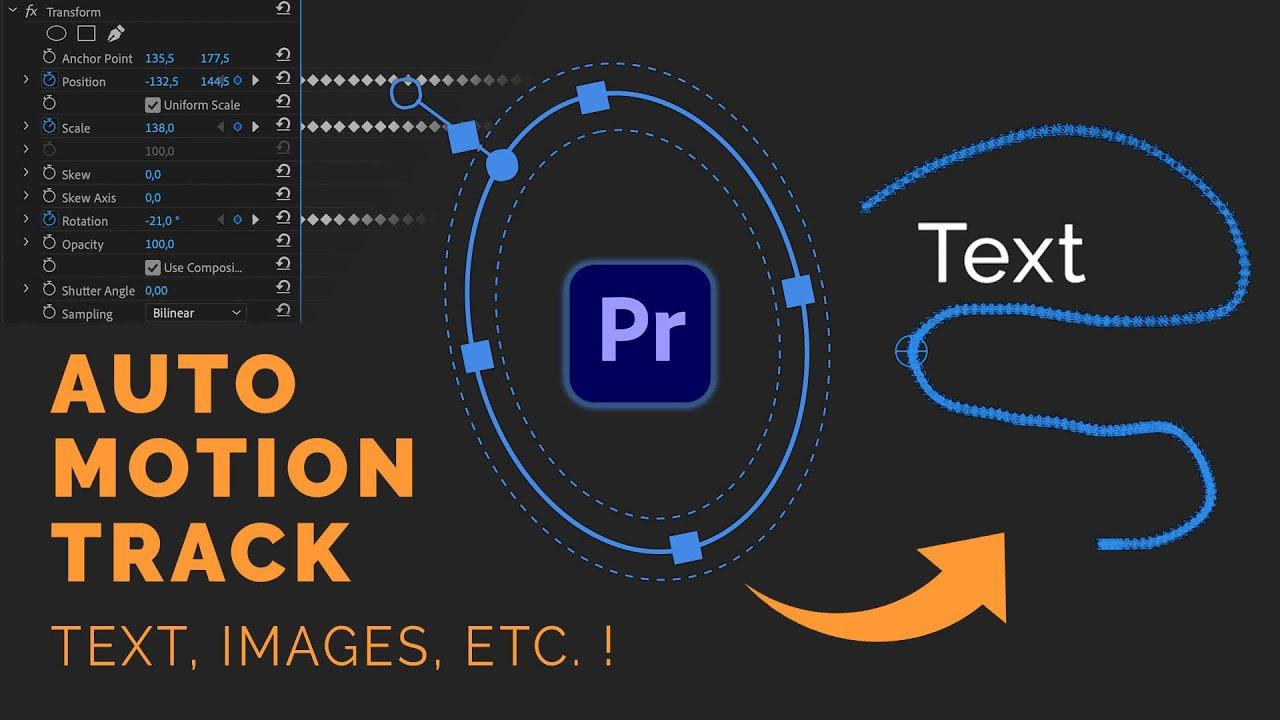
Auto Motion Tracker For Objects converts tracked Mask Path keyframes in Adobe Premiere Pro into keyframes for a Transform effect. This lets a text, image, or other layer follow an object moving through a shot, using a workflow that stays inside Premiere Pro.
Turn mask tracking into layer movement
Premiere Pro already includes Mask Path tracking. This extension uses the resulting track to animate a separate layer: position follows where it moves in the frame, while scale and rotation can follow changes in the tracked motion. That can help keep a caption or graphic beside a moving subject without matching each movement by hand.
The Mask Path is the input, and the Transform effect is the output. Editors who only need to track a mask can use Premiere Pro's built-in tracking; this extension is for carrying that tracked movement over to another layer.
Stabilize footage around a subject
Version 1.2.0 added a stabilization workflow based on tracked mask data. Apply the tracking data to the source clip, add a second Transform effect and rotate the clip 180 degrees. Nest the clip, rotate it back 180 degrees, then scale up if needed. This uses the tracked subject as the reference for stabilizing the shot.
Compatibility and fit
The extension is suited to Premiere Pro editors who want a graphic or image to follow tracked motion, or who want to stabilize a shot around a subject. The supplied compatibility listing names Premiere Pro 2020 through 2025. Check the Toolfarm product listing for current availability and compatibility before installing, especially if you use a newer Premiere Pro release.