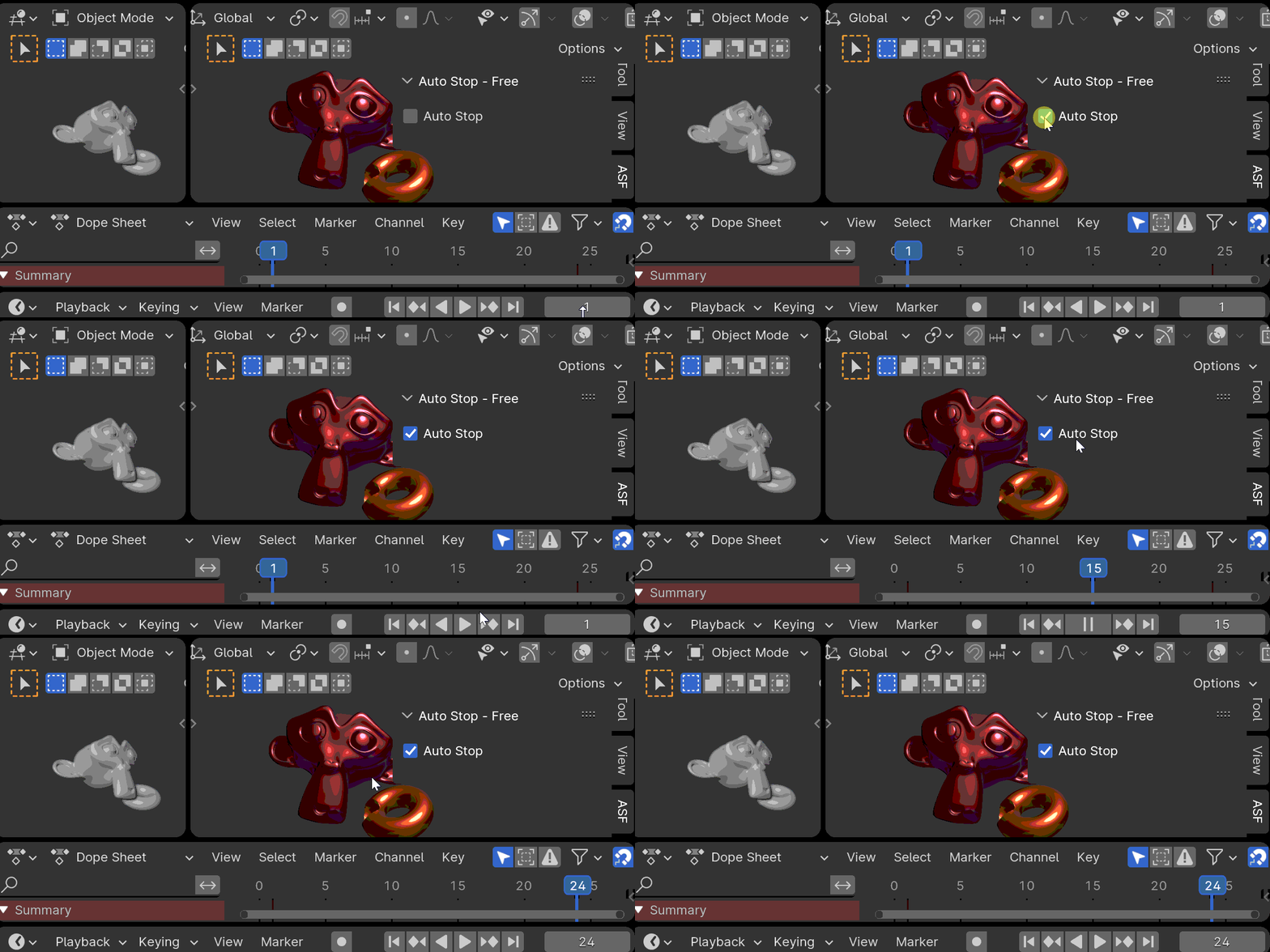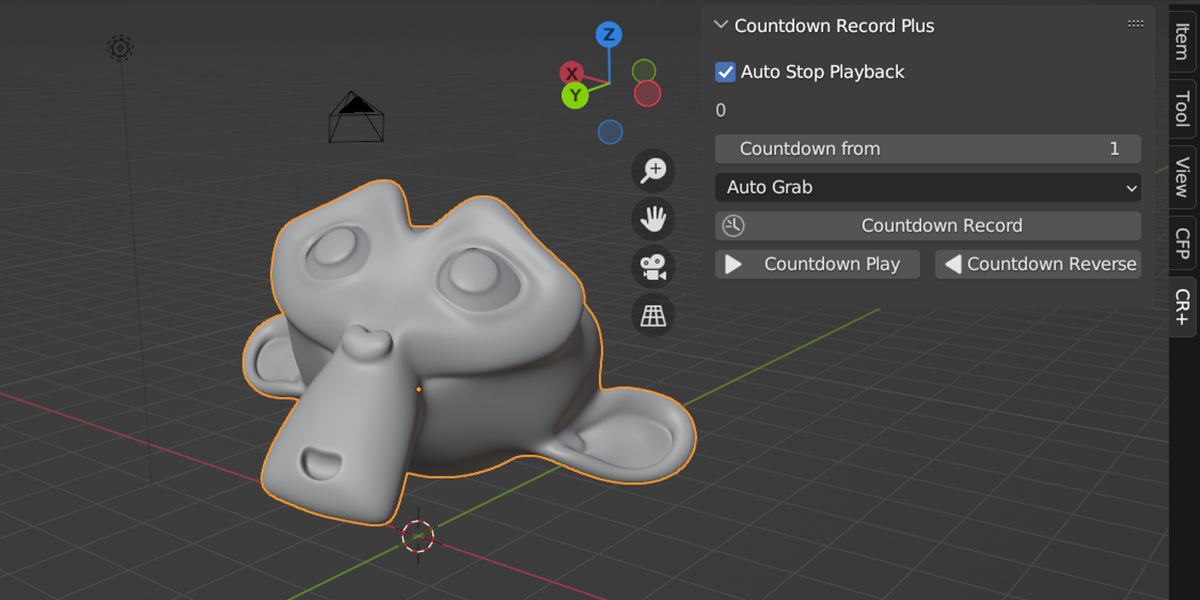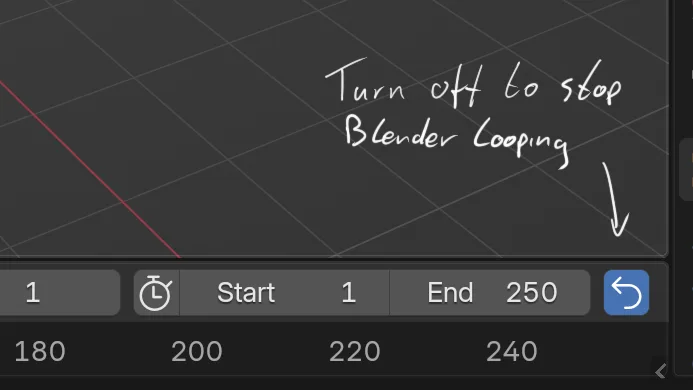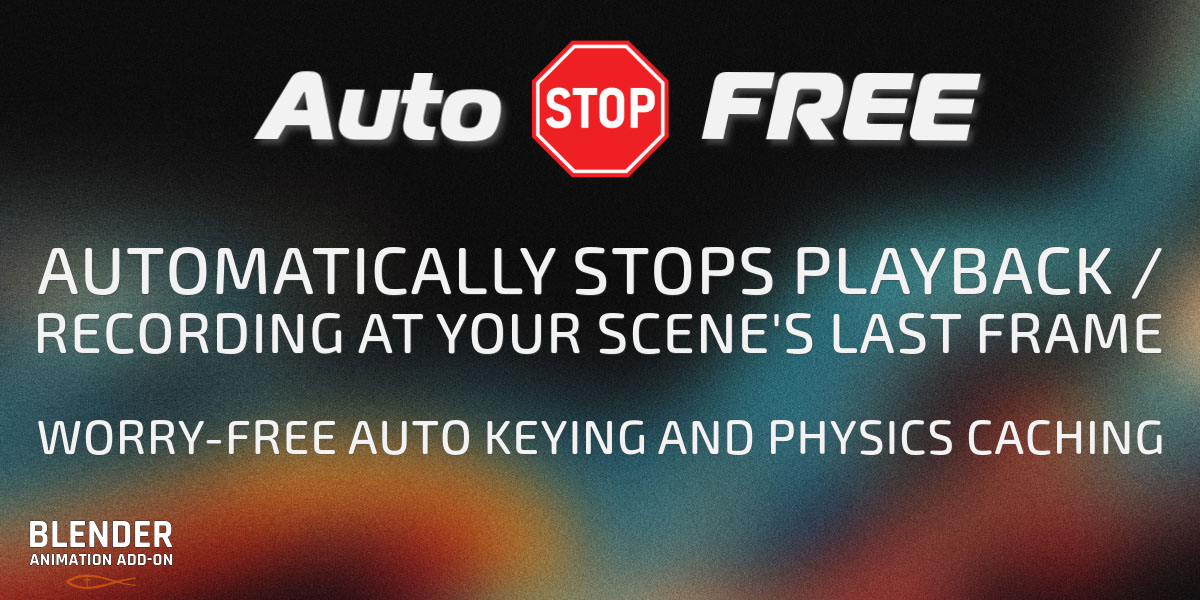
Auto Stop Free is a free Blender add-on from Coby Randal Media. It adds a checkbox in the 3D Viewport's N-Panel. When enabled, playback and recording stop at the scene's end frame instead of looping to the start. The product listing reports Blender versions 2.79 to 5.1 and a GPL license.
What stopping at the end frame protects
Blender's default playback loop can overwrite earlier keyframes during auto-keying. Looping can also cause a rigid-body physics cache to be lost during a capture. Auto Stop Free halts playback at the end frame to help avoid those problems. Set the scene's end frame in the Timeline or Output Properties before recording.
Install the version for your Blender release
The installation documentation gives different instructions by Blender version. For Blender 4.2, use the add-on's .py file rather than the .zip: in Edit > Preferences > Add-ons, choose Install from Disk, select AutoStopFree_42x_24_08_07.py, then search for and enable Auto Stop. The control appears in the 3D Viewport's ASF tab.
For Blender 2.8 to 4.1+, the documentation describes installing the add-on .zip through Edit > Preferences > Add-ons > Install, then searching for and enabling Auto Stop. For Blender 2.79 or 2.7x, open Auto_Stop_Free_Legacy...py in Blender's Text Editor and run it with Run or Alt+P.
Rigid-body capture in Blender 2.79
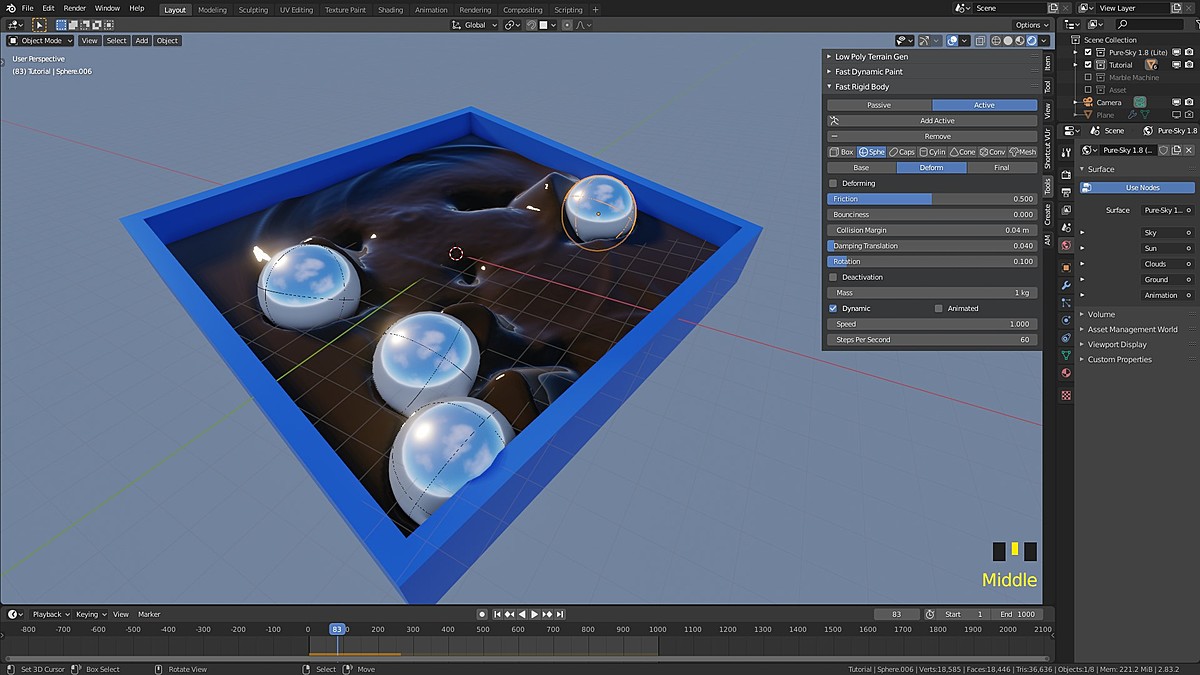
Blender 2.79 supports interactive rigid-body work during playback, including grabbing, throwing, rotating, and scaling objects. After recording, the documentation describes baking the cache from Scene > Rigid Body Cache > Current Cache to Bake. For rendering in a newer Blender version, it recommends baking the cache to keyframes to avoid misplaced objects and glitchy motion blur.