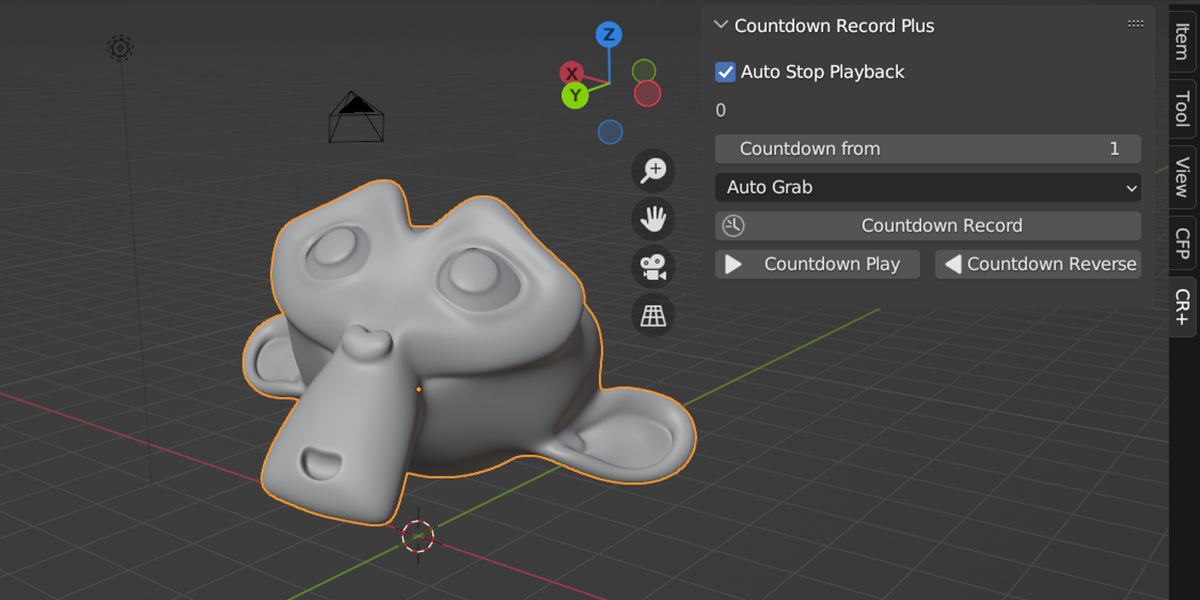
Countdown Record + Auto Stop is a Blender add-on for animation playback and recording. With a nonzero countdown, you have time to prepare before playback starts; when Auto Stop Playback is enabled, the session ends at the scene's end frame. The workflow is useful for motion capture and recording live transforms on selected objects.
Countdown recording and playback
Set the countdown from 0 to 30+ seconds. The display shows each second as it passes, and playback or recording can begin from the current scene frame. When the timer reaches zero, Countdown Record enables Auto Keying and can trigger an action on selected objects. The action menu includes Grab, Trackball, Rotate and Scale, plus other transforms. Fly Mode and Walk Mode were added in a June 12, 2024 release.
Countdown Play starts playback while following the current Auto Keying setting. Countdown Reverse starts reverse playback and also follows that setting. Neither mode changes Auto Keying on its own. Button tooltips provide usage reminders.
Stopping playback and preserving a physics cache
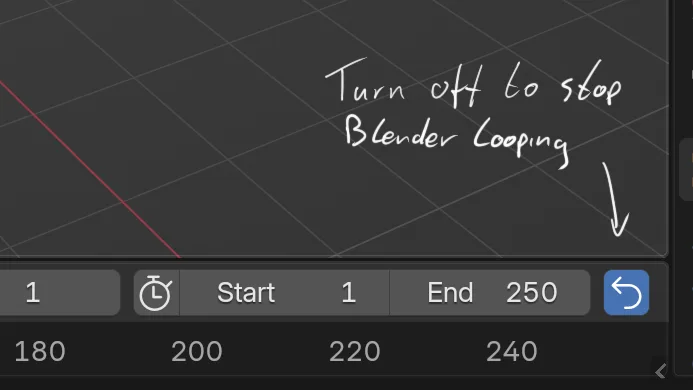
With Auto Stop Playback enabled, playback or recording stops at the scene's end frame and Auto Keying is disabled when the session finishes. During reverse playback, the documentation says playback reaches the first scene frame, loops back to the last frame, then stops there. Auto Stop can also help prevent a rigid body physics cache from being lost through playback looping. The rigid body cache instructions explain how to bake the current cache after a capture.
Version and setup notes
Superhive's details list Blender 2.79 through 5.1, while its product description says 2.7x through 4.1.1. The documentation gives installation steps for Blender 2.79, 2.8 through 4.1+, and 4.2 through 4.4. These ranges do not fully align, so check the current product listing for your Blender version.
After opening a saved .blend file with Auto Stop enabled, toggle the Auto Stop checkbox off and on again to reactivate it. The developer also warns that moving, scaling or rotating an object before playback starts may prevent Auto Keying from registering the action; the action trigger menu can start a transform when Countdown Record begins. The documentation notes that in Blender 4.2.1 a countdown value of 30 ran in roughly three seconds, so check timing before a recording session.
AnyPlugins lists the add-on as free, and Superhive lists its license as GPL. Confirm current details on the catalog page and the Superhive product page before downloading.