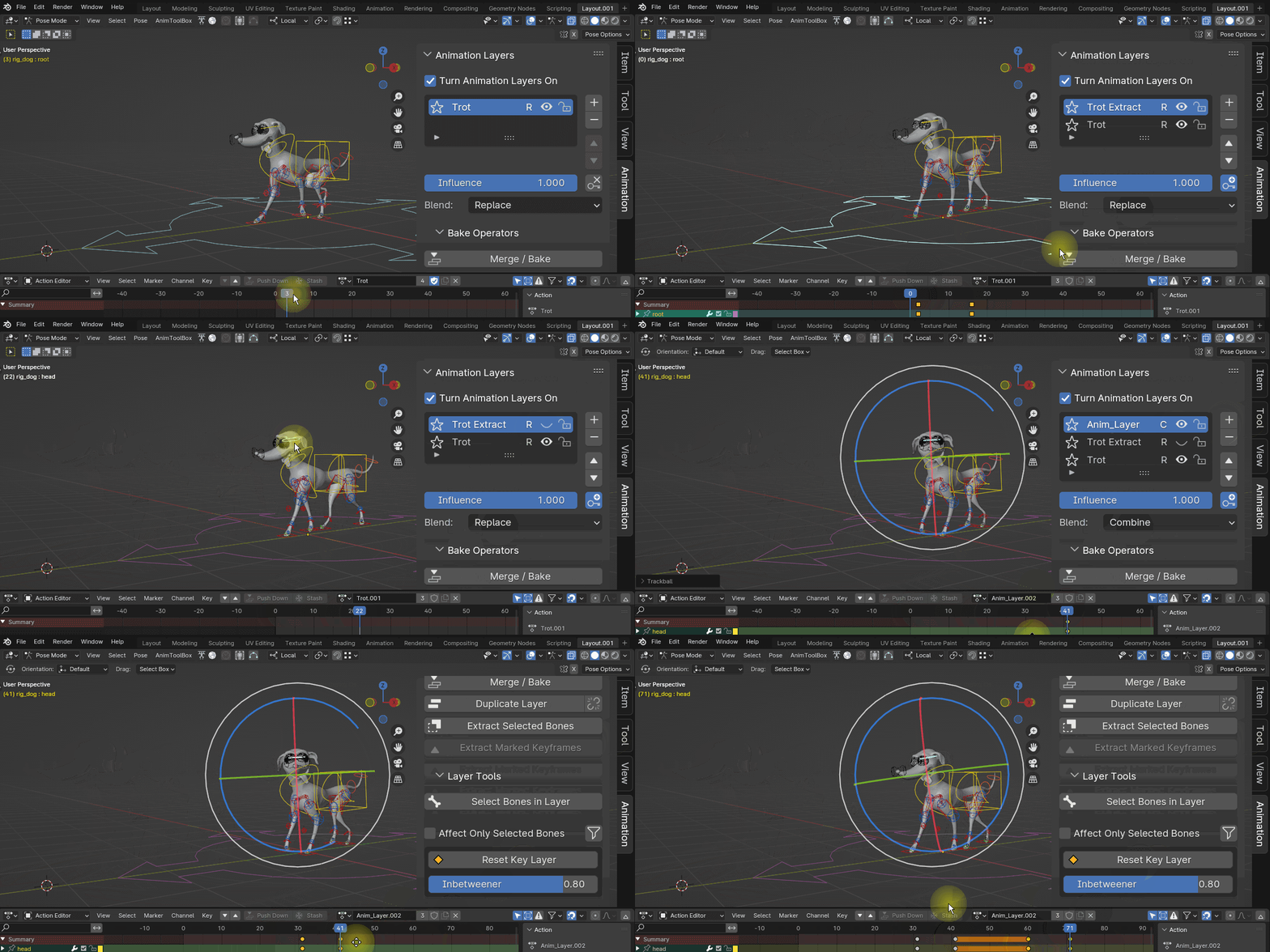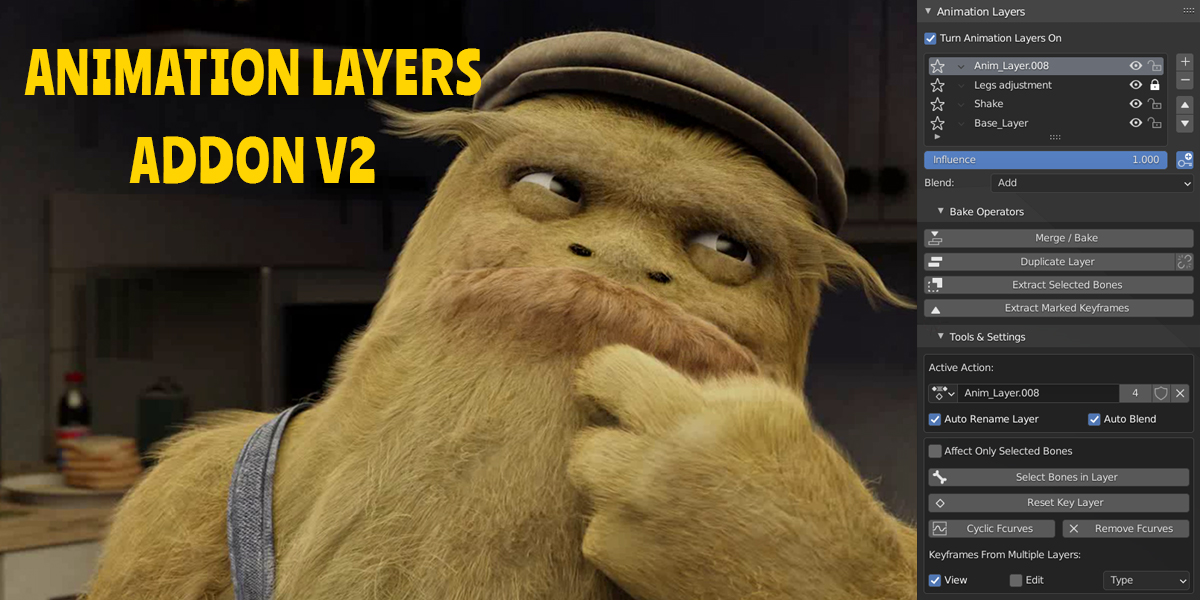
Animation Layers is a Blender add-on by Tal Hershko that gives the NLA Editor a standard animation-layer workflow. Create, select and edit layers in the 3D viewport while seeing the evaluated animation, including when working with motion-capture data.
Adjust animation one layer at a time
Use NLA mute, influence, solo and blending modes to control how layers contribute to the result. Influence settings also support animated influence keyframes, which you can select or hide in the Graph Editor, and options to mute or lock. Local settings apply to one layer; Global settings apply to all layers.
Merge, bake and refine curves
When a pass is ready, merge layers or bake them into a new layer. Smart Bake can keep the same overall keyframe count when that is needed. It also handles per-layer speed and offset, custom frame ranges, and repeat or reverse settings. The add-on estimates Bezier handles for baked curves, and the standard Blender NLA bake remains available in its options.
Shape key and motion-capture tools
Shapekey Layers are available for selected mesh objects. Choose Object or Shapekey as the data type, then create, delete, merge, bake or extract layers. For motion-capture cleanup, Extract Marked Keyframes creates a layer from keyframes at timeline markers and evaluates the Bezier handle interpolation. You can also extract selected bones into a new layer.
Multikey Tools let you edit multiple selected keyframes without opening the Graph Editor, including scaling and randomizing their values. The panel can appear in animation editor sidebars, with its location set in the add-on preferences.
Compatibility and version details
The Superhive listing marks Animation Layers as Blender Extension Compatible, lists Blender versions 3.2 to 5.2, and gives the license as GPL. Version 2.4.1 adds Layer Hierarchies for parenting layers to other layers; the listing says this is available through the auto updater. Check the product page and its documentation for current installation details. The developer also links a Discord channel for updates, feedback and support.