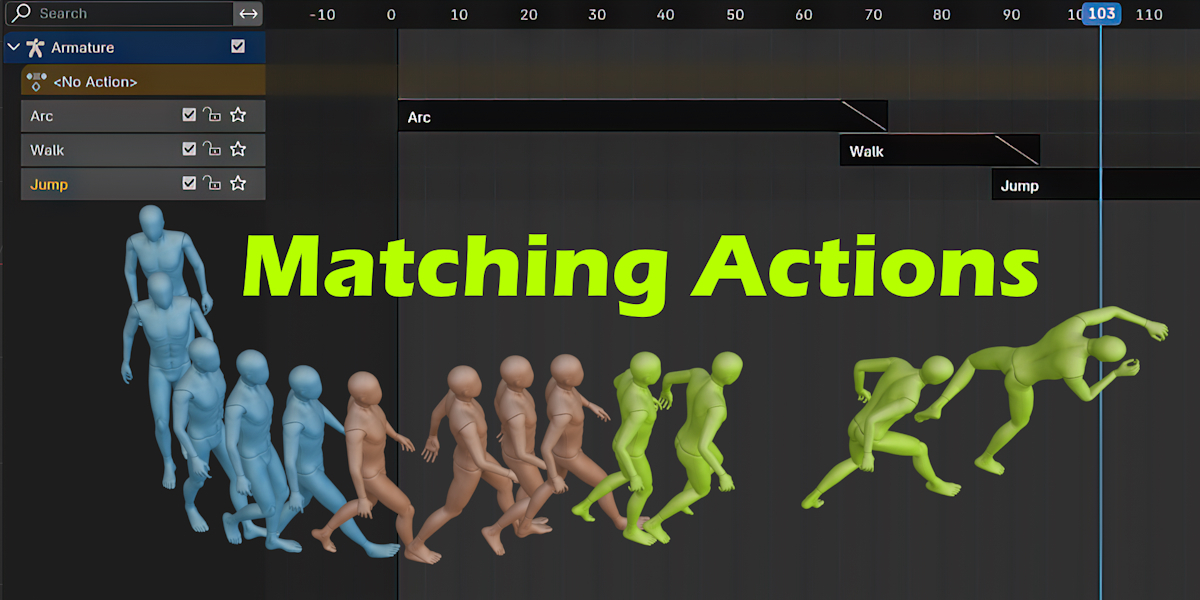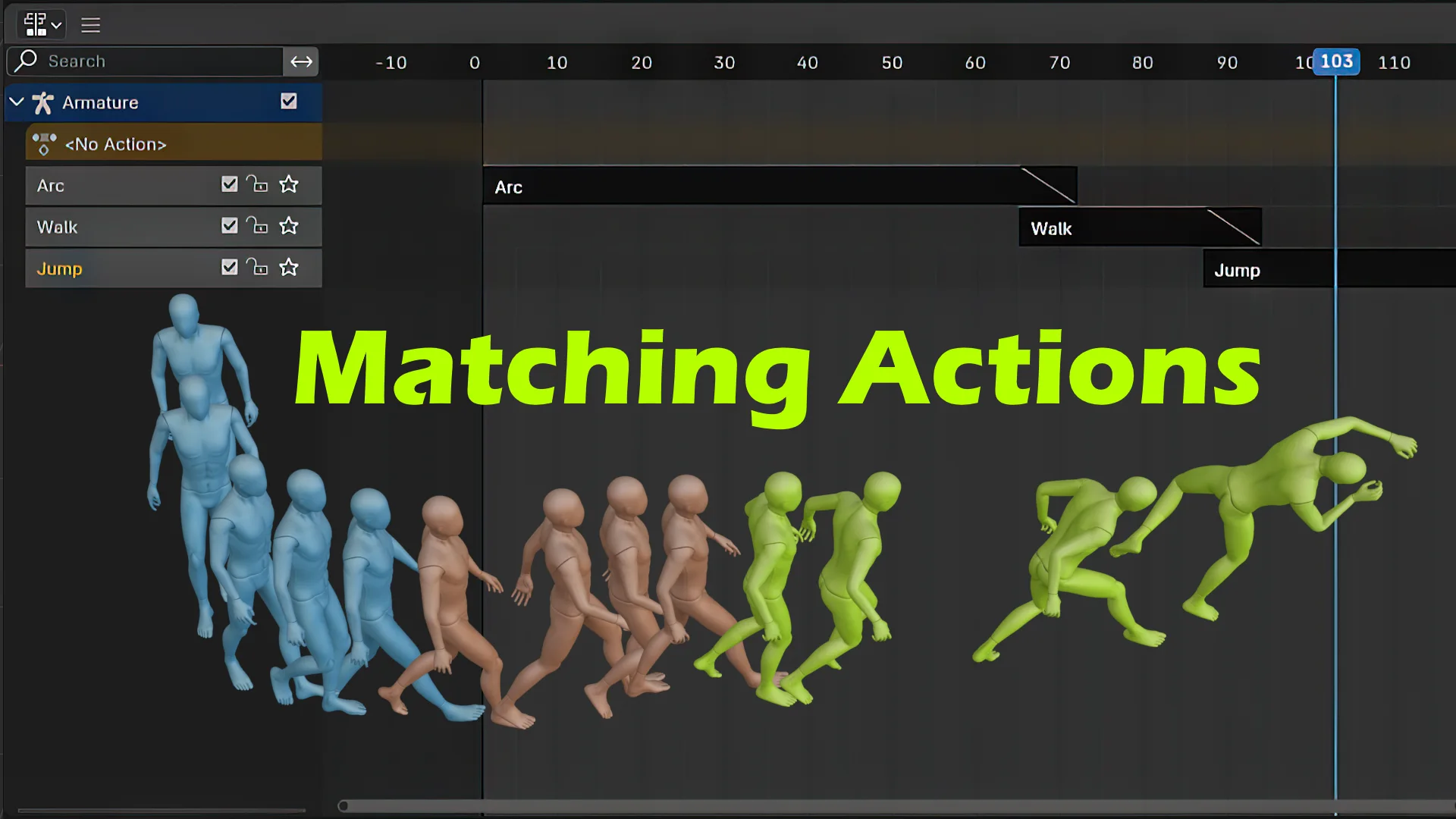
Matching Actions is a Blender add-on that offsets Action 2 so it starts where Action 1 ends, using bones you select. It is intended to make transitions between animation clips more seamless in the NLA workflow, particularly with Mixamo and motion-capture clips.
Match a pair of actions
Select an armature, choose Action 1 and Action 2, then set the parent or root bone and an alignment bone. Press Match Actions to apply the offset. The tool aligns one pair of Actions at a time.
An optional Z rotation control can include orientation matching.
Keyframes and backups
Matching overwrites keyframes in Action 2 to apply the offset and automatically saves a copy of the original Action 2 with a copy suffix. Review the resulting Actions in your project before continuing with further edits.
Blender version and license
The Blender Extensions listing identifies version 1.5.0. Its compatibility field lists Blender 4.2 LTS and newer, while the release note says this version works with Blender 5 and higher. The version record gives Blender 4.2.0 as the minimum. Check the current release details before installing.
License information differs between the supplied listings: the Blender Extensions record lists GPL-3.0-or-later, while Superhive's product page lists MIT. If license terms affect your project, confirm the terms for the specific package with the developer. Blender's Install from Disk instructions explain how to install an extension ZIP.