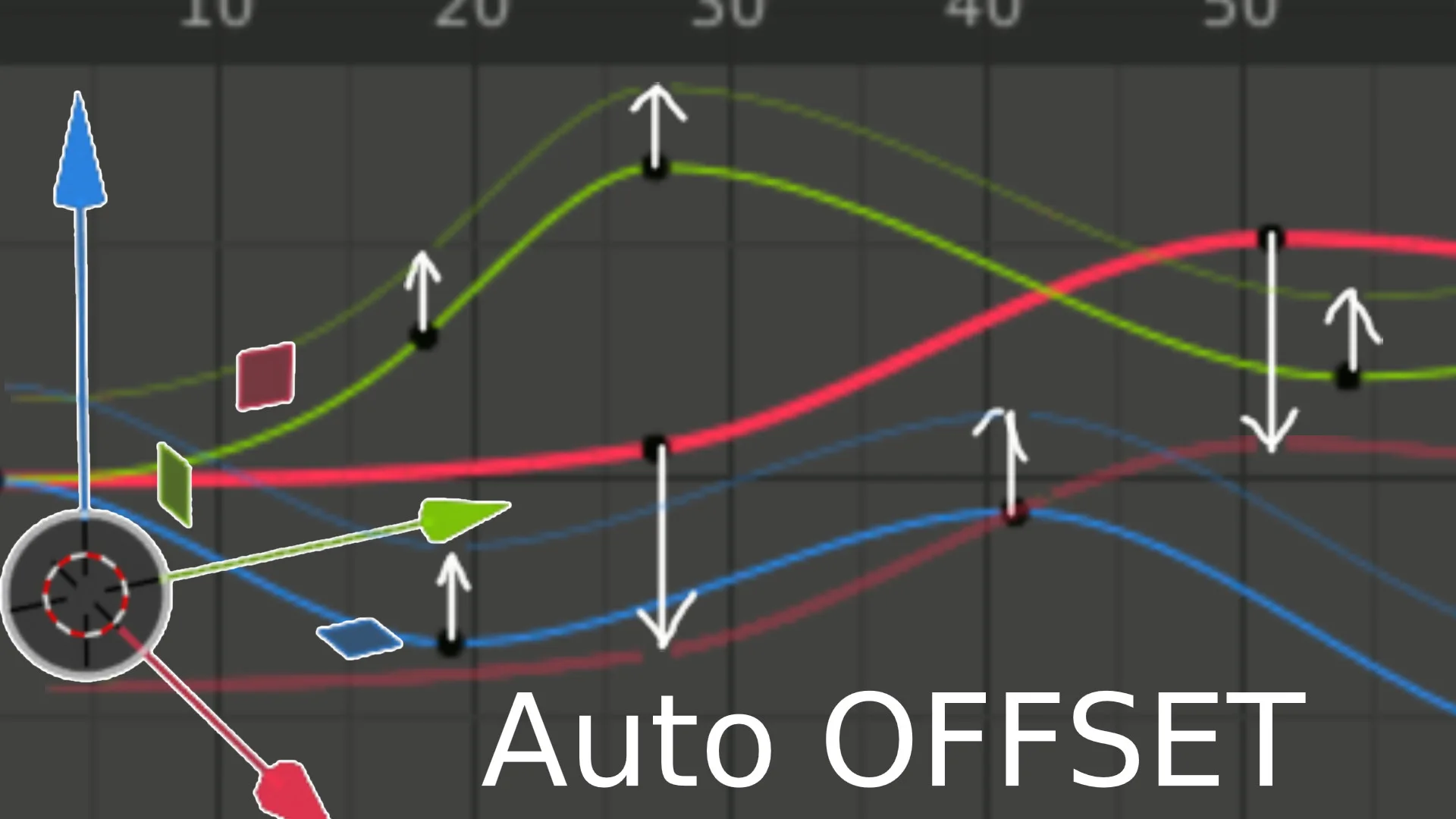
Animation Transform Offset is a Blender add-on by softyoda for transforming animated objects while applying the same offset to their animation curves. Use it when an object needs a new position, rotation, or scale and its existing motion should move with that transform.
How it offsets animation
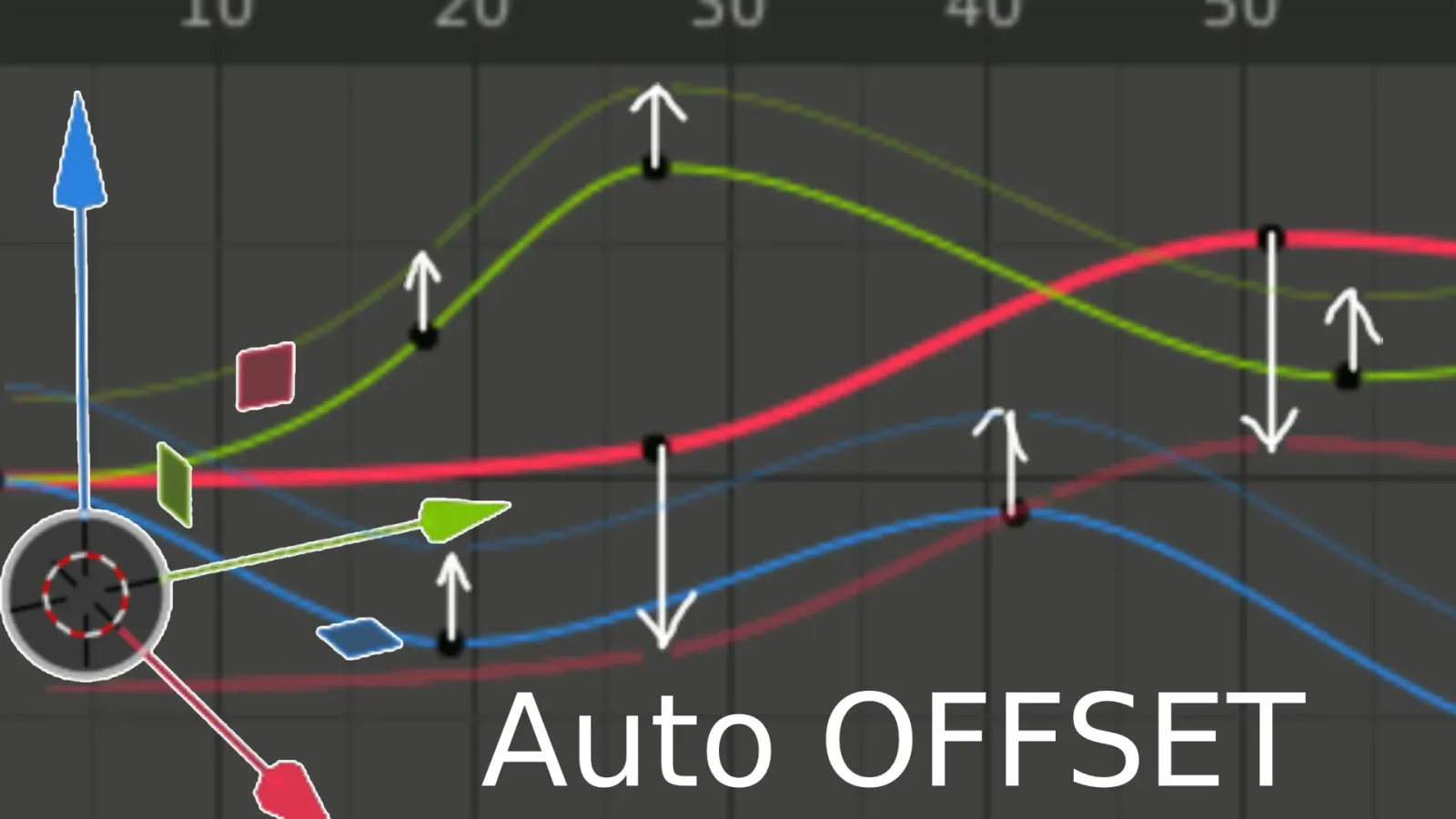
When you transform an object, the add-on shifts its animation curves by the corresponding delta relative to the new location. The available description says the keyframes retain their timing and relative motion, so the animation moves with the object instead of staying behind. The operation supports multiple objects at once.
This can help after a scene layout change, when an already animated object or group needs to move or turn with its existing motion.
Controls and workflow
Select one or more animated objects, then use a keyboard shortcut or the buttons in Blender's Animation tab in the N-panel. The add-on uses Shift+G for moving, Shift+R for rotation, and Shift+S for scaling. Complete the transform as usual and confirm with a left-click. The corresponding animation curves shift along with the transform.
Compatibility and license
The Blender Extensions listing shows release 1.0.0, a minimum Blender version of 4.3.2, and the GNU GPL v3.0 or later license. Check its version history for any newer release or changed compatibility details.
Armatures in Pose Mode
One review on the Blender Extensions page reports that the add-on does not work on armatures in Pose Mode. That is a user report rather than a complete compatibility statement. If Pose Mode is central to your workflow, check the current listing and test the specific operation with the current release on a copy of your project before relying on it.