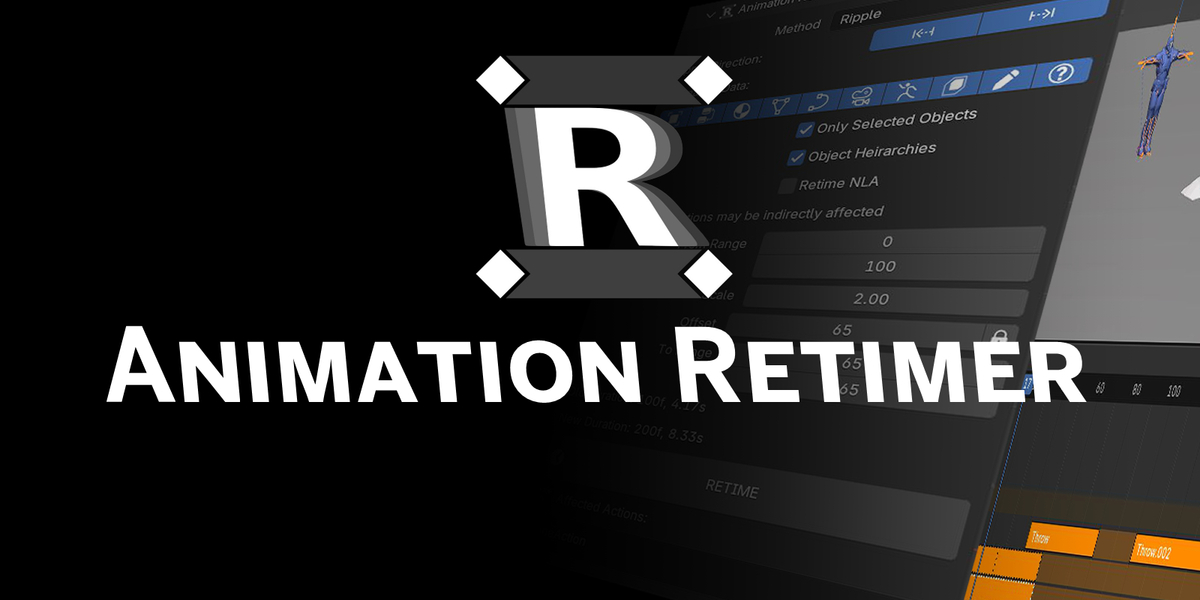
Animation Retimer is a Blender add-on from Other Realms for changing the timing of keyframes across multiple objects. Choose a From Range and a To Range; the tool scales and offsets the selected animation into its destination. It can also retime actions in the NLA editor and filter which animation data is included.
Choose a retiming method
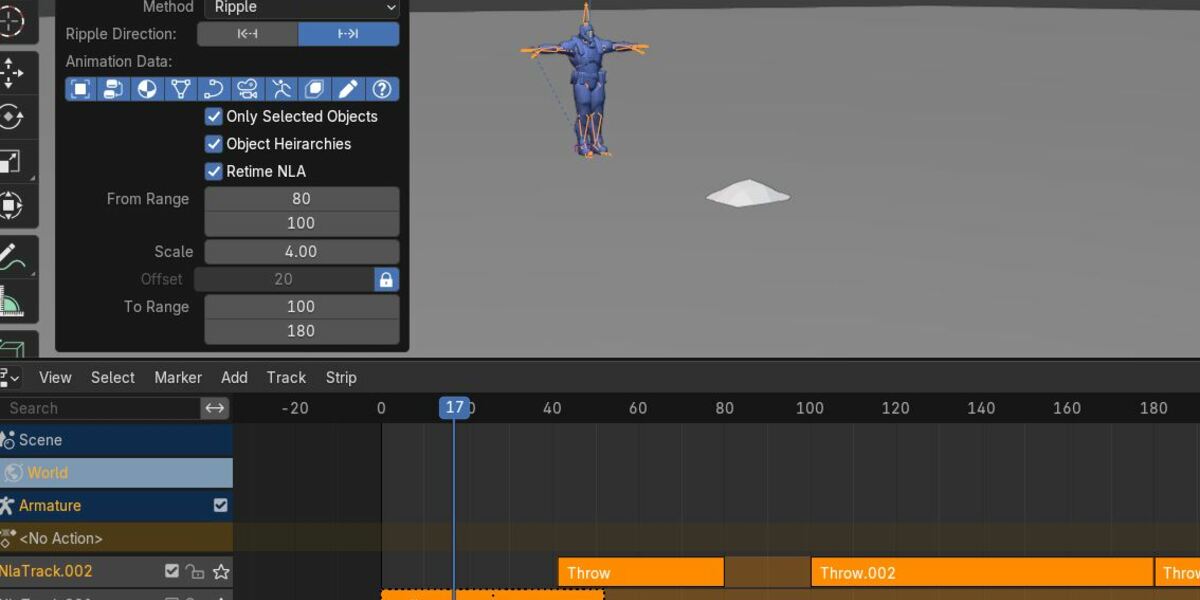
Ripple shifts keyframes around the affected time range to accommodate the change. Replace overwrites keyframes within the To Range. Combine overlays adjusted keyframes from the From Range onto the To Range. You can set the destination with a scale factor or an offset, and lock the offset to prevent unintended changes.
Control which data is affected
Animation Data filters select the types of data included. Only Selected limits retiming to keyframes associated with selected objects. Turn it off to reveal scene and world types and affect actions across the filtered types. Object Hierarchy recursively includes child objects. Ripple Direction limits whether Ripple accommodates frames backwards, forwards, or both. The Retime NLA option shifts and slices action strips on the NLA graphs of included data.
Preview the affected range
A timeline overlay shows source frames in blue and the target range in orange. X lines mark where the operation will leave empty space. After applying an operation, you can adjust its settings in the redo popover. The interface also provides hints, warnings and a list of affected actions.
Compatibility and product details
The Superhive listing reports compatibility with Blender 3.6 through 5.1 and identifies the license as GPL. It also says Animation Retimer is included in Shot Manager Pro. Check the developer documentation and current listing for details that match your Blender version and setup.