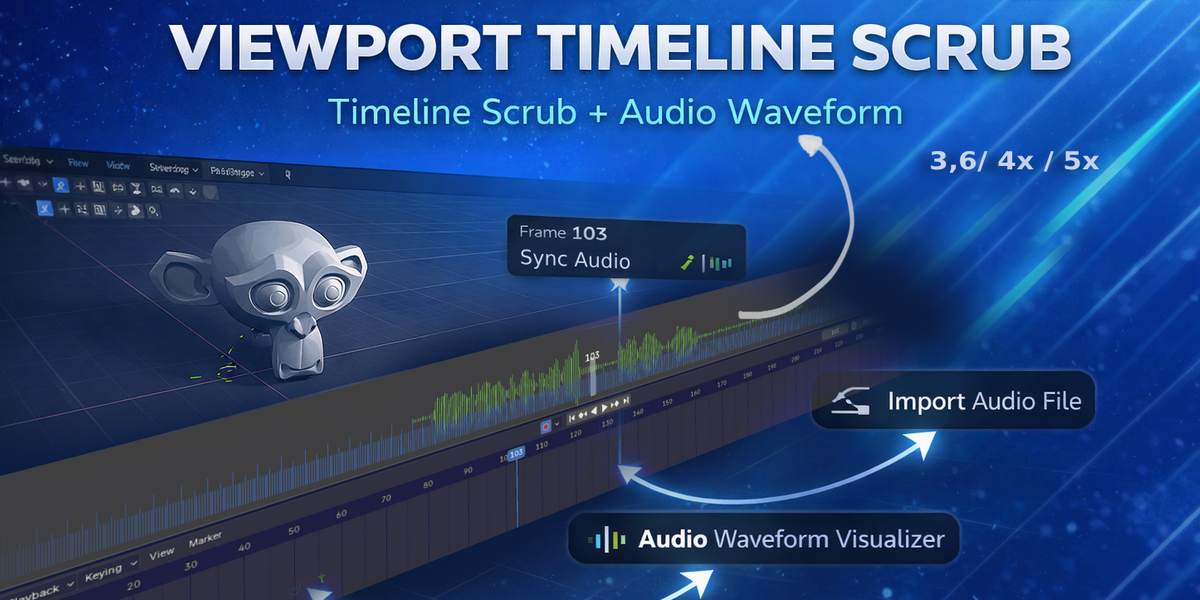
Timeline Scrub On Viewport is a Blender add-on for scrubbing animation in the 3D Viewport. Its on-screen HUD shows a frame ruler and keyframe markers, so you can check timing without switching to the Timeline or Dope Sheet. The product documentation describes the available controls and display options.
Scrub directly in the 3D Viewport
Drag with Alt and the right mouse button to move through frames. Hold Ctrl while scrubbing to snap to keyframes; the snap mode can be configured. Shift plus Ctrl and a right mouse drag changes the HUD timeline scale. The overlay also shows a frame readout and keyframe ghost markers, which help you target poses while blocking or checking motion.
Documentation also describes optional clamping to the scene range, preview range, or both, plus settings for colors, opacity, tick emphasis, keyframe dot size, and spacing.
Filter the keys shown in the HUD
Selected mode filters the display to selected objects. In Pose Mode, it can show keys for selected bones, and with animation layers it can focus on the active layer. An All Keys option displays keys from all objects and includes NLA. This lets you choose between a focused view of the current selection and a broader view of the scene's animation.
Check compatibility and version scope
The Superhive listing reports Blender 3.6 to 5.3 and highlights Action Slots support in Blender 5.0+. Its documentation says Blender 4.5+. These minimum-version statements differ, so check the current package requirements before installing, especially if you use a Blender release earlier than 4.5.
The listing places waveform visualization, VSE sound strips, and audio scrubbing under a Waveform Visualizer version 2 heading. AnyPlugins describes those audio tools as a separate Time Scrub and Sound Visualizer release. Confirm the exact product and version if audio features are part of your workflow.