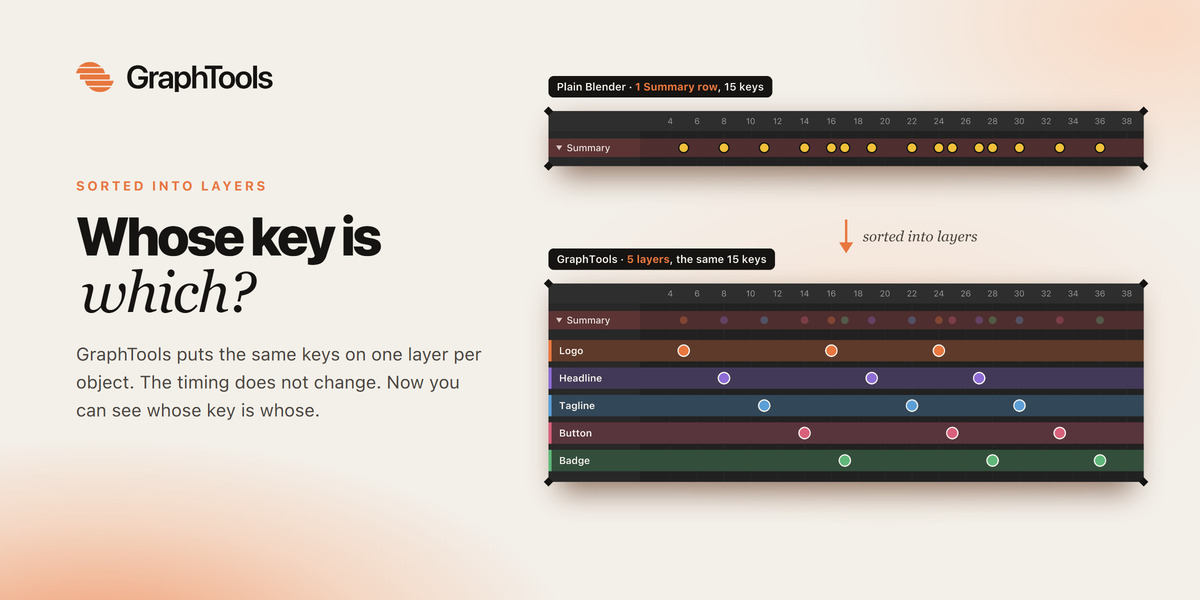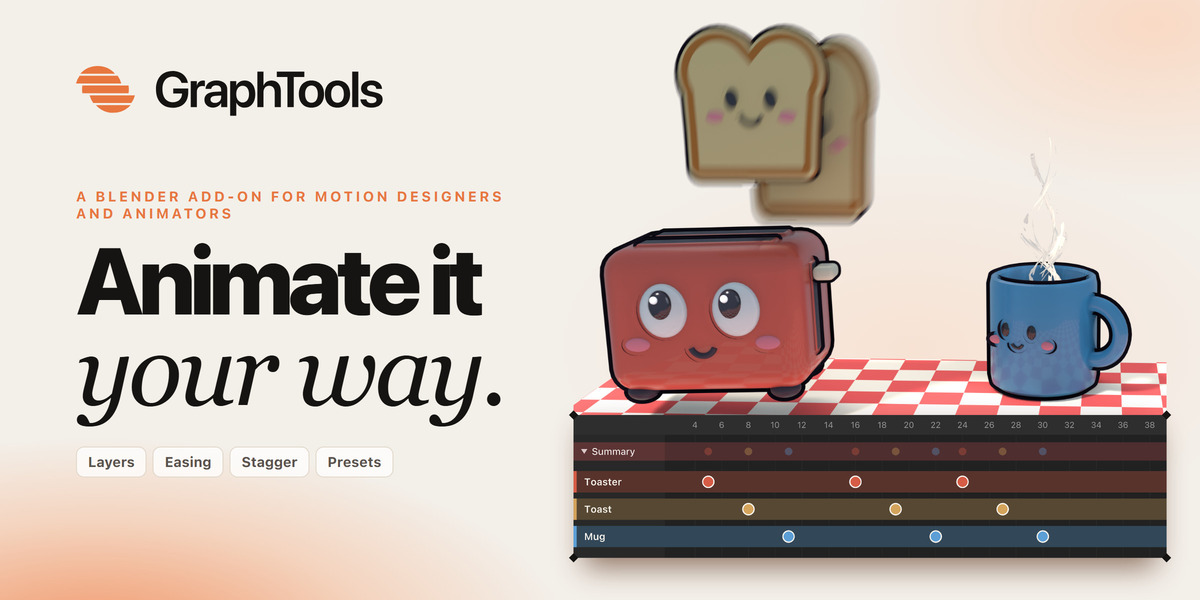
GraphTools is a Blender add-on for organizing animation and editing F-curves in the Graph Editor and Dope Sheet. Its Layer Timeline groups an object’s animation into a row, making it easier to find keys and adjust timing across several objects.
Organize animation by object
The Layer Timeline sits over the Dope Sheet and Graph Editor. Each object gets a layer, so its keys are easier to distinguish from other objects’ animation. A Location row groups the X, Y, and Z channels; expand it when you need to work on a single axis. The timeline also includes Shape Keys and material values with readable names.
Drag a dot to move a key, or drag a layer to shift that object’s animation as a group. You can stagger selected layers, mute or solo a property or axis, and copy layer animation for reuse. Selecting a layer also selects its object in the viewport, and selecting the object selects its layer.
Adjust easing and reuse curve shapes
For easing, select keys in the Graph Editor and adjust the Start and End sliders, or choose from 31 curve presets. The presets cover common easing families and directions. GraphTools updates the curve as you move a slider, so you can judge the change while editing.
CopyGraph transfers a curve’s shape to a whole channel or selected keyframes. When you paste a curve mirrored, an ease-out becomes its matching ease-in and vice versa. Version 2.0.1 also lists fixes for pasted curve shapes, including unwanted overshoot or dips, and enables whole-channel copying from the Layer Timeline. See the GraphTools product page for the current details.
Remove keys that do not affect the motion
SmartKeys provides a Run All Cleanups action for selected animated objects. It removes keys that change nothing and curves that never move, which can help when a curve has accumulated redundant keyframes.
Who may find it useful
GraphTools is aimed at motion designers and animators who spend time finding channels, adjusting key timing, reusing easing, or cleaning up curves. Its layer timeline may feel familiar to people who use After Effects, while the animation work stays in Blender. The add-on is listed under the GPL license.