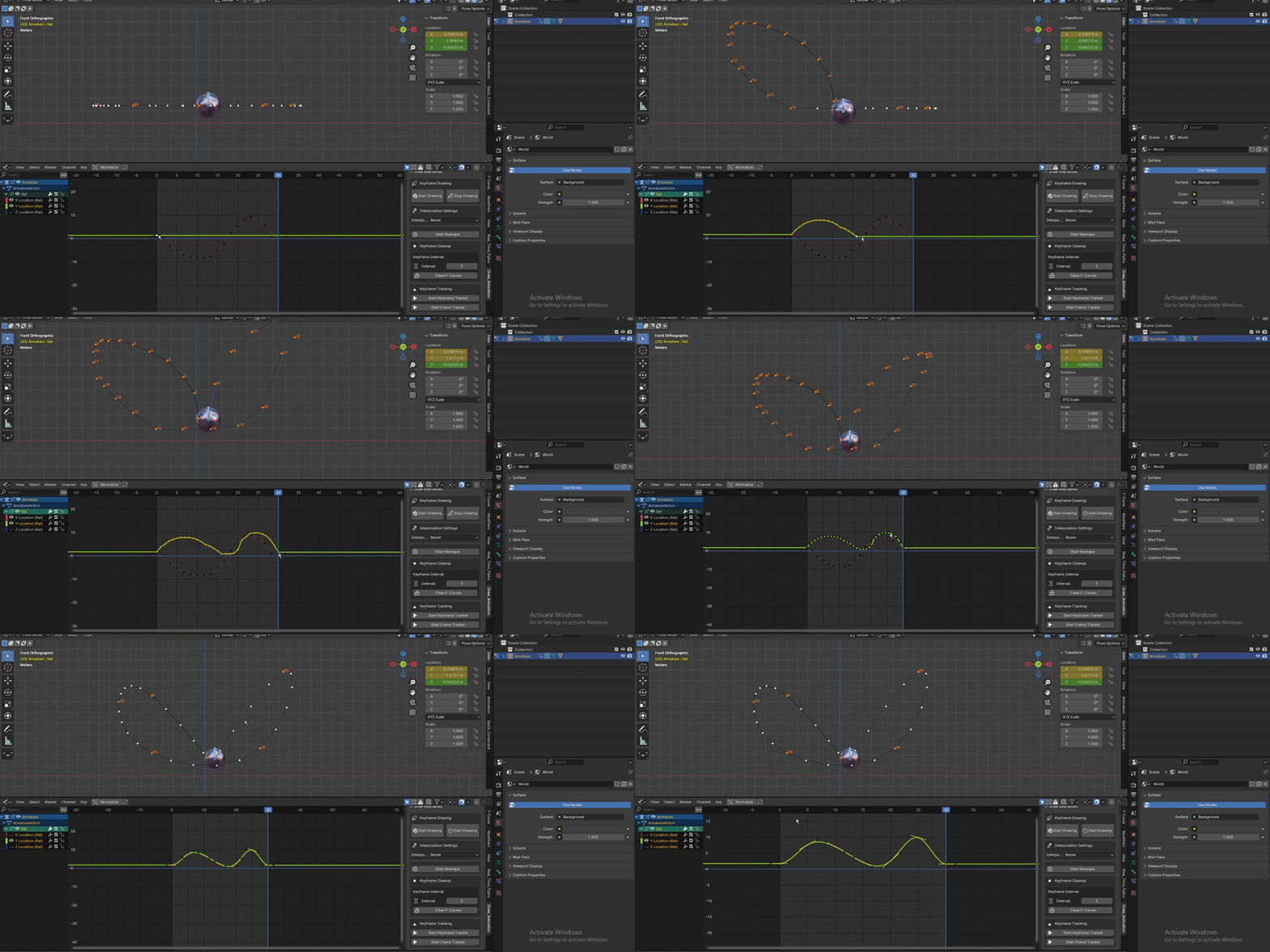
Simple F-Curves is a Blender add-on by Alex Quill for shaping animation curves from the Timeline editor. Choose a curve icon and drag with the mouse; a live preview zooms into the relevant part of the curve. The Graph Editor can be used to preview the result while you work from the Timeline.
Shape selected keyframes together
Curve changes apply to selected keyframes at once, so you can shape a transition across several keys and refine individual ones afterward. X, Y and Z axis sync keeps the axes aligned whether a curve runs in a positive or negative direction. This bulk editing approach can help when an animation has many keyframes across multiple channels.
Tools for motion and cleanup
The add-on includes tools for extending curves, adding effects and reducing keyframe clutter:
- Extrapolate extends selected curves with a prediction algorithm and works across multiple channels.
- Quick noise adds noise between two or more selected keyframes from the Timeline.
- Auto-Bounce adds a bounce between or after two keyframes.
- Channel Cleanup removes unused channels and unnecessary keyframes.
- Exaggerate adds intensity to a curve shape.
- Smoothen softens sharp, pronounced curves.
- Keyframe Shaping shapes keyframes between two selected ones.
Cyclify, added in version 1.06, creates loops.
Selection modes for Blender workflows
Cinema 4D/Maya mode emulates those applications' keyframe deselection behavior. Armature mode addresses Blender's selection behavior when switching bones, helping prevent keyframes from other bones being moved by mistake.
Who may find it useful
Simple F-Curves is aimed at hobbyist and professional Blender animators who want to shape curves from the Timeline and apply edits to groups of selected keyframes. Its curve tools and selection modes can reduce trips to the Graph Editor for shaping, while the Graph Editor remains available for preview and more detailed work.