Graphkit is a Blender add-on with 17 features for working with F-Curves and keyframes in the Graph Editor. It also adds selection modes and channel controls for animation work.
Shape curves and adjust timing
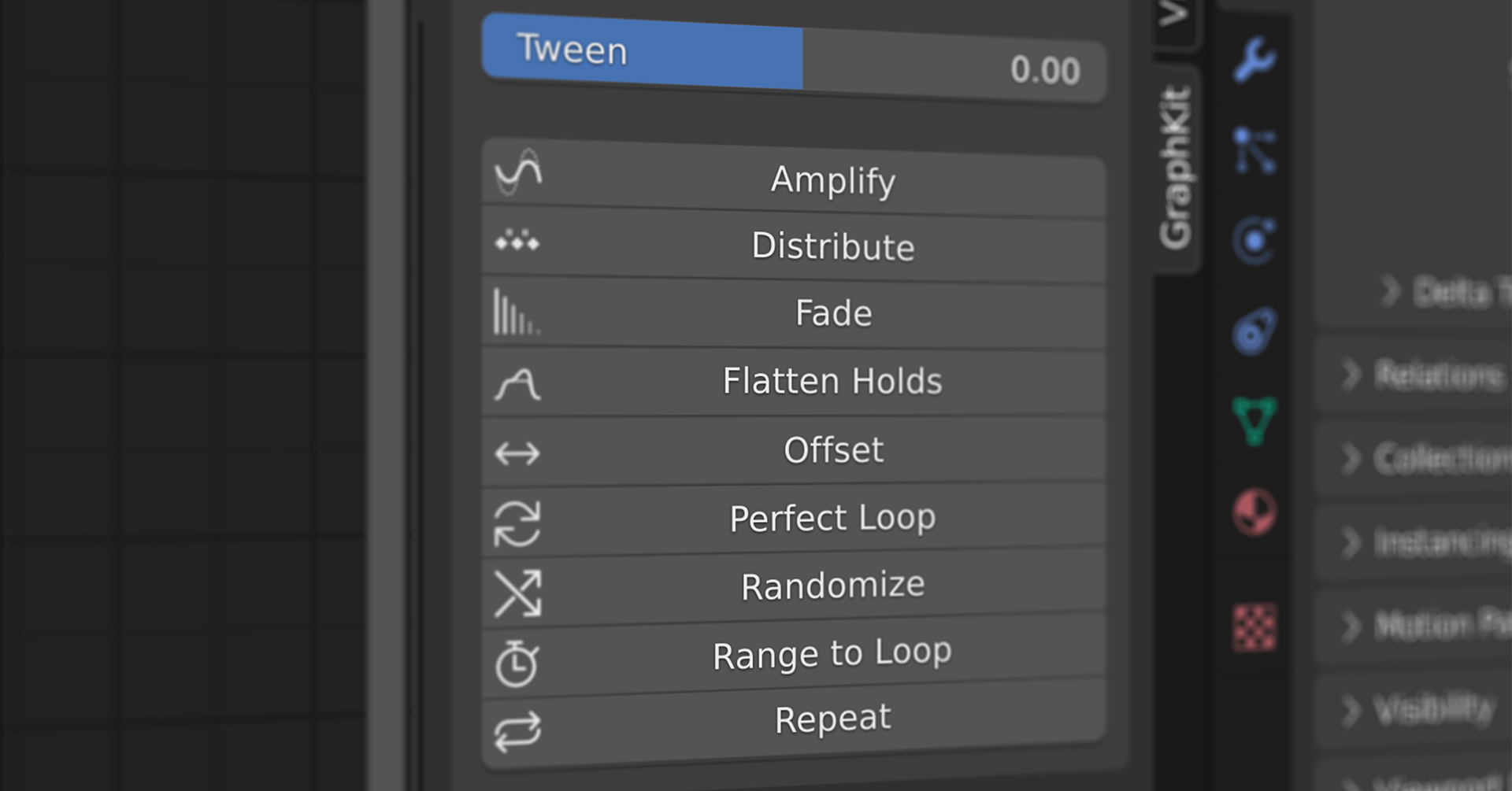
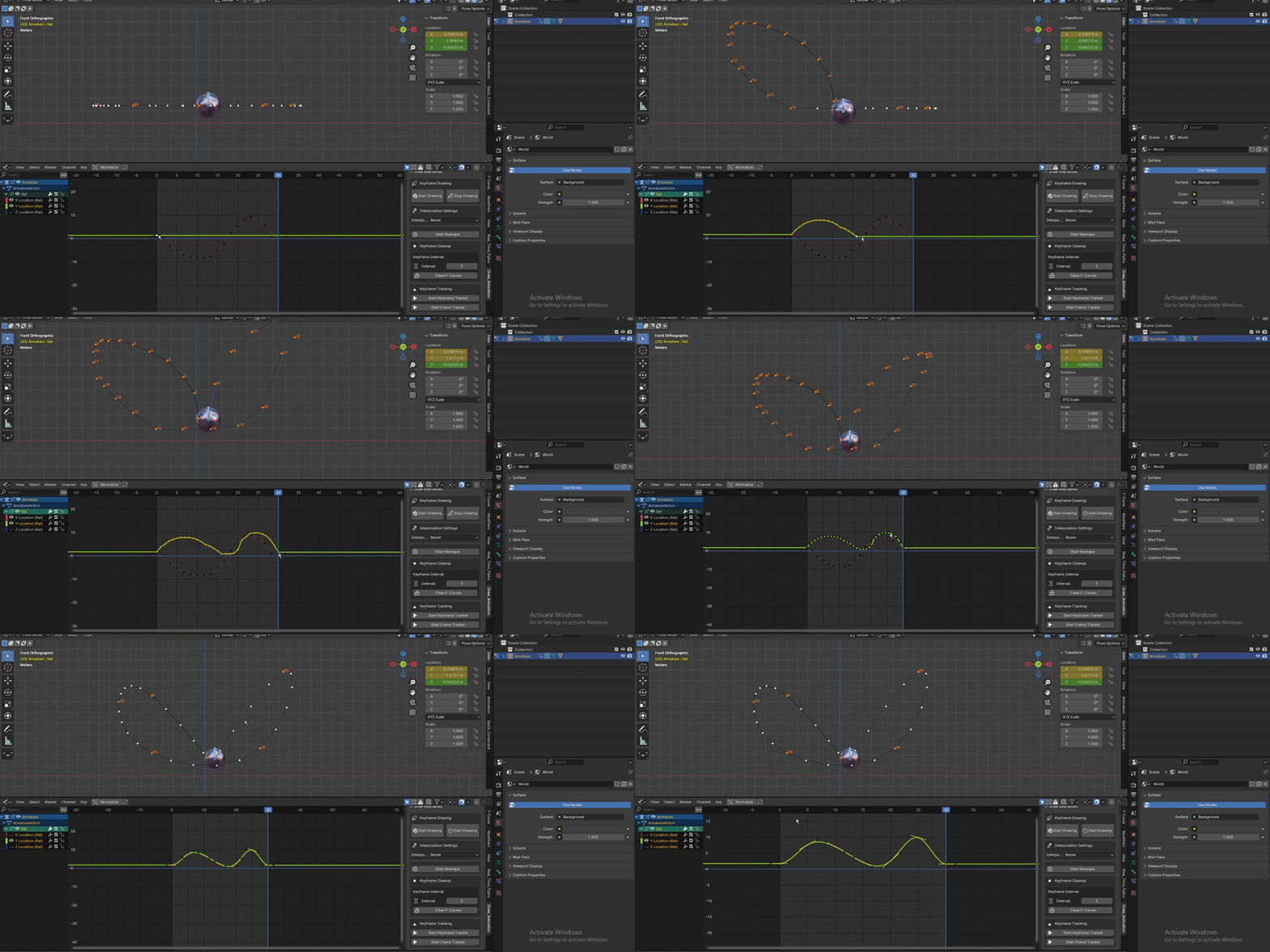
Align arranges selected F-Curves in a straight line, while Amplify adjusts animation intensity. Arcs creates coordinated arcing motion from two selected curves. Distribute evens out keyframe timing, and Offset shifts selected curves or keyframes based on the value change of an anchor keyframe. Overlap adjusts curves without requiring them to be extended. Mirror flips selected keyframes horizontally around the playhead.
For timing and holds, Divide subdivides curves and adds hold frames; Hold applies hold frames to selected keyframes; and Flatten Holds targets hold keyframes. Fade uses standard ease functions, and Overshoots inserts anticipation or overshoot keyframes between keyframe pairs. The Tween slider creates keyframes with Breakdown, Blend to Neighbor, or Blend to Default modes and preset percentage amounts.
Loop animation, select curves, and manage channels
Perfect Loop matches a loop's start and end frames. Range to Loop sets the scene's Preview range, Frame range, or both to a multiple of the loop length. Repeat loops entire F-Curves or selected keyframes, while Randomize adds variation to animation loops.
Selection modes can select or solo F-Curves by object type, select curves by left or right side, or select random curves. Graphkit can also select objects or pose bones from selected F-Curves. Channel controls let you mute, lock, or hide all F-Curves, and toggle all modifiers or pins.
Compatibility and documentation
The Superhive listing reports Blender versions 2.8 to 5.2, marks Graphkit as Blender Extension Compatible, and identifies the license as GPL. These are the listing's stated details; check it and the official GraphKit documentation for information relevant to your Blender version. The product FAQ discusses how Graphkit's Tween relates to Blender's built-in Blend options.