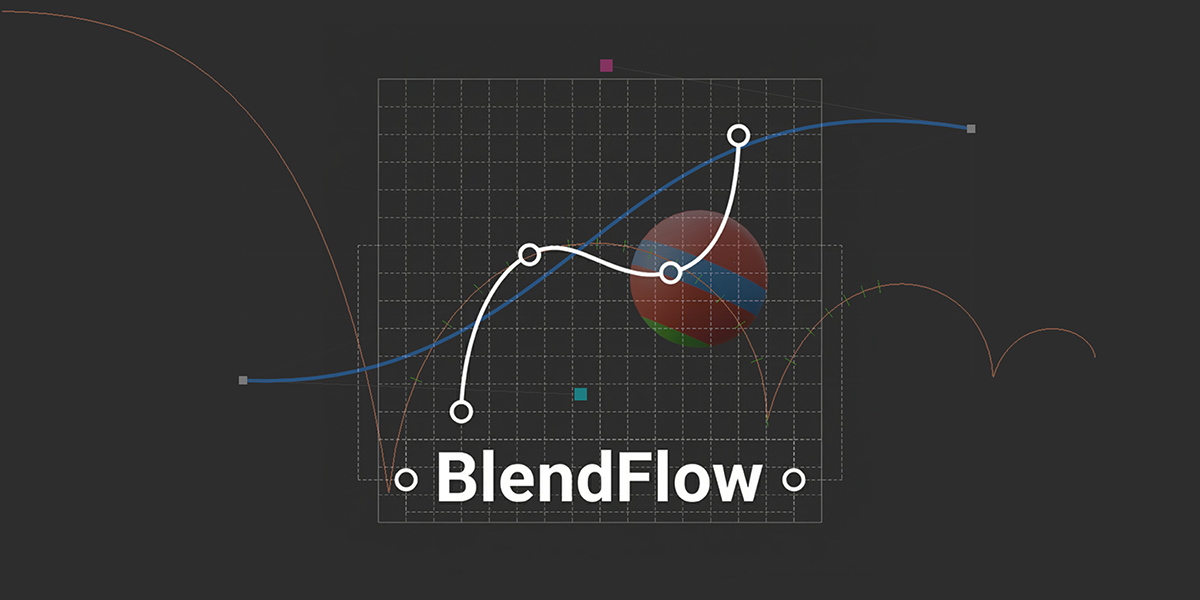
BlendFlow is Ihlo's Blender add-on for editing motion paths and timing curves in the 3D Viewport. It puts trajectory and easing controls beside the animated scene, so animators can adjust the motion without repeatedly switching to the Graph Editor.
Edit the motion path in 3D
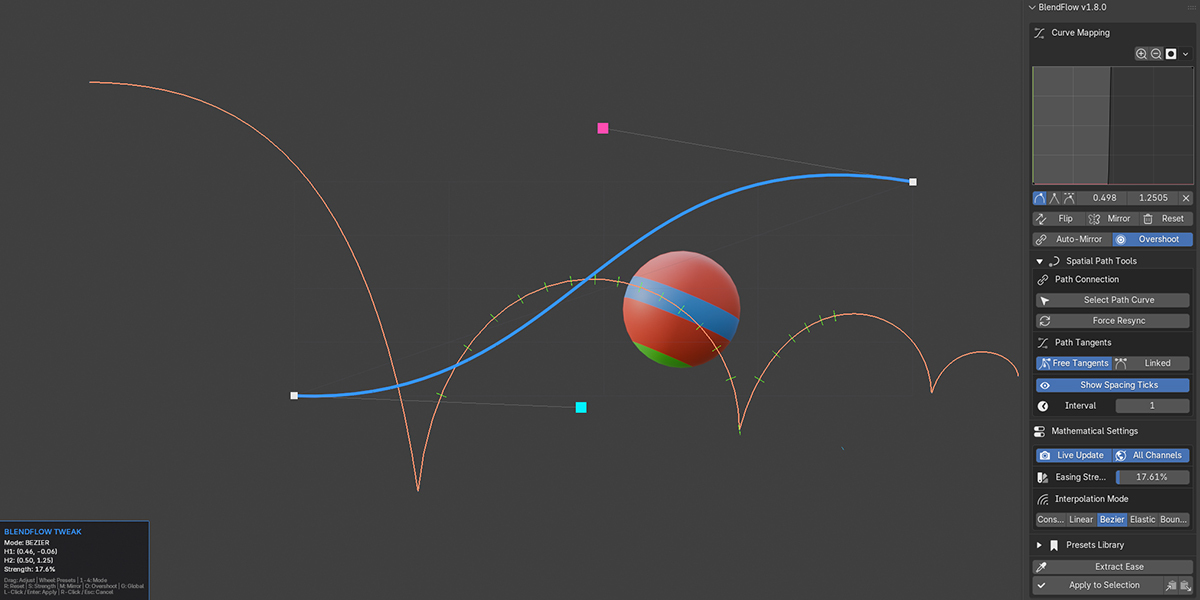
BlendFlow shows a trajectory as an interactive 3D curve. You can insert, delete, scale, and rotate keyframes on that path, or click a path point to jump to its frame. Seeing the route over the scene helps you judge spatial movement as you revise it.
Shape timing, easing, and spacing
The HUD Easing Editor overlays Cubic Bezier curves in the viewport. It includes Auto-Mirror for symmetric tangents, overshoot controls, and an easing-strength adjustment. Changes apply instantly, so you can watch the motion response while adjusting the curve.
Spacing marks sit along the path and indicate keyframe velocity. They update as tangents or timing curves change, and you can customize their colors, thickness, and playhead range. The path describes where an object moves; the easing curve changes its pace between keyframes. The marks give you a visible reference as you adjust either one.
Adjust transitions and work with native keyframes
For quick in-between changes, BlendFlow has a floating tween slider summoned by hotkey. Dragging it blends between keyframe positions. The tool works on top of Blender's native keyframe system. Ihlo describes it as non-destructive and says it does not add extra custom properties to the scene.
Compatibility and license
The Superhive product listing identifies BlendFlow as a Blender Extension-compatible add-on for Blender 4.2 through 5.1. It lists Cycles and Eevee as render engines, the GPL as its license, and 12 months of support from Ihlo plus product updates. Check the listing for current compatibility details and terms.