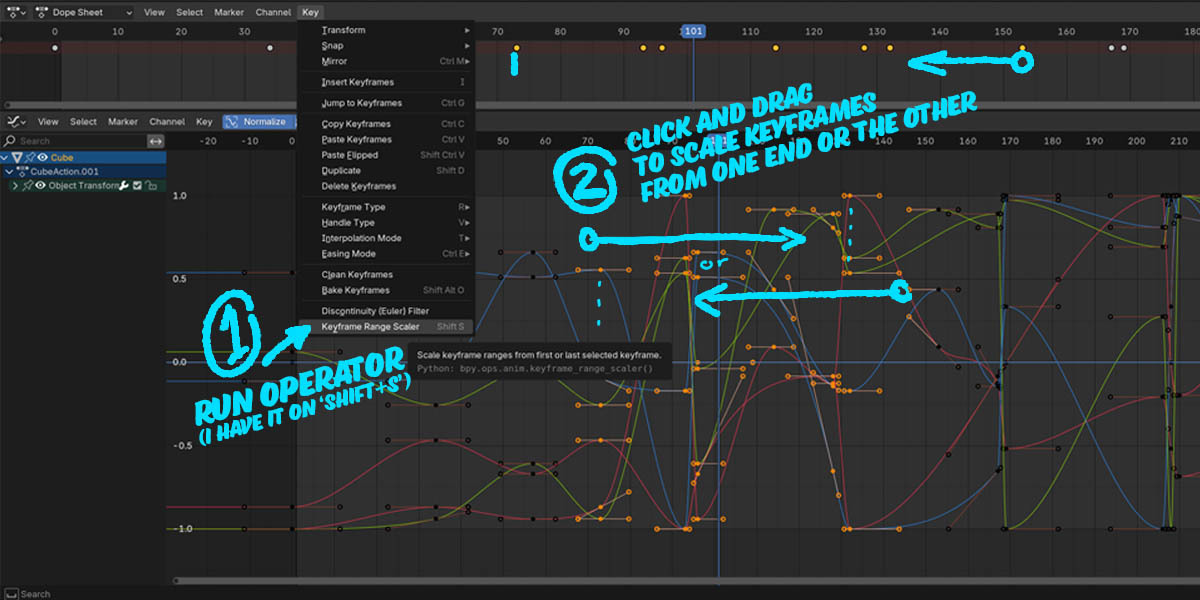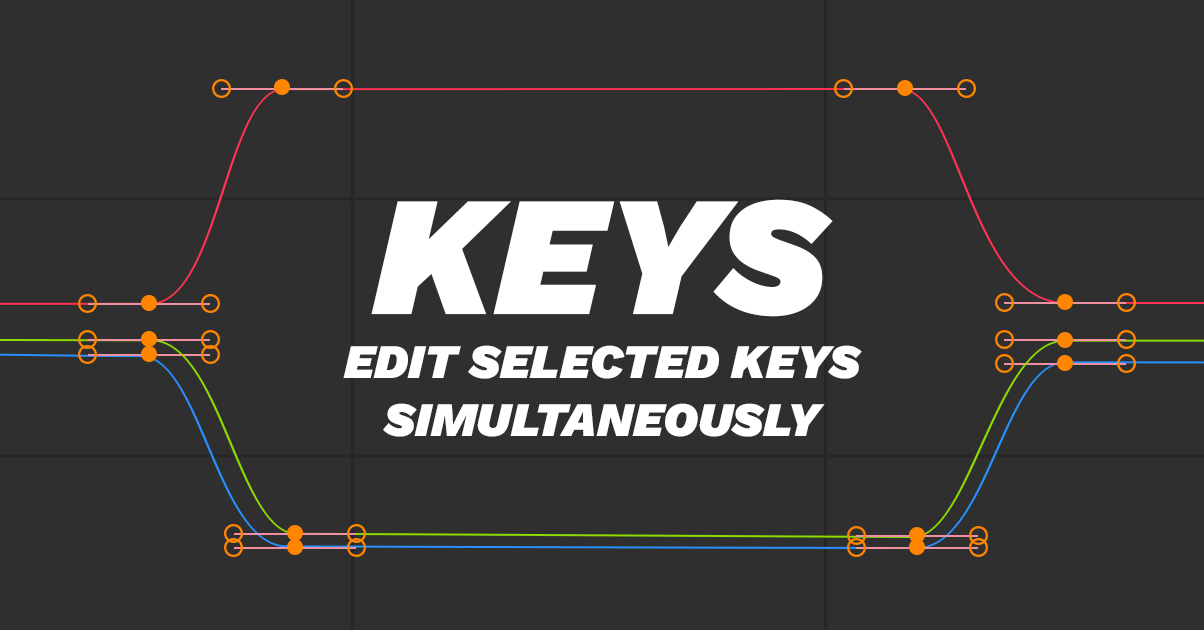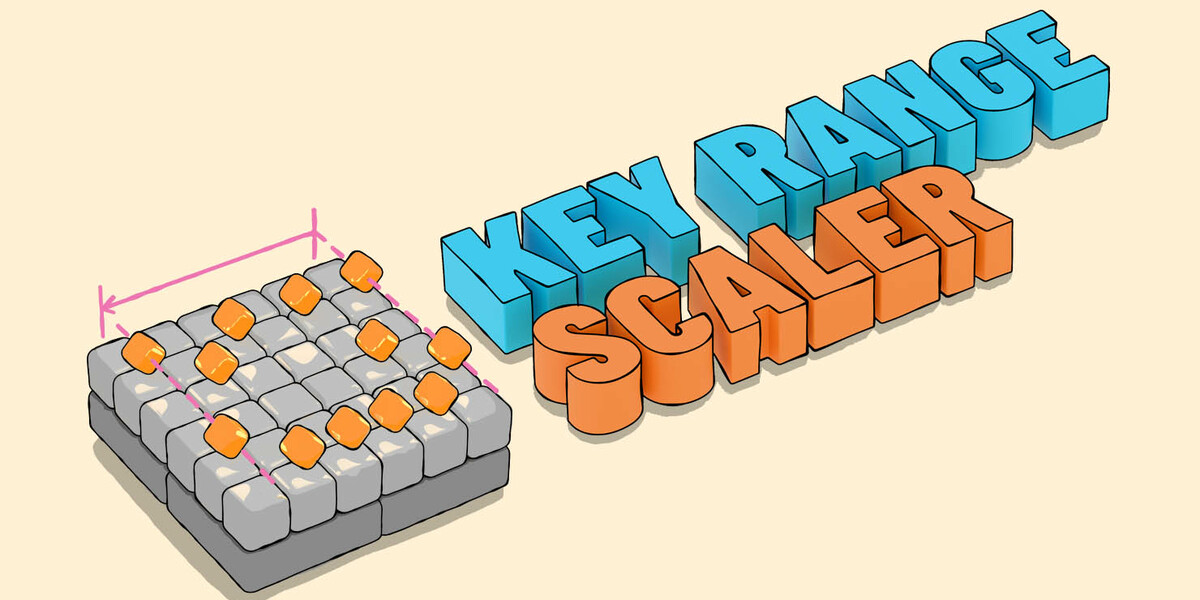
Key Range Scaler changes the timing of a selected range of keyframes in Blender. Scale from either end while the opposite end stays in place, and keep the current frame unchanged. It is intended for animators who want to adjust a span of motion without shifting its fixed boundary.
Scale timing from either end
Select keyframes, then scale the range from its start or end. This gives you a way to lengthen or compress the timing span while anchoring the opposite end. The product listing compares the approach to proportional scaling in After Effects.
AnyPlugins describes the add-on for retiming in the F-curve editor and Dope Sheet. The Superhive product listing describes scaling selected keyframes without specifying a particular editor.
Modifier keys for finer control
- Hold Alt to snap the end of the range to the cursor.
- Hold Ctrl to snap to exact frames.
- Hold Shift to scale more slowly for finer adjustments.
Bezier handles and overshoot
Key Range Scaler scales Bezier handles along with the keyframes. The product listing says this keeps animation consistent and helps prevent overshoot glitches.
Compatibility and license
Superhive lists Blender 4.2 and 4.3 in the compatibility details, marks the add-on as Blender Extension compatible, and identifies its license as GPL. Check the product listing for current compatibility details and consult the product documentation before using it in a project.