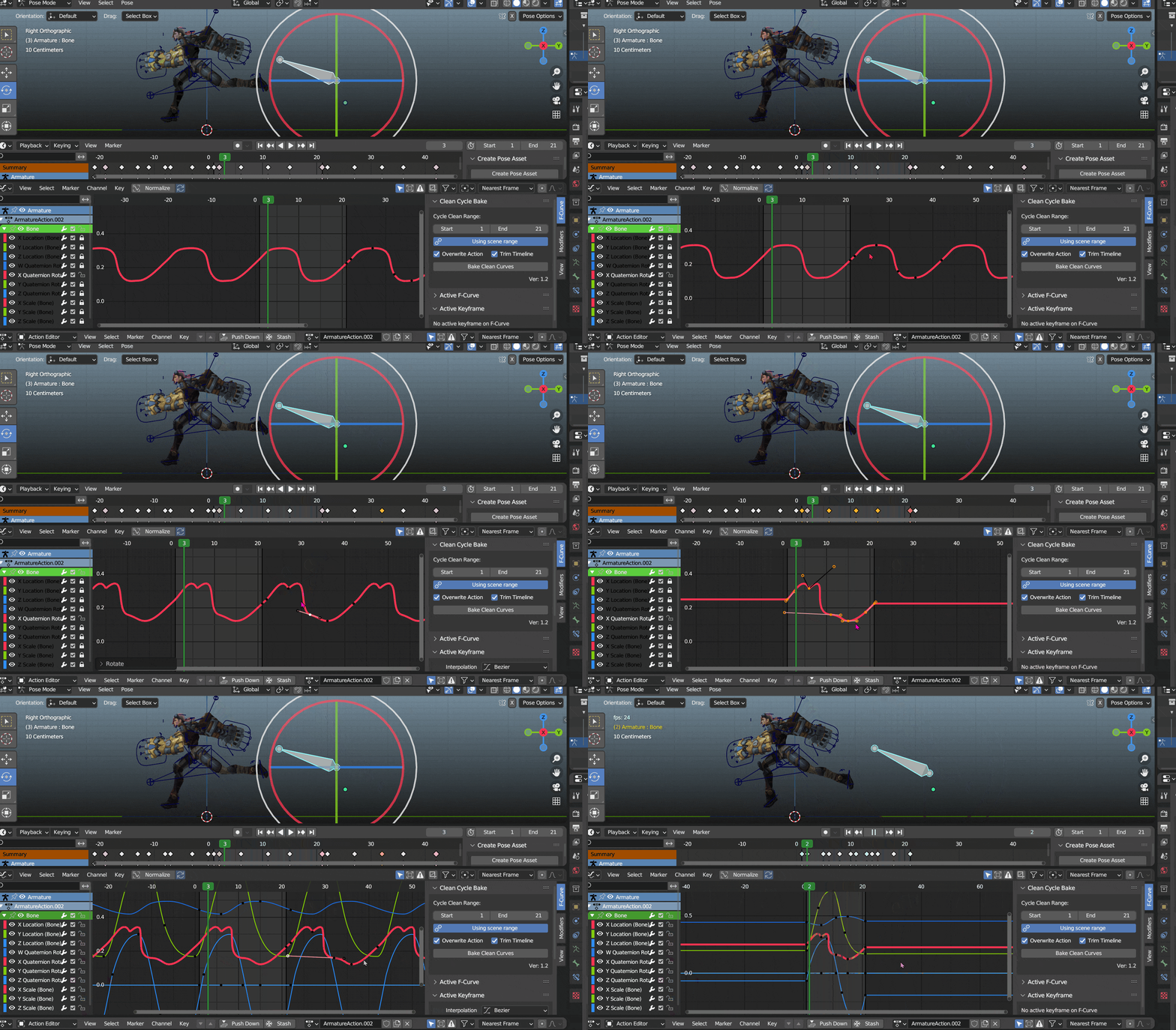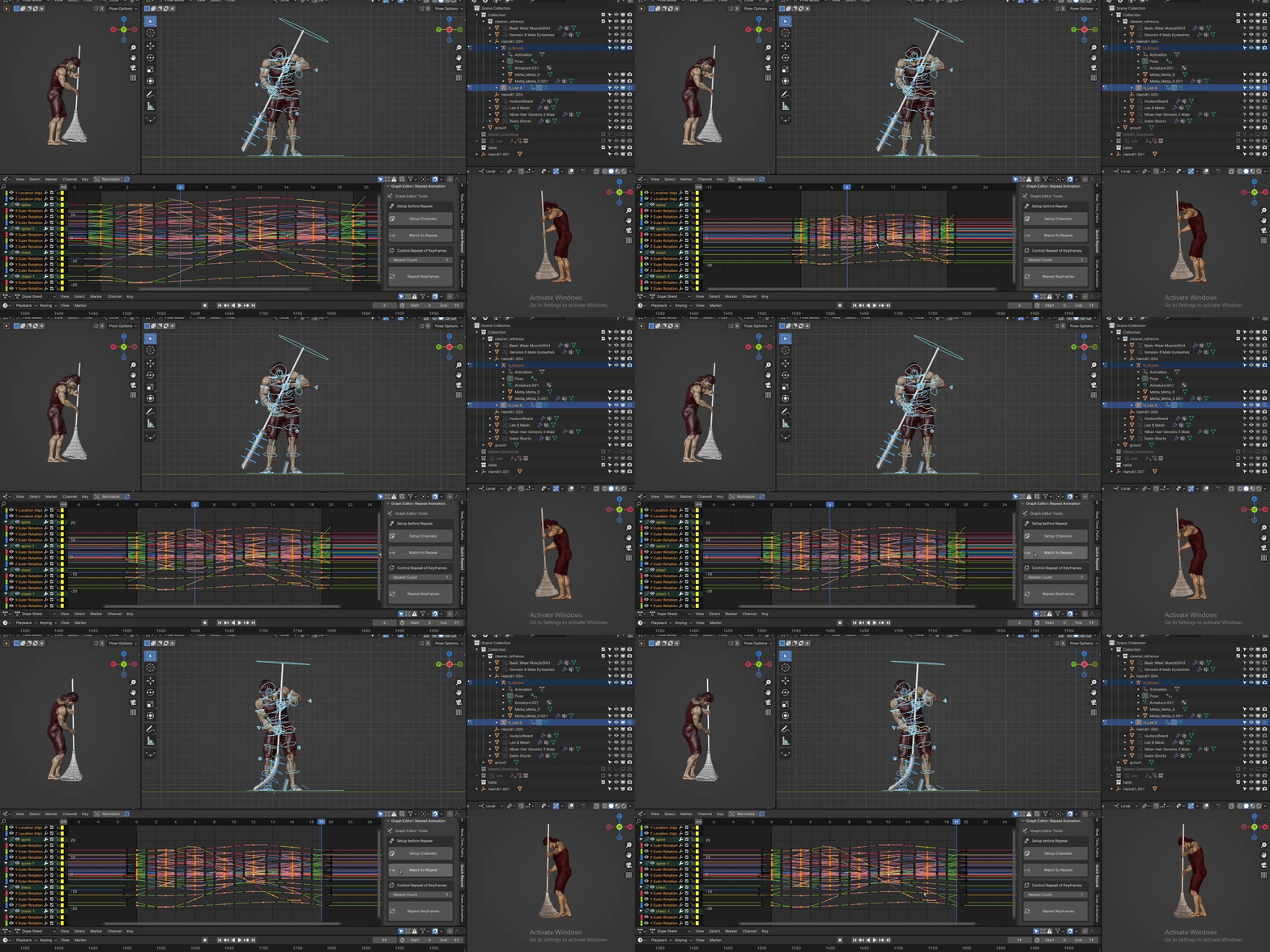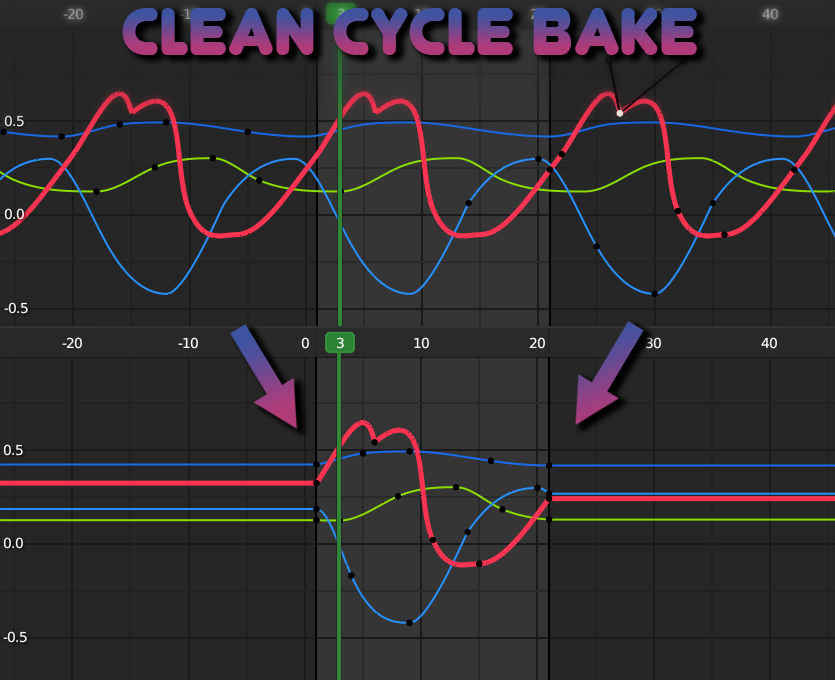
Clean Cycle Bake is a Blender add-on for baking cycling F-curves into a chosen time range. It uses existing keyframes created by the user and works on selected bones, making it useful for cleaning up looping animation. The developer describes its workflow as similar to Maya's smart baking.
Set the bones and bake range
Select the bones whose F-curves you want to bake. Lock or mute bones you want to leave out. You can use the scene range or set a custom range for the bake.
Before starting, choose whether the add-on should overwrite the existing action or create a new one. To retain the cycle modifier after baking, uncheck Remove Cyclic.
Install and open the add-on
- In Blender Preferences, open the Add-ons section and choose the unzipped
CleanCycleBake.zipfile to install. - Enable the add-on with its checkbox.
- In the Graph Editor, find the Clean Cycle Bake panel under the Fcurve section of the N panel. You can also press F3 and search for “Clean Cycle Bake,” or add it to a quick menu.
Compatibility and license
The product listing names Blender 3.0 through 3.5. The developer separately says the add-on was tested with Blender 4.2.3. Check the Superhive listing for current compatibility details, especially if you use another release. The listing says it is distributed under CC BY-NC-SA. The developer describes themself as a hobby developer and says they cannot guarantee that reported issues can be fixed.