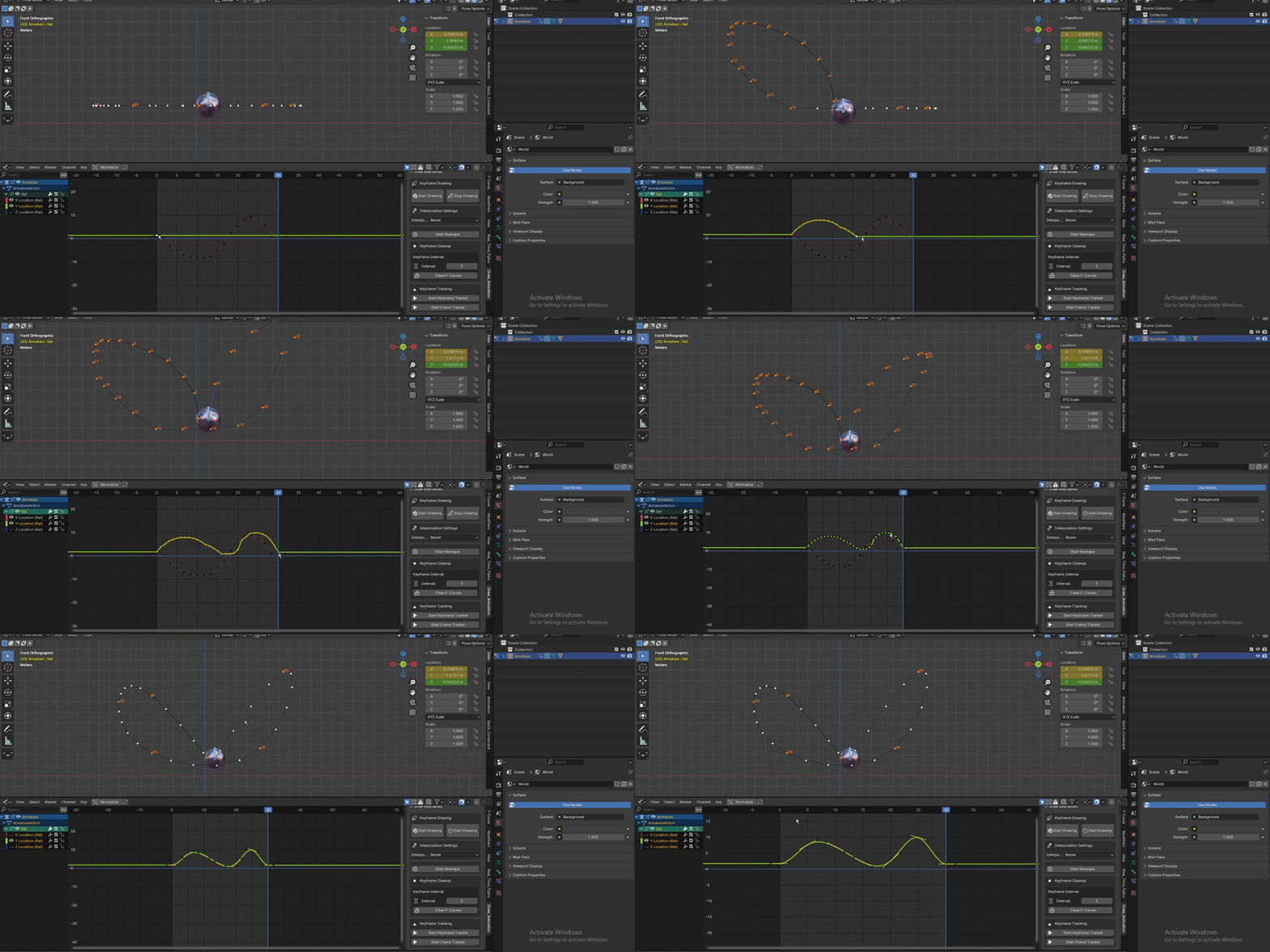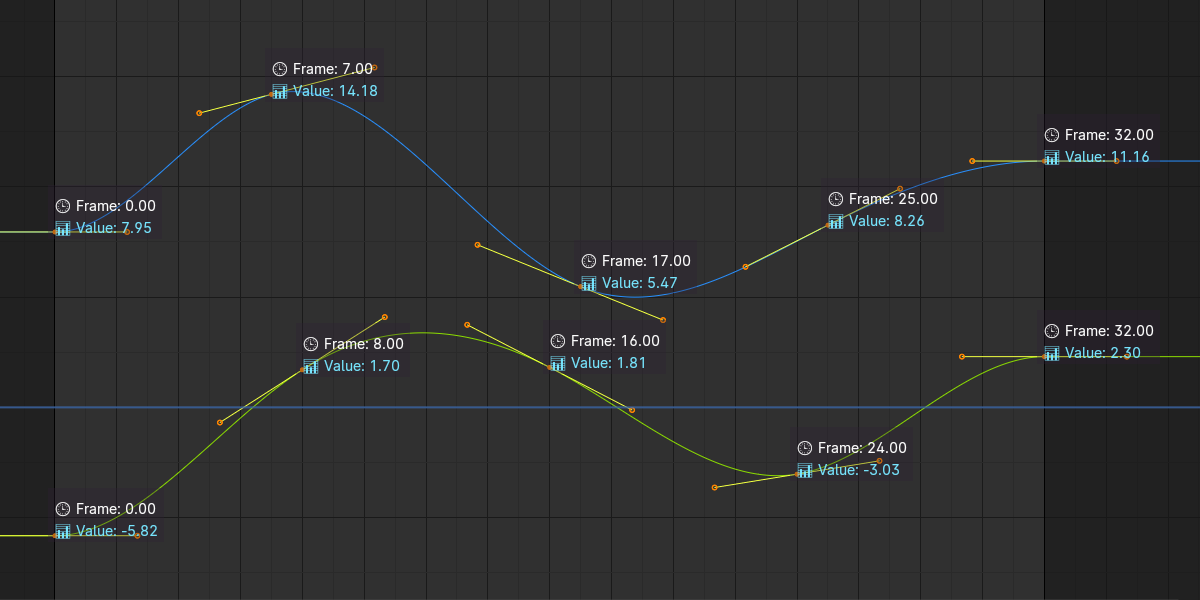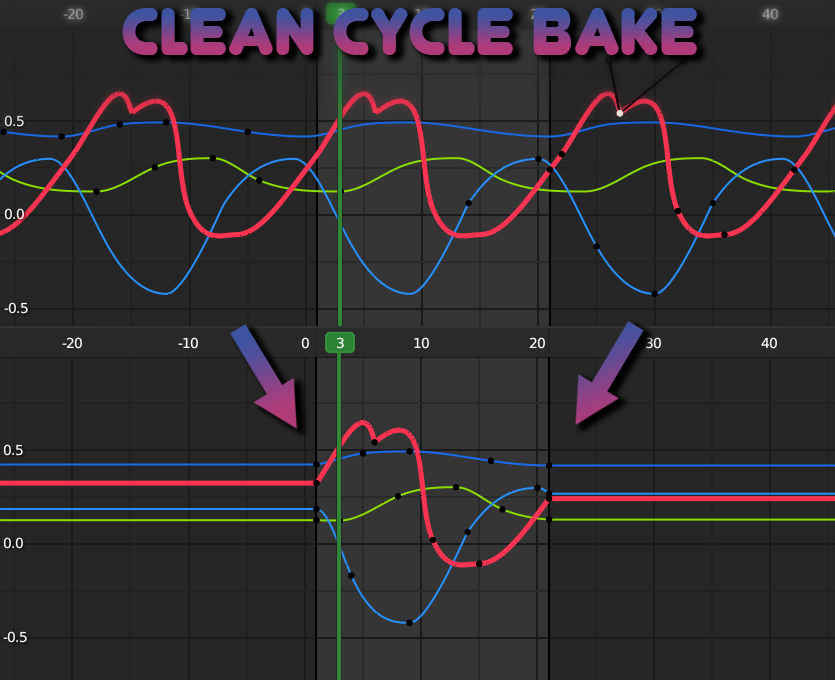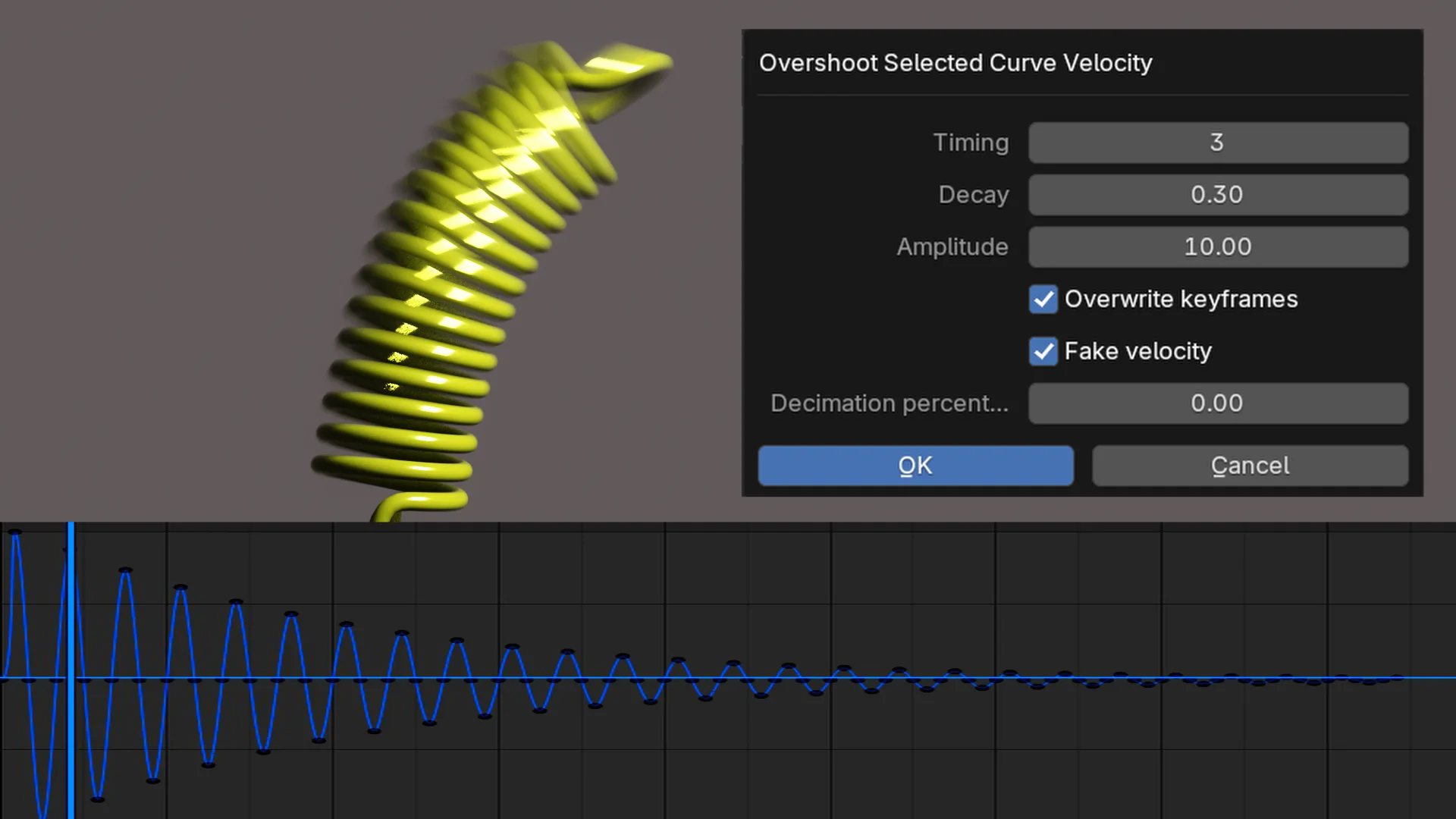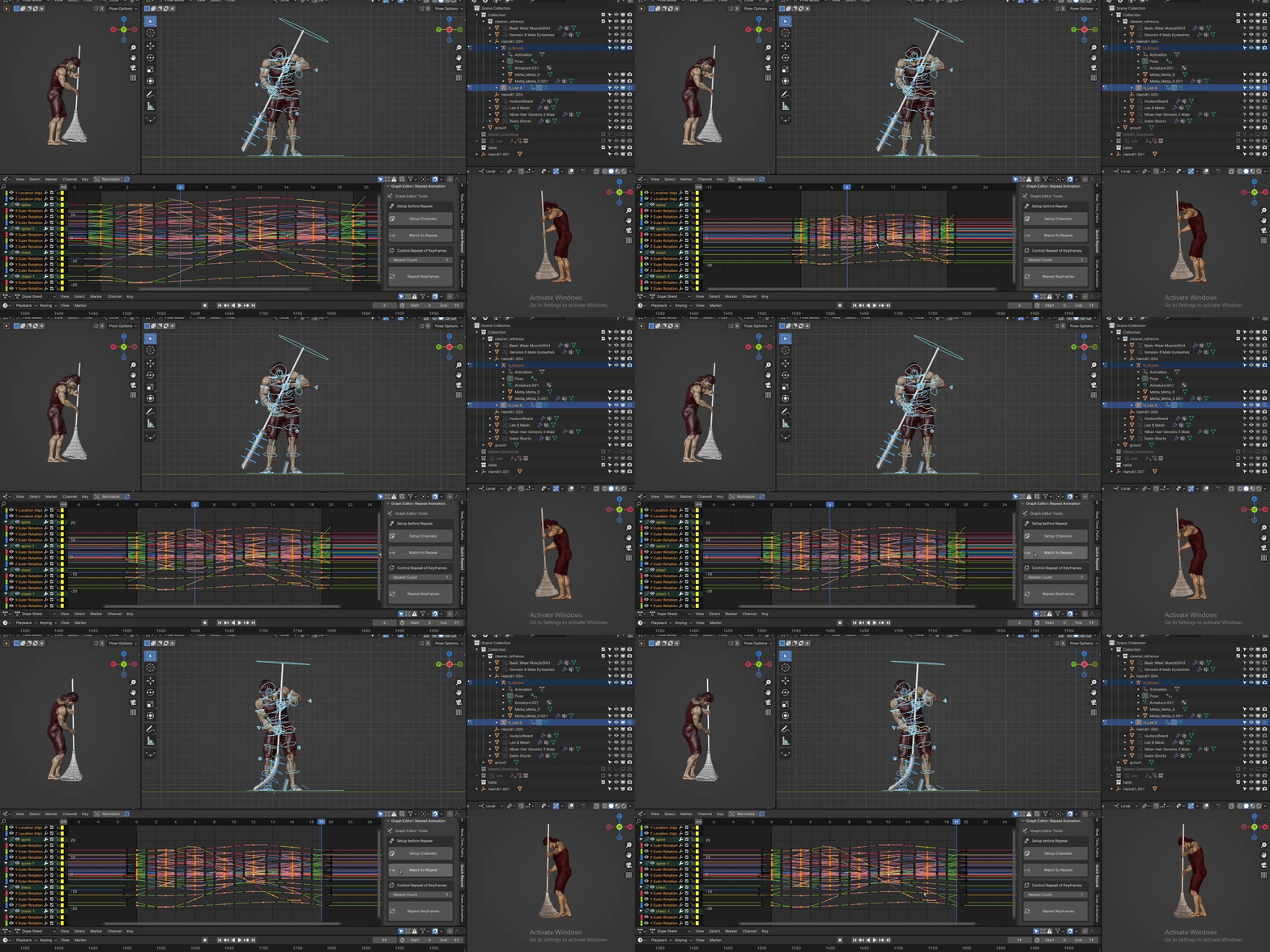
Quick Cycle is a Blender add-on from Animation Store. The Superhive listing describes cycle animation with a chosen repeat count, plus copying a pose from all left bones to the right bones with one click.
Repeat keyframes for cycle animation
You can repeat an animation a chosen number of times, saving some manual steps when making a cycle. The listing does not explain how it identifies cycle boundaries or handles interpolation and existing keys. Consult the product documentation and demo if those details matter to a shot before applying the add-on to production animation.
Copy poses across left and right bones
Quick Cycle also copies a pose from all left bones and applies it to right bones with one click. It may provide a starting point when a rig has corresponding bones on both sides. The listing describes copying, but does not say whether the operation mirrors transforms or how it matches bones. Test it on your rig before relying on it for asymmetric poses.
Compatibility and access
The Superhive listing names Blender 4.0, 4.1, 4.2 and 4.3, and lists the add-on under the GPL license. Check the current listing for support beyond those Blender versions. Its description also says Quick Cycle is available as a feature of the Clean Graph add-on. The supplied marketplace details do not state a standalone price, so confirm current access terms on the seller page.
How cycle repetition and pose copying differ
The listing describes cycle repetition and pose copying as separate functions; it does not say that copying a pose also creates or repeats a cycle.