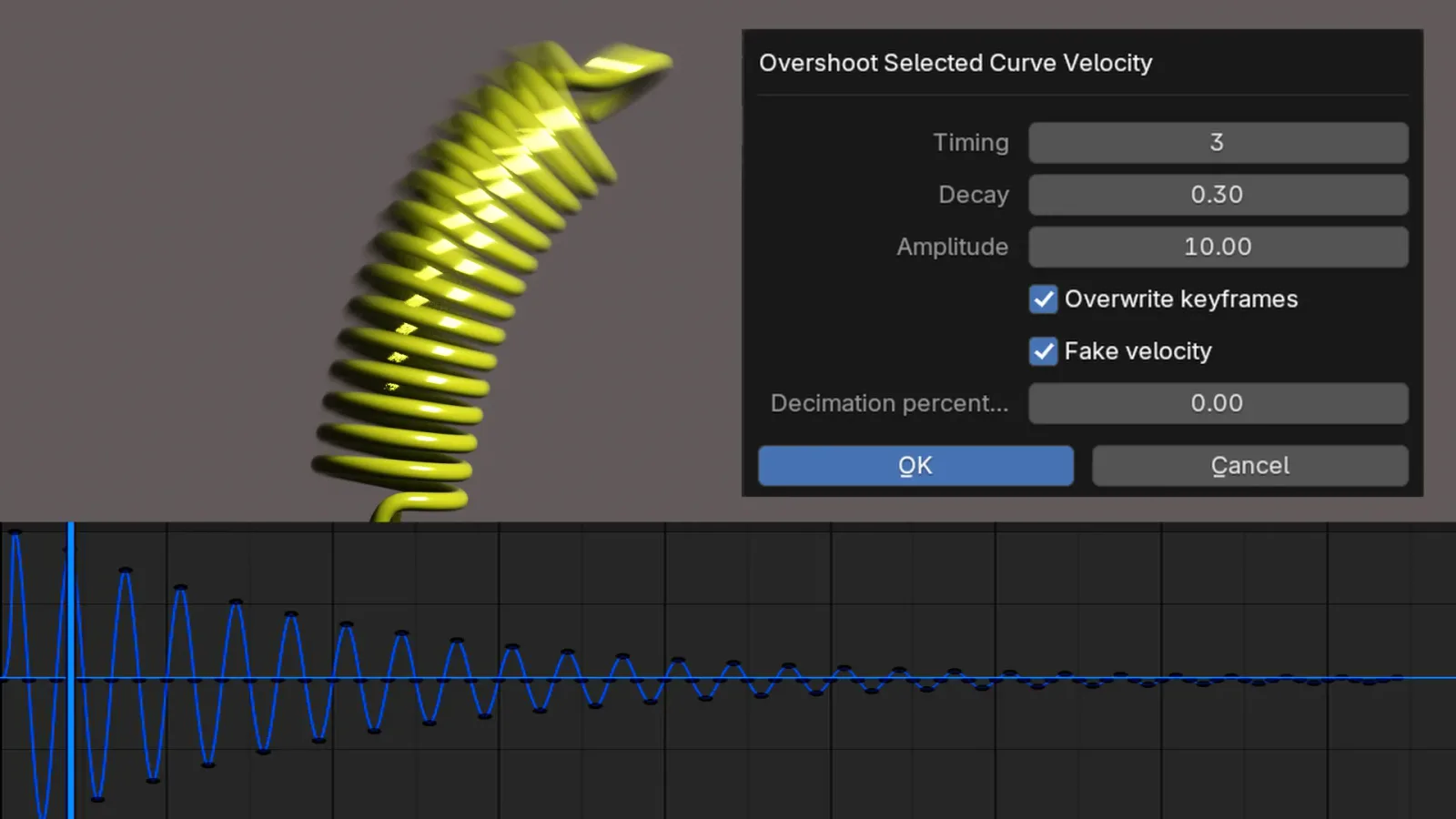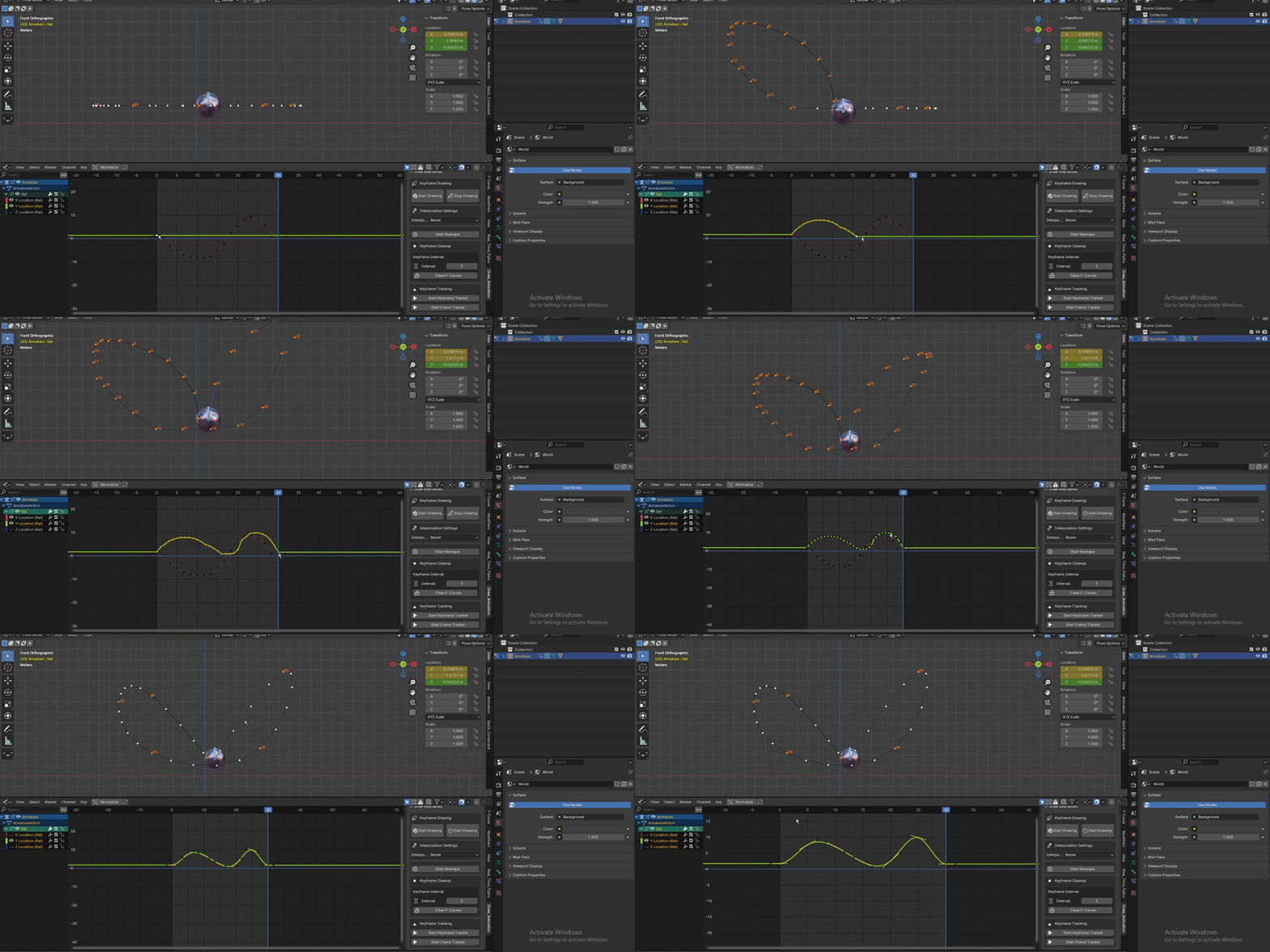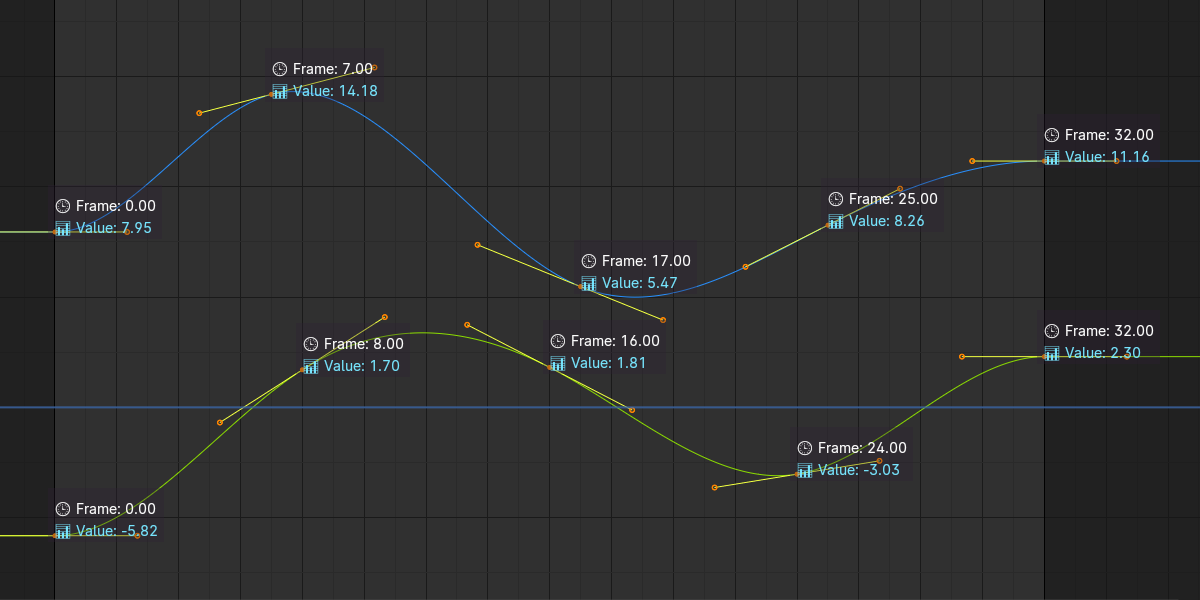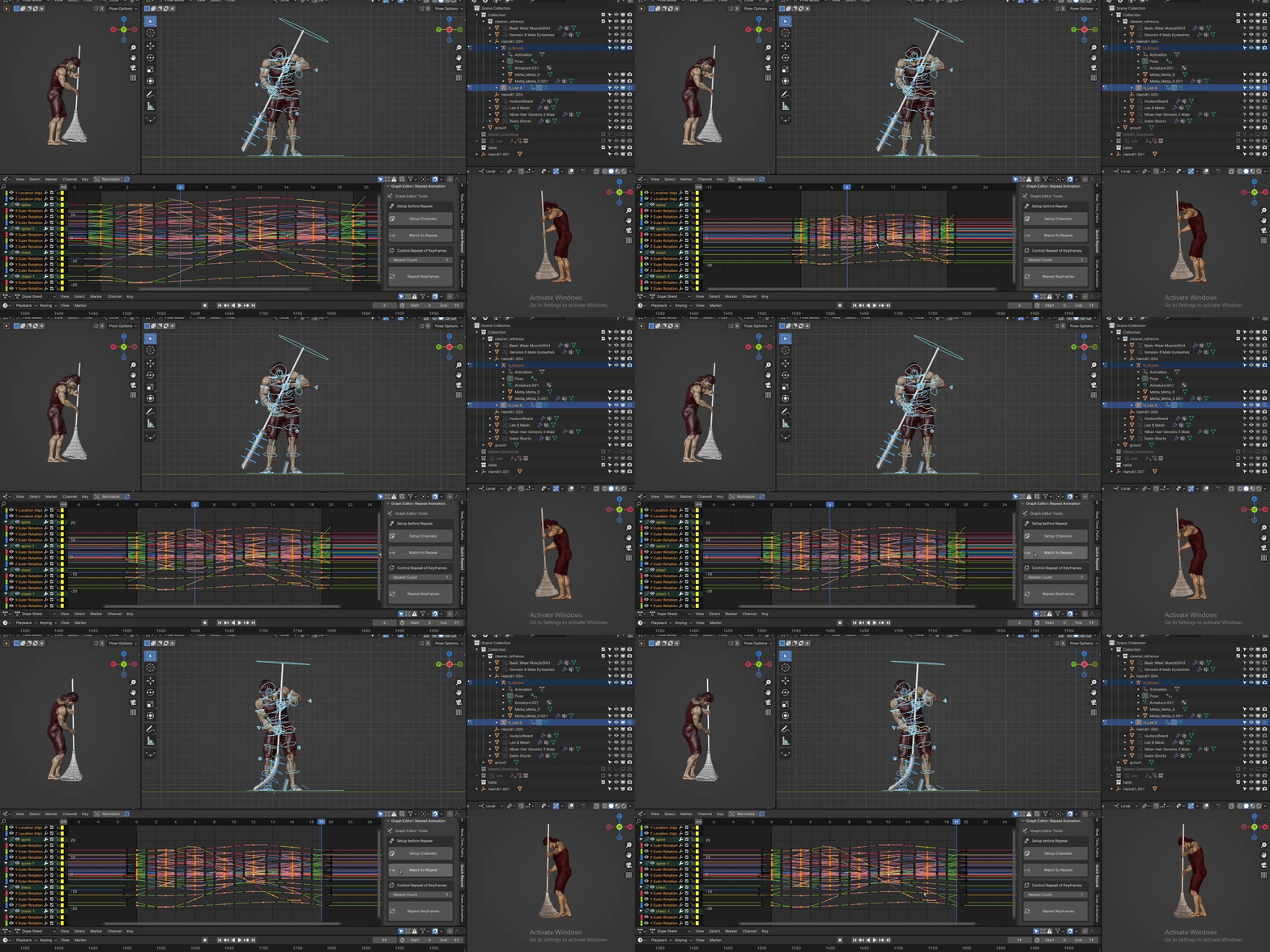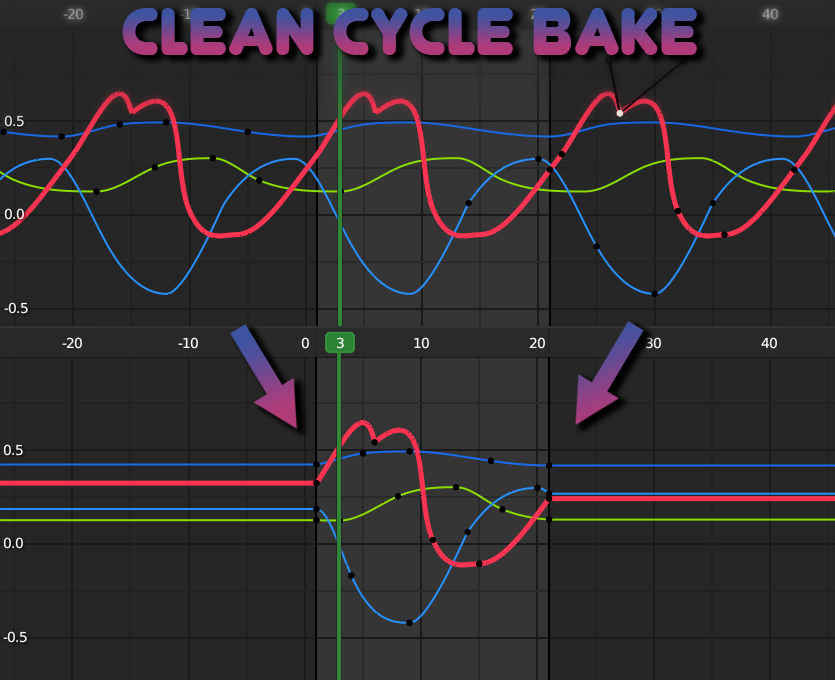
Momentum is a Blender add-on by Isaac-Burke for adding configurable follow-through to animation keyframes. It applies an overshoot to selected keyframes in the Graph Editor. The effect works on keyframes rather than as a viewport simulation, so it does not require a bake.
Apply an overshoot to selected keyframes
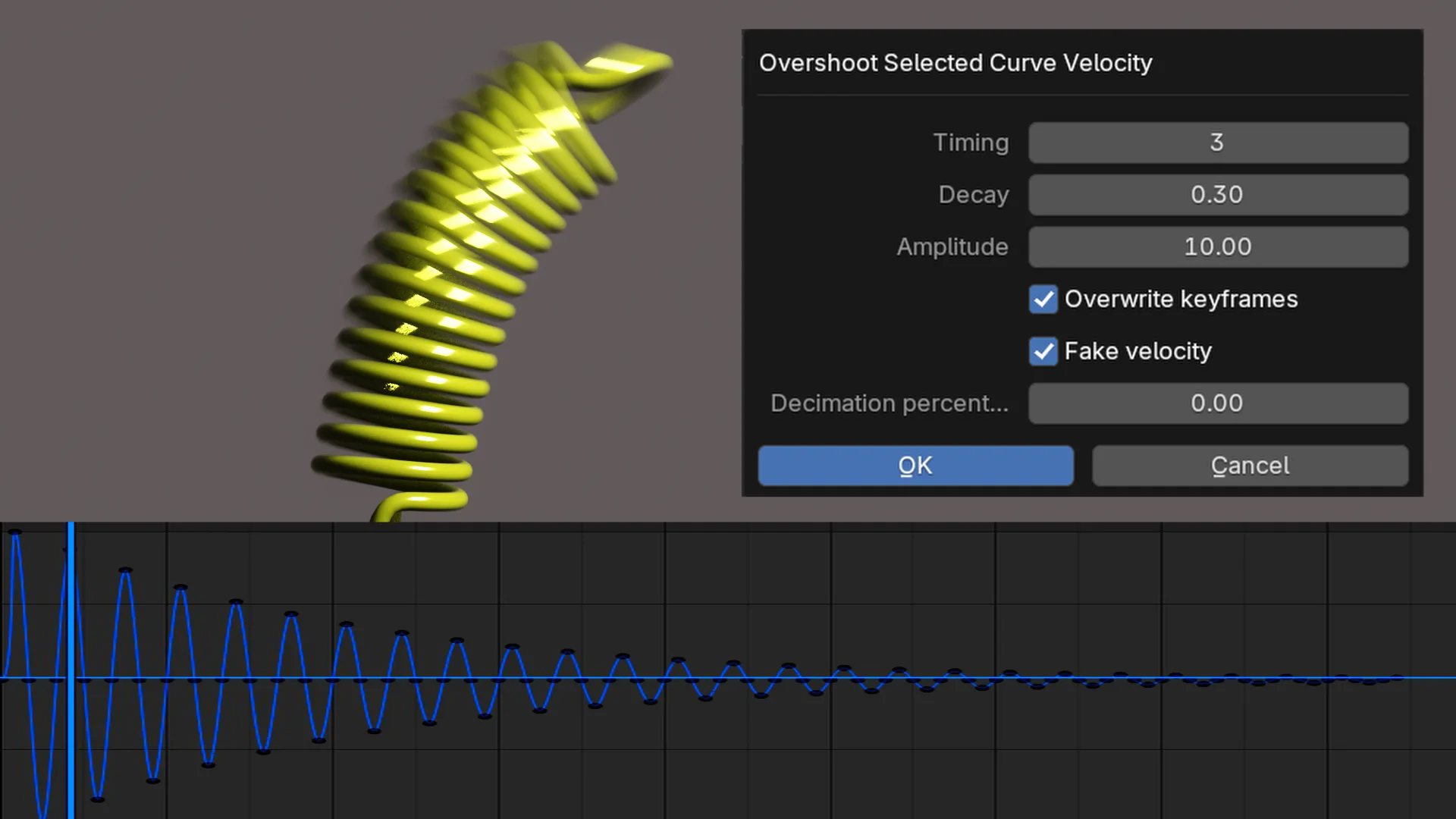
In the Graph Editor, select one keyframe per F-curve. Open the Momentum submenu and choose “overshoot selected keyframe.” Momentum attempts to calculate the velocity before the selected keyframe automatically. If you prefer not to use that calculation, choose “fake velocity.”
The add-on provides timing, decay, and amplitude settings for shaping the result. These controls can produce a springy or bouncy follow-through, or a short jolt. The effect can be used for positional or rotational overshoots.
How Momentum fits an animation workflow
Momentum is suited to animators who want to add follow-through while working with curves and keyframes. Its keyframe-based approach means the effect is not a live viewport simulation. If you need a simulation-based result, this add-on’s documented workflow may not fit that task.
Version 1.0.1 removed manual keyframe deletion and automatic decimation. The release notes say decimation was removed because it sometimes produced undesirable results.
Version, compatibility, and license
The Blender Extensions listing identifies version 1.0.1, published February 26, 2026, with Blender 5.0 as the minimum supported version. It lists the license as GNU GPL v3.0 or later and says the add-on does not require special permissions. Check the Blender Extensions listing for the current release details. The developer’s GitHub repository is linked there for source code and issue reporting.