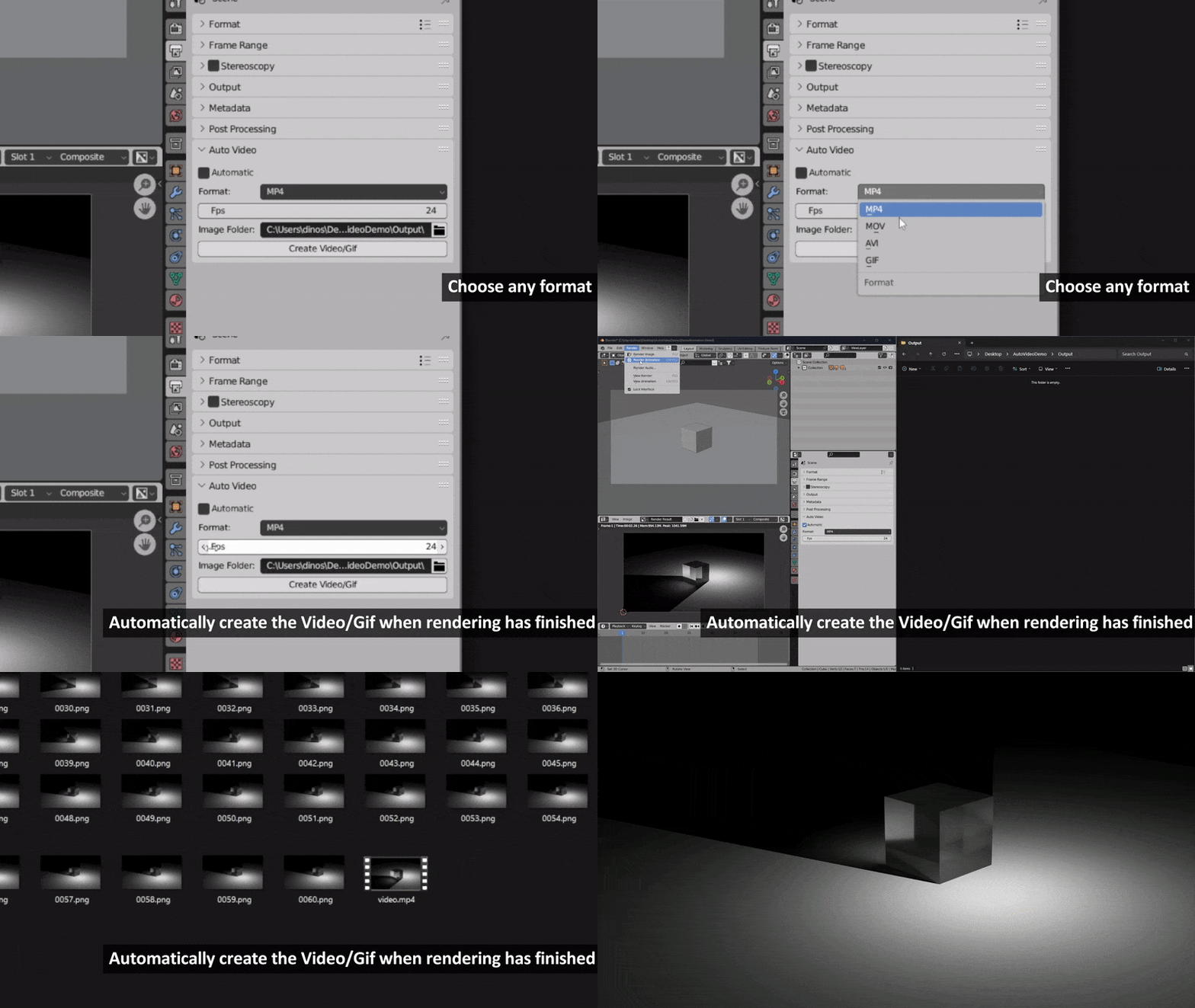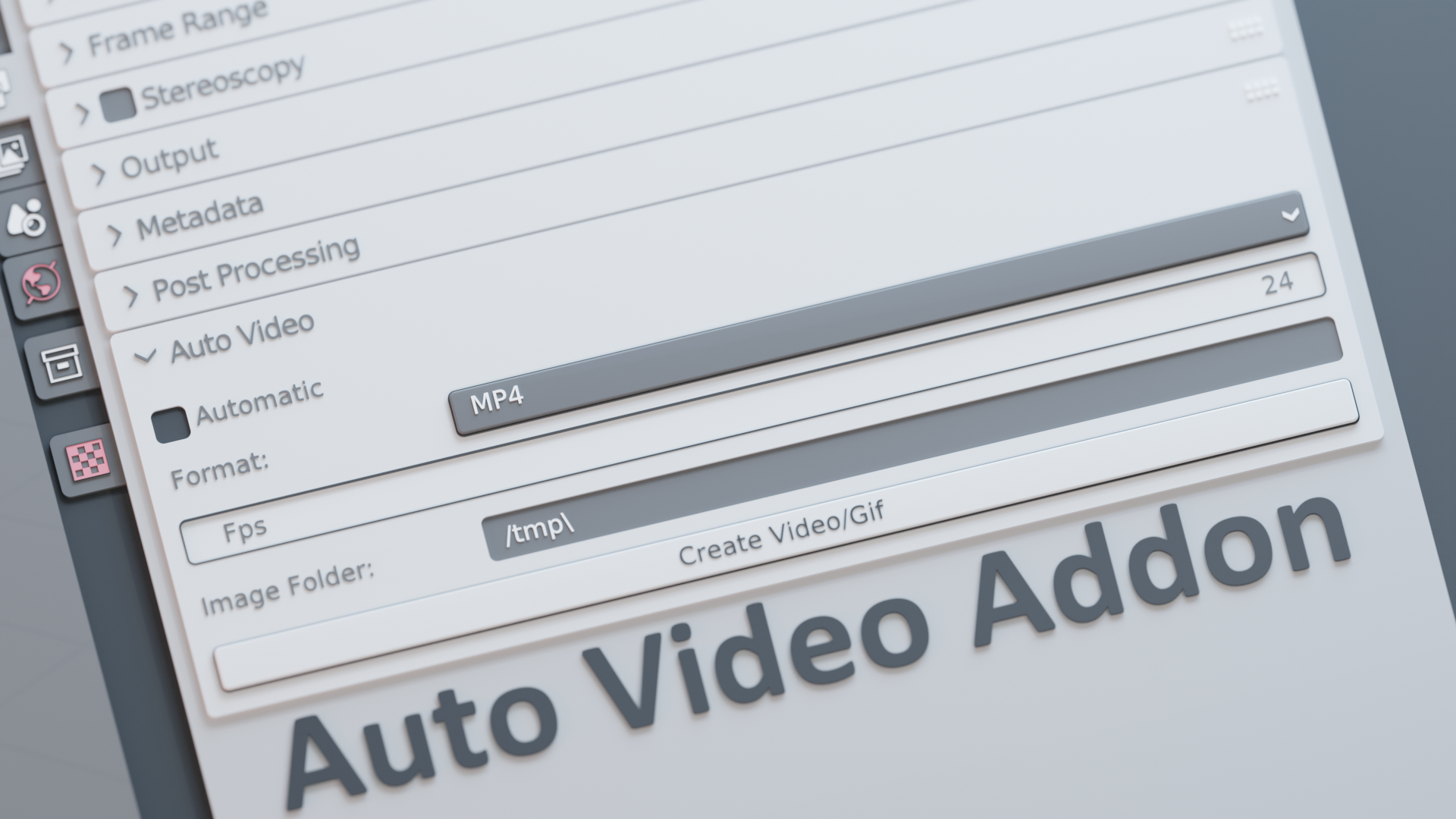
Auto Video Addon by Omega VFX Ltd converts rendered image sequences into video files or GIFs for Blender projects. It lets you keep rendered frames as an image sequence, then turn them into a playable output for review or sharing.
Convert image sequences with control over output
Choose manual mode when you want to fine-tune the conversion, or automatic mode for a hands-free pass. The listed output formats are MP4, MOV, AVI, and GIF. You can adjust the frame rate, and GIF output includes controls for quality and the number of skipped frames.
These controls are useful when preparing the same rendered frames for different purposes. For example, a video file can be used for animation review, while a GIF can be shared as a short loop. The source describes format and frame-rate settings, but does not specify codec or resolution options.
Compatibility and setup notes
The product listing names Blender 3.6, 4.0, and 4.1. Its version 0.0.7 release note says support for Blender 4.1 and above was added. The 0.0.7 note adds support for Blender 4.1 and above; check with the developer about versions earlier than 3.6.
The listing also notes that Blender may need to restart after dependency installation before the add-on becomes fully enabled. If it does not activate when installation finishes, try restarting Blender.
For current product details and the original release notes, see the Auto Video Addon listing on Superhive.