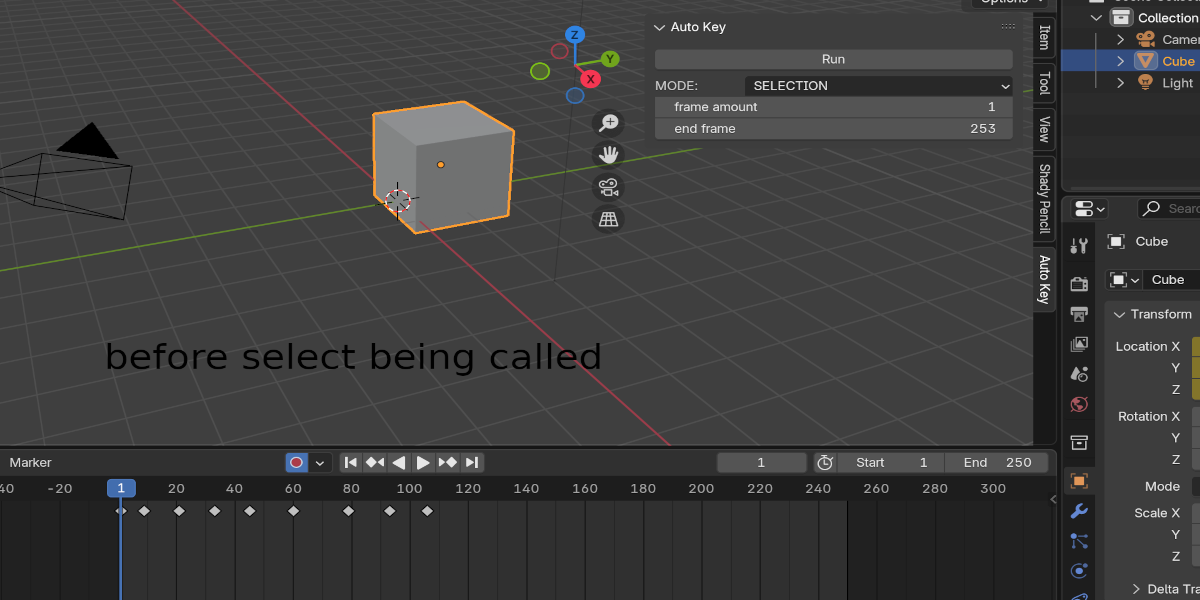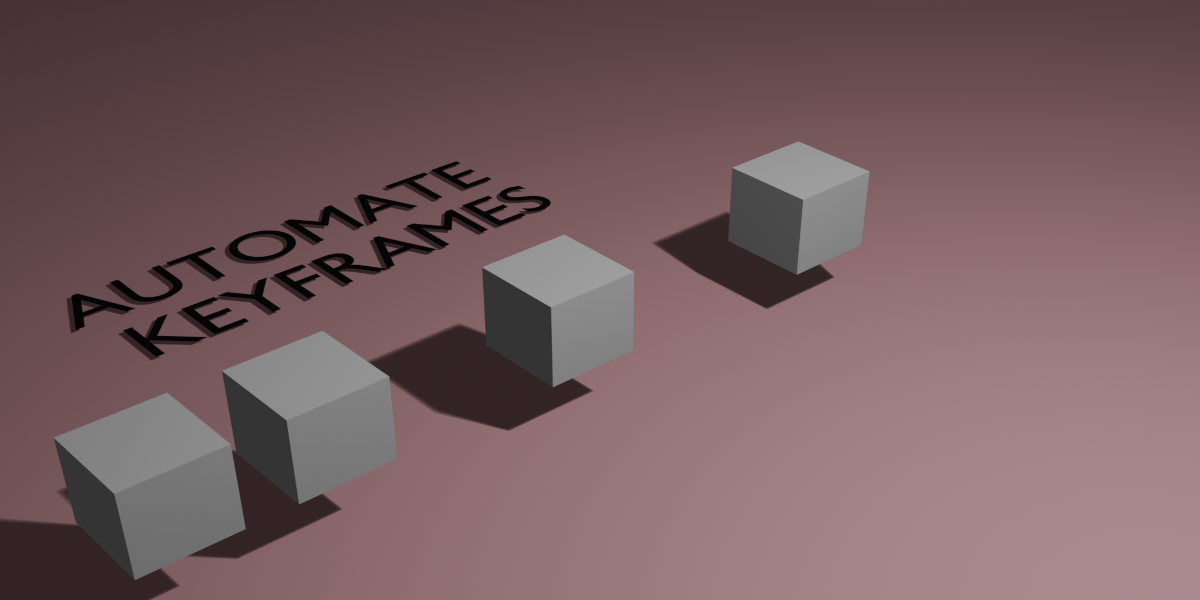
Autokeyframe is a Blender keyframe utility from AHK. It has modes for selecting, moving and spacing keyframes in the Dope Sheet, with controls for working across a chosen frame range. The product listing records support for Blender 4.0 through 5.0 and a GPL license.
Select keys in a pattern
Select mode can pick alternating or more widely spaced keyframes, such as every third key. Set a stop frame to limit how far the selection runs. Autokeyframe leaves previously selected keys selected, so you can run it again to build a pattern, such as groups of two keys with four-key gaps between them.
Move selected keyframes
Move mode shifts selected keyframes by a chosen amount. The creator warns that overlapping frames can cancel each other out and cause data loss. Check the selection and inspect the affected frames after moving them.
Adjust spacing within a range
Spacing mode changes the distance between keyframes within a range. You can choose a constant gap so the keys are evenly spaced, or limit spacing changes to selected keys up to a chosen frame. Spacing can also create overlaps, so review the result before continuing with other edits.
Install and check the limits
The product documentation says to download the ZIP, open Blender's Edit > Preferences > Add-ons, choose Install from Disk from the menu at the upper right, and select the ZIP. Search for Autokeyframe and enable it if it is not already enabled.
The product page mentions automated interpolation. The documentation says the included easing mode is not implemented and should do nothing in the current version, so treat that feature as unavailable. Check the listing before installing if you use a Blender version outside the documented 4.0 through 5.0 range.