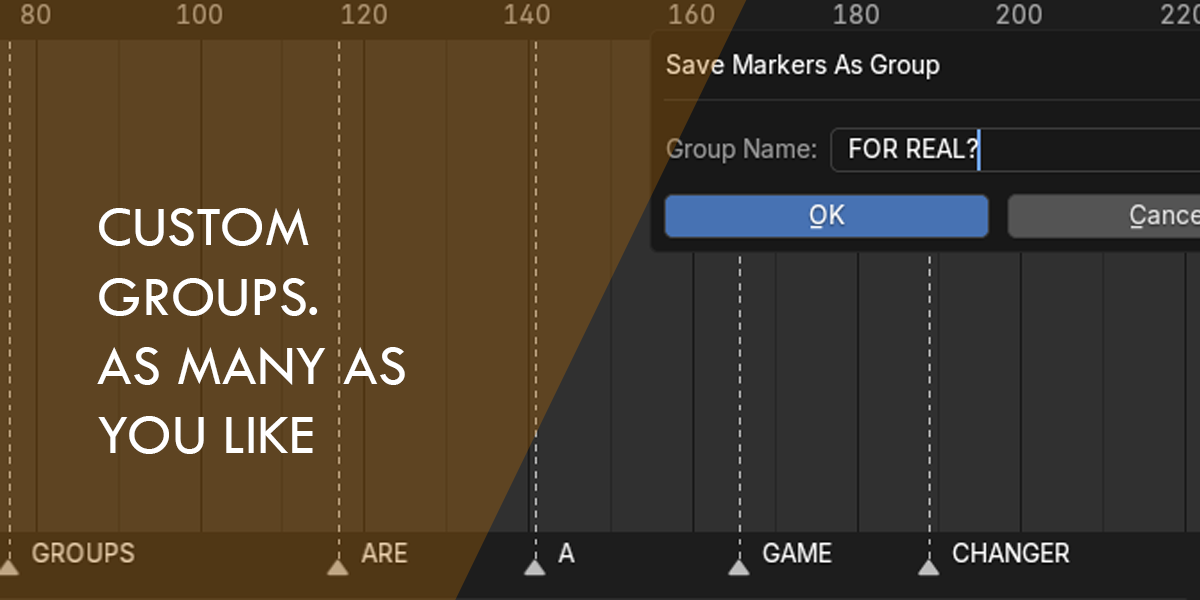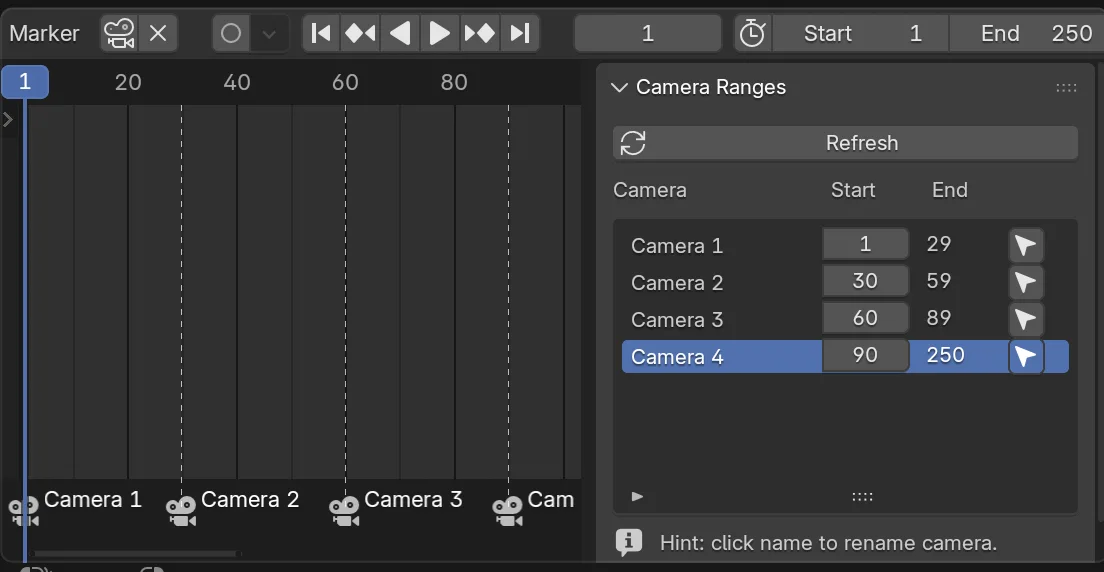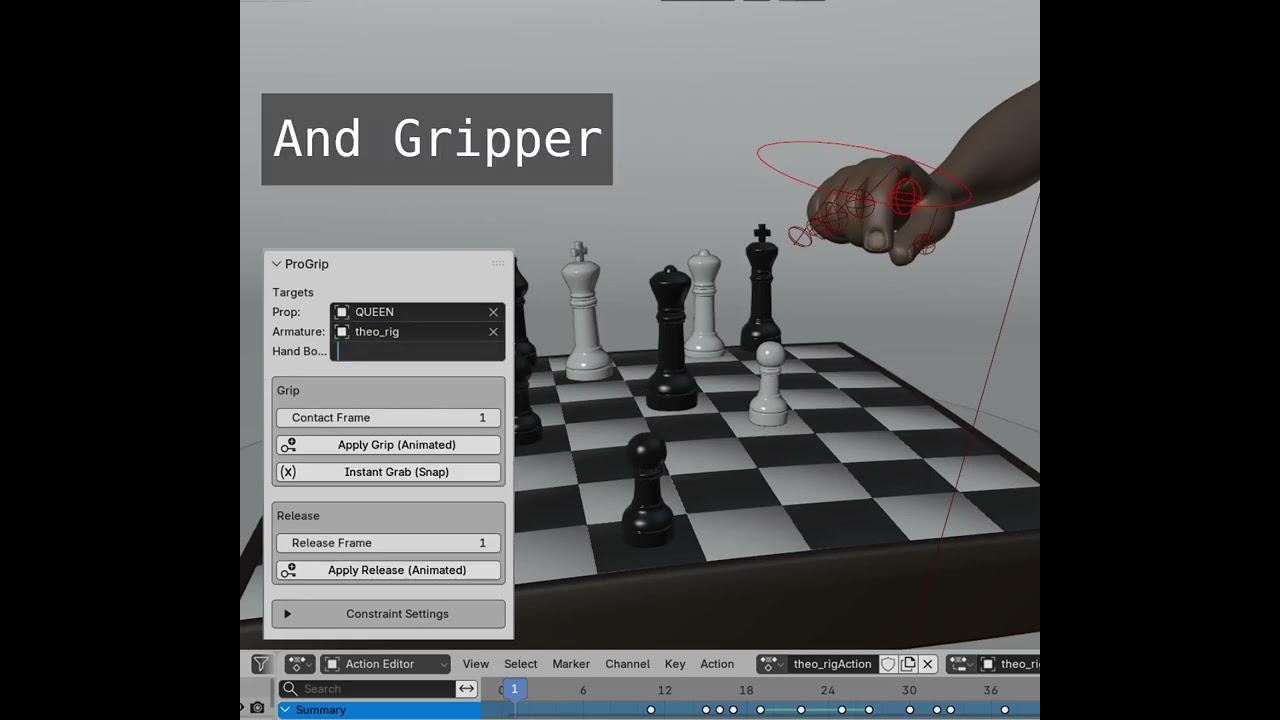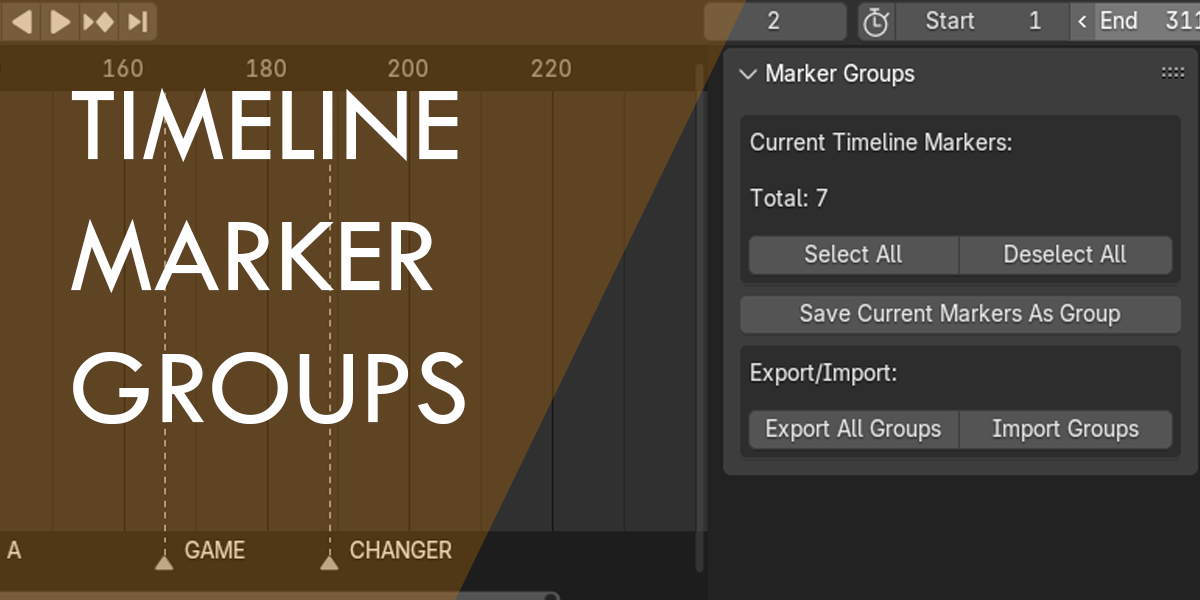
Marker Jam, previously called Timeline Marker Groups, is a Blender add-on for saving selected timeline markers as named groups and restoring them later. Animators and previs artists can use groups to keep scene markers organized, reuse marker sets, or temporarily hide a set while working. Find the Marker Groups panel in the Timeline or Dope Sheet Editor sidebar.
Save, restore, and hide marker groups
Save selected markers as a named group, then load that group to restore its original frame positions and camera assignments. The visibility control hides or shows a whole group without deleting its markers. Batch controls let you select or deselect all markers.
Import and export JSON groups
Marker Jam imports and exports group configurations as JSON files, which you can use to share marker setups between projects or keep a backup. Version 1.3 added Video Sequencer support and a button to delete all markers.
Compatibility and installation
The Superhive listing names Blender versions 2.81, 2.82, 2.83, 2.9, 2.91, 2.92, 2.93, 3.0 through 3.6, and 4.0 through 4.4. Check the Superhive product listing for compatibility details if you use a newer release. The listing identifies the license as GPL.
To install, download the ZIP file, open Edit > Preferences > Add-ons in Blender, choose Install, select the ZIP, and enable the add-on.