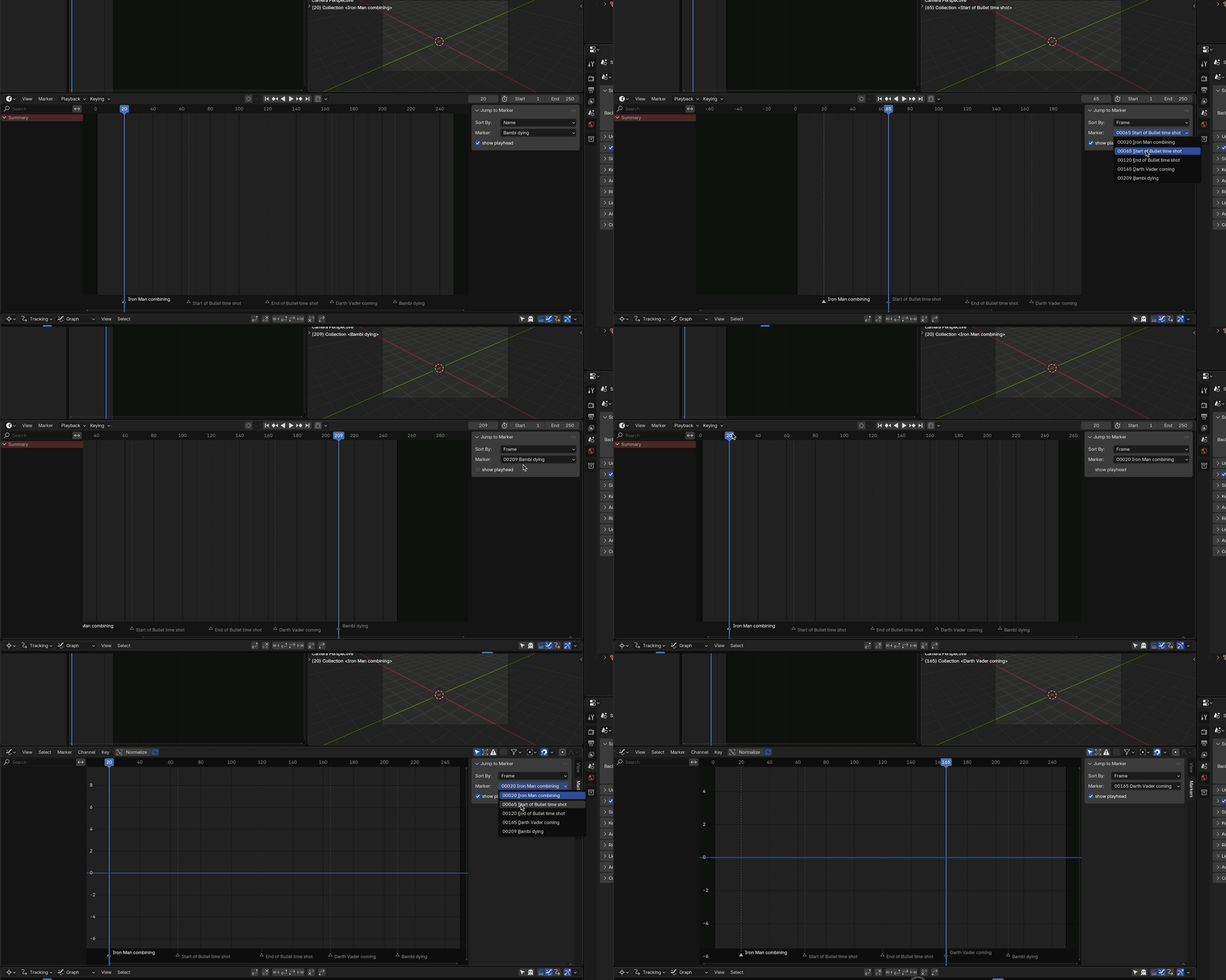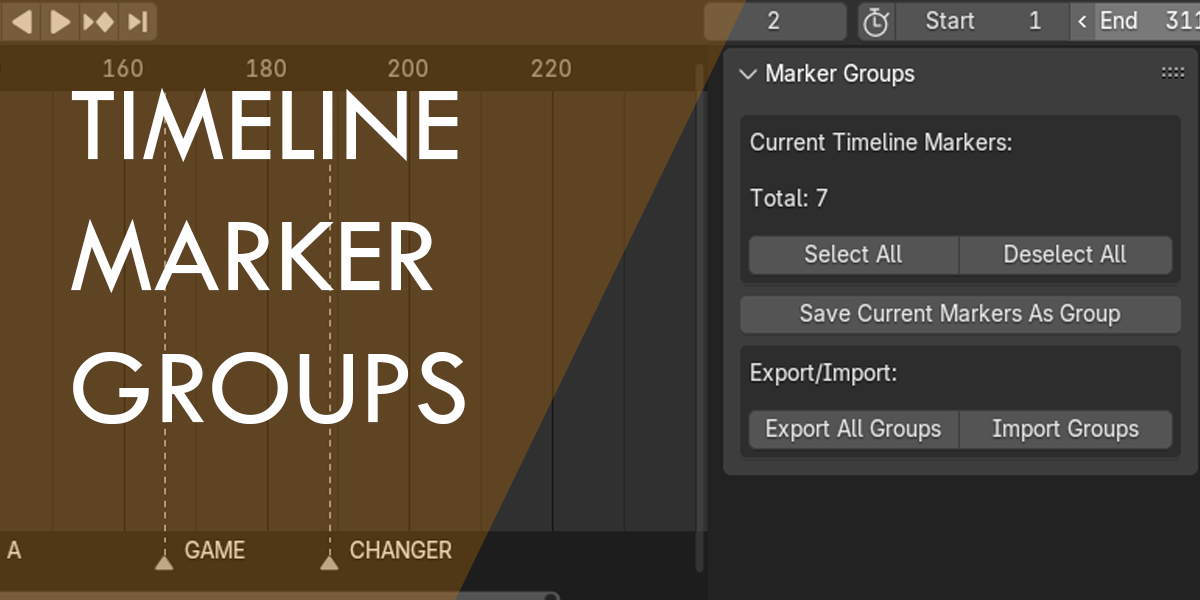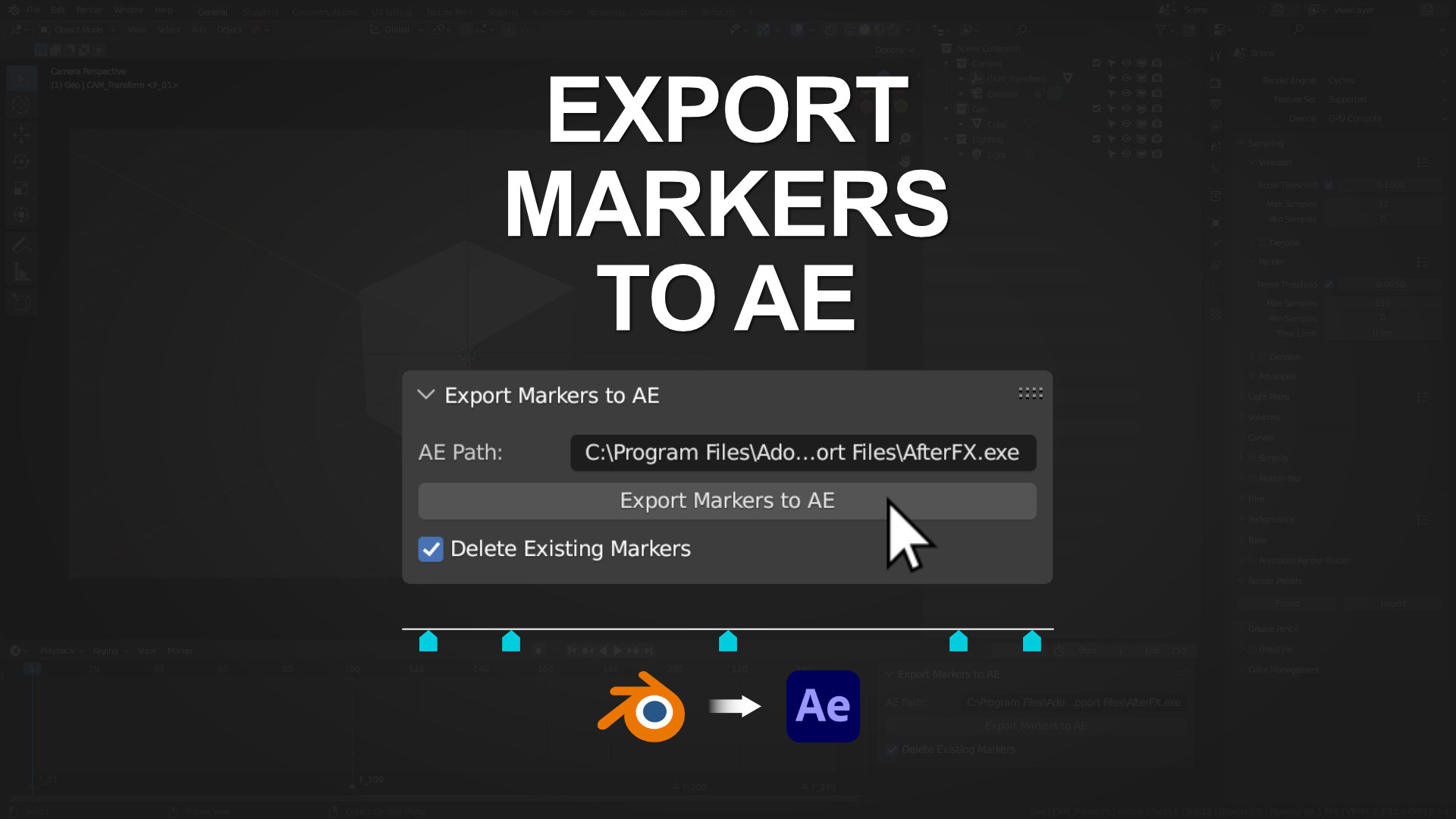
Blender Markers To Ae transfers Blender timeline markers and their comments into an After Effects project as composition markers. It can also export the names of cameras bound to markers automatically. This suits a workflow where timing notes are set in Blender and need to be available in After Effects.
What it exports
- Blender timeline markers and their comments
- Names of cameras bound to markers, included automatically
- Markers formatted as After Effects composition markers
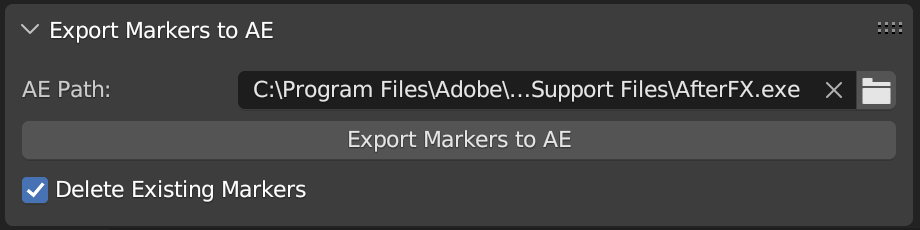
- An option to delete existing markers
Setup and export
Install the add-on ZIP through Blender's preferences. Before exporting, set the After Effects path variable for your operating system. The product listing gives typical locations as the Support Files folder under Adobe After Effects in Program Files on Windows, or the Adobe After Effects application folder under Applications on macOS. After setup, the listing describes exporting as a single step.
The listing also links to product documentation and a video demo.
Blender versions and license
The product page lists Blender 2.8, 2.81, 2.82, 2.83, 2.9, 2.91, 2.92, 2.93, 3.0, 3.1, 3.2, 3.3, 3.4, 3.5, 3.6, 4.0, 4.1, and 4.2. It does not state an After Effects version range. The add-on is released under the GPL license.
Version 1.0.2 fixed a missing script directory error introduced by changes to Blender 3.6's API.