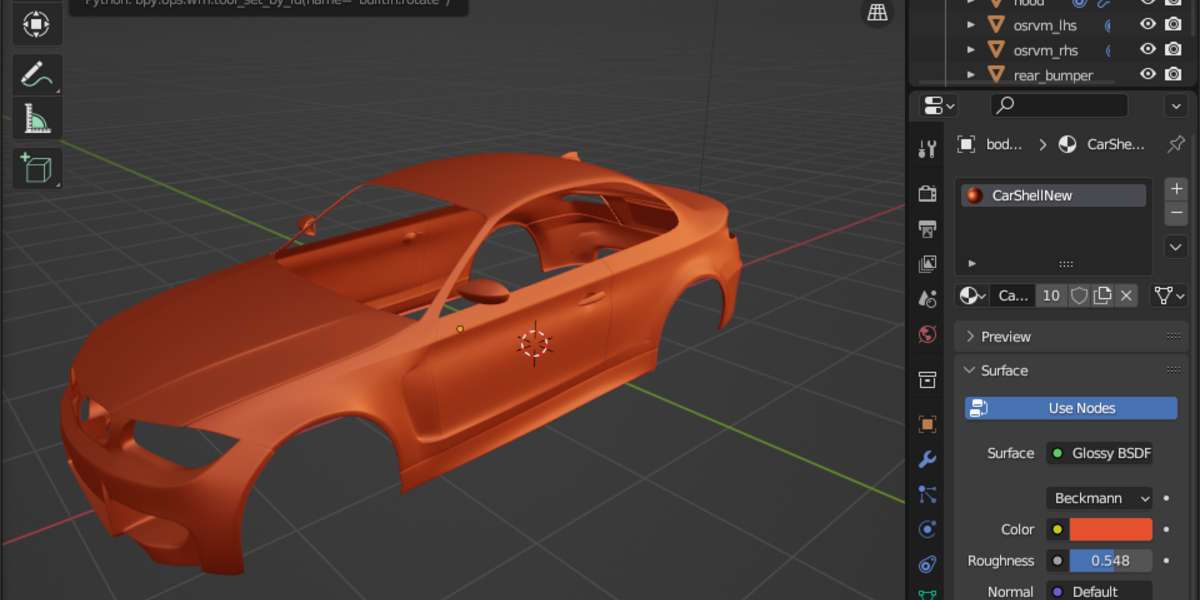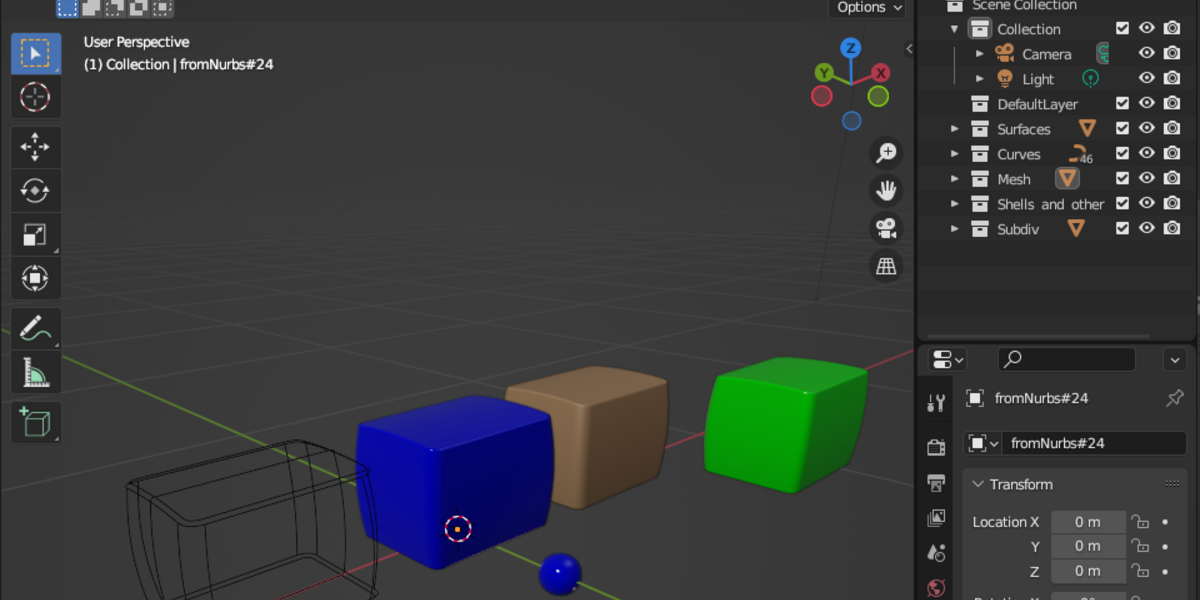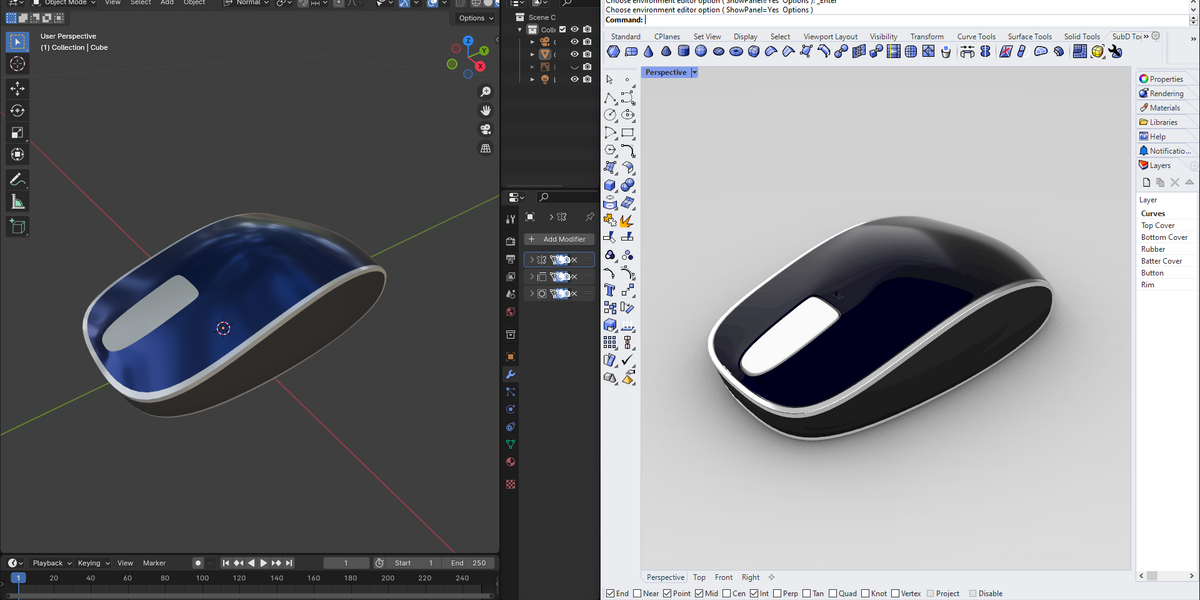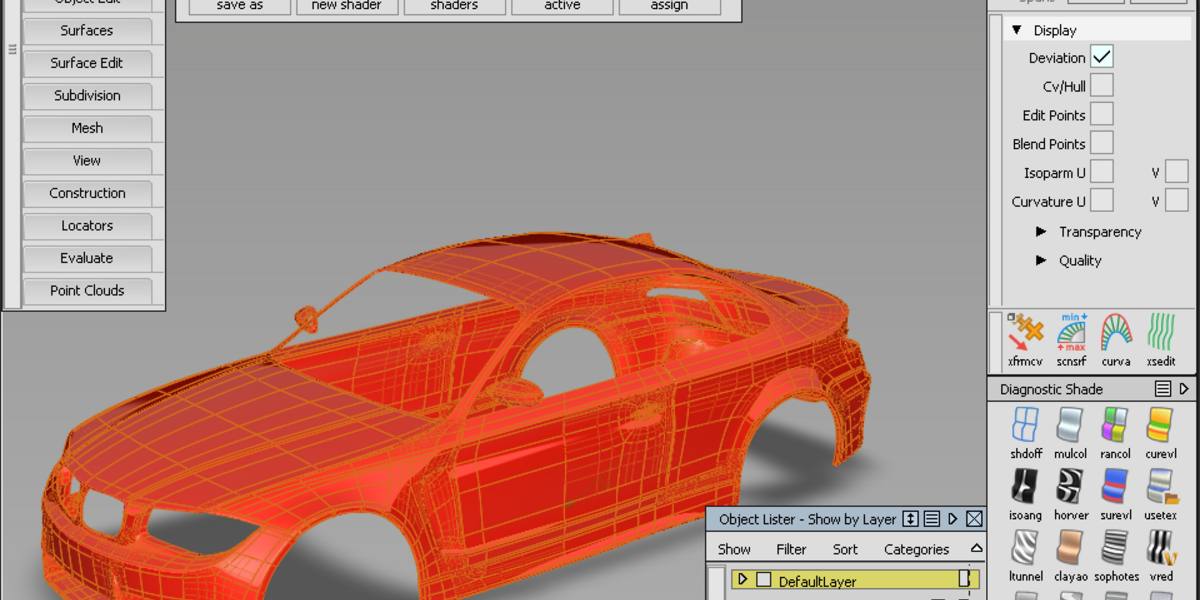
Export Alias is a Blender add-on from Digital Sculptors for transferring 3D data into Autodesk Alias. It exports mesh objects as Alias SubD or Mesh objects, materials as shaders, and collections as layers. The exported geometry type depends on whether an object has a SubD modifier.
Export options
Select objects in Blender, then choose File > Export > ExportAlias. Selected Only is on by default. Batch mode saves each object as a separate Alias file and is off by default. You can also set the Up axis, which defaults to Z Up, the Forward axis, which defaults to Y forward, and whether to apply modifiers before export, which is on by default.
Disable Booleans is off by default. It can help export tool objects separately for trimming in Alias, reducing distortion and exported data size. Check the result in Alias when changing export options, especially when modifiers affect the final shape.
Geometry and material limits
Alias does not support non-manifold subdivision geometry. Export Alias has a Separate Non-manifold option that splits objects by loose parts. Apply Mirror is intended to be used with that option; it applies the Mirror modifier before splitting. Both options are off by default, and enabling them changes the file content, so save your Blender file first.
A mirrored object can otherwise transfer as non-manifold subdivision geometry. The product documentation also warns that only one SubD modifier should be in the stack, and it should be last. With multiple SubD modifiers, or a SubD modifier earlier in the stack, the exported shape may differ; apply earlier modifiers manually. Partial or soft edge creases and vertex creases are not supported in Alias and may not transfer correctly. Blender material support is limited.
For cleaner names in Alias, avoid spaces and special characters in object, material, and collection names. Export Alias replaces spaces with underscores.
Versions, installation, and licensing
The product requirements state Blender 3.0 or newer and Windows 10 or 11, 64-bit, with the Visual C++ 2019 runtime or later. The marketplace details list Blender 3.6–4.4, so the supplied Blender-version information differs. Check the current release details if compatibility with a particular Blender version matters.
The regular add-on lists support for Alias 2024.1 through 2026.1.1. The product FAQ says Autodesk Alias 2023.1 or later must be installed because the add-on depends on the Alias API, which cannot be redistributed. For Alias 2027.0.1 and newer, use the separate ExportAlias_2027 add-on; that version requires an active internet connection.
To install, use the downloaded ExportAlias_win_x64.zip without unzipping it. In Blender, choose Edit > Preferences > Install and select the ZIP. For Blender 4.2 and newer, the ZIP can be dragged into Blender.
ExportAlias_2027 also requires licensing details in its add-on preferences. The listing specifies product key 966S1 for Alias Autostudio or 736S1 for Alias Surface, version 2027.0.0.F, a license type, and the License file in the Alias installation's bin directory. The listed license type values are USER for User Subscription, N W for Network, SA for Stand Alone, and MSSA for Multi User Stand alone. Incorrect licensing information causes the 2027 add-on to fail; the product listing directs users who are unsure to Autodesk Alias Support. The marketplace details identify the add-on license as GPL.