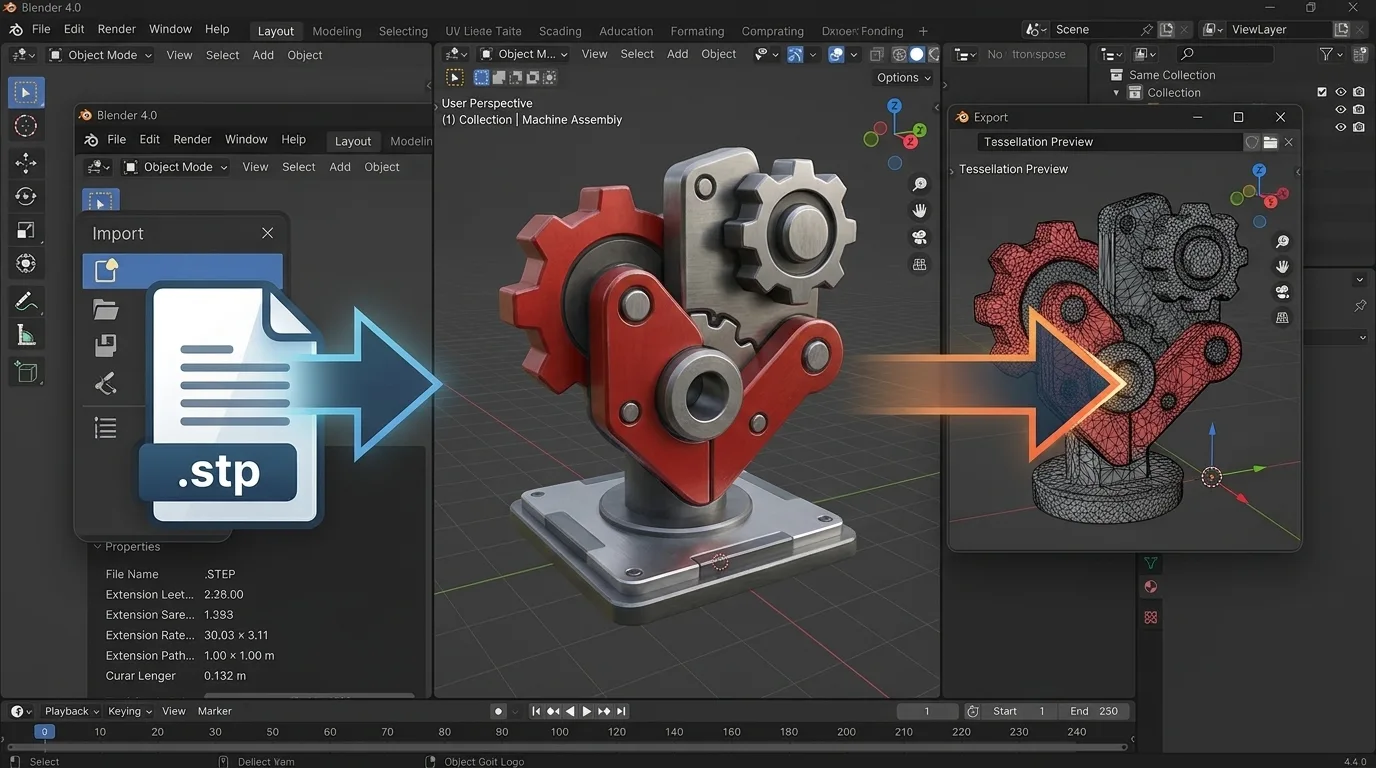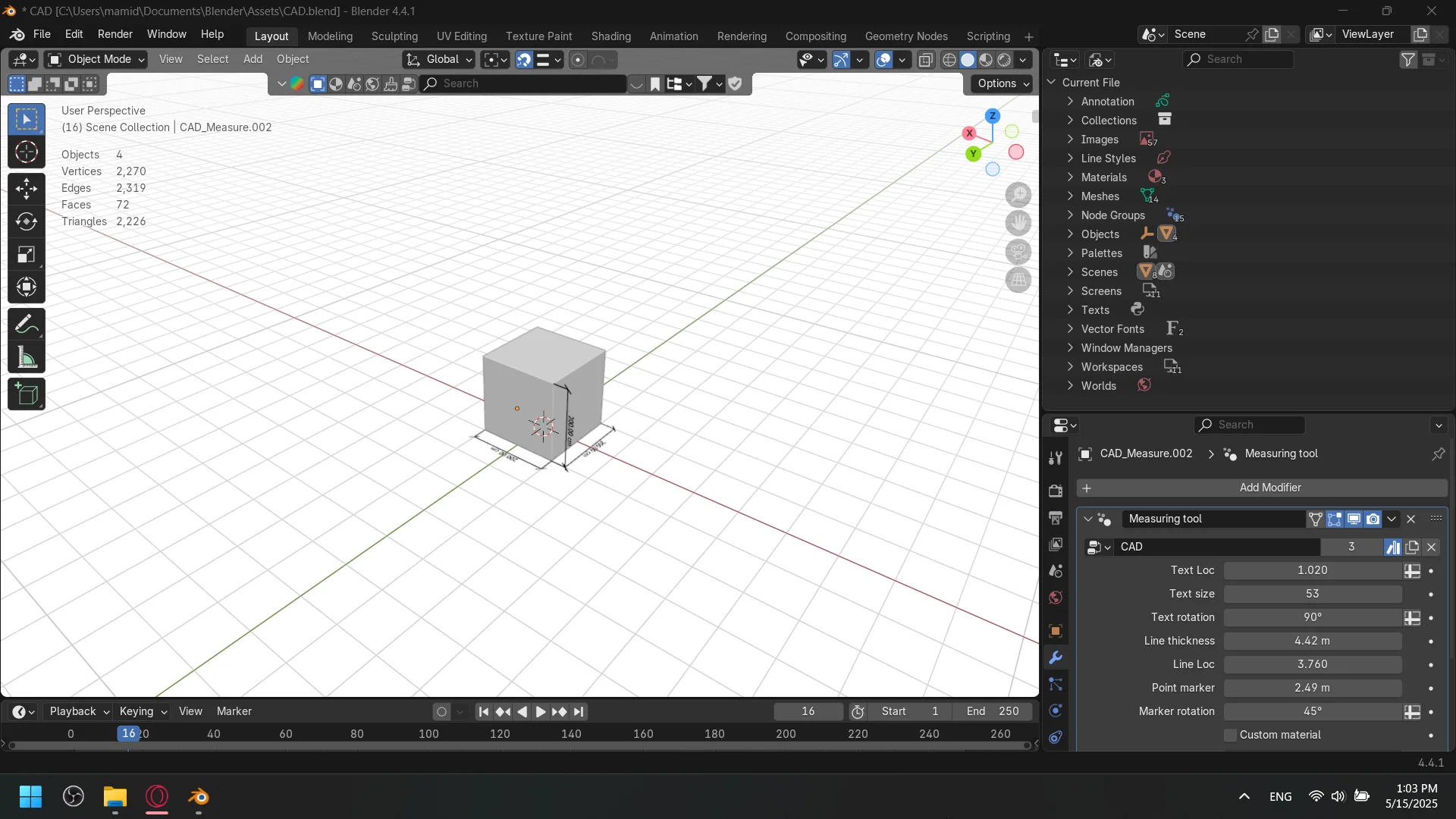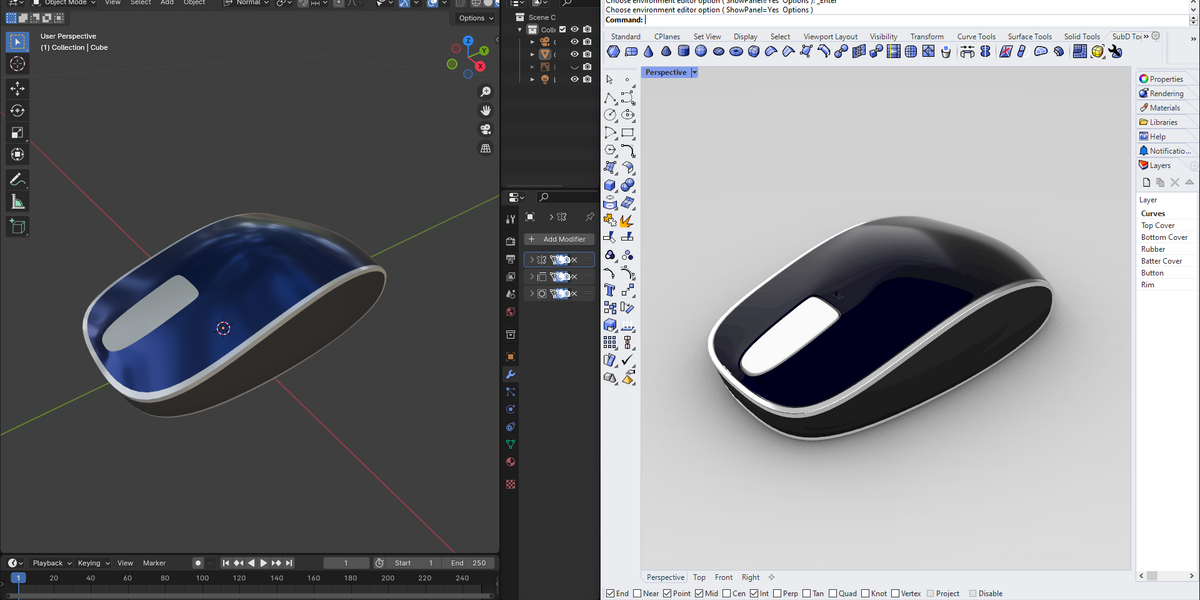
Export 3Dm is a Blender add-on for transferring objects into 3DM files that open in Rhino 3D and other CAD applications that support the format. The marketplace credits Digital Sculptors as the creator and lists version 1.5.0 under the GPL license. The product listing includes its compatibility details.
What transfers from Blender
The add-on exports mesh objects as Rhino Mesh or SubD objects, depending on whether they have a SubD modifier. Materials transfer as materials, and Blender collections become layers in the 3DM file.
Choose export options
- Selected Only exports just the selected objects and is on by default. To export, select the objects in Blender, then choose File > Export > Export3DM.
- Batch mode writes each object to a separate 3DM file and is off by default.
- Up axis defaults to Z Up; Forward axis defaults to Y forward.
- Apply Modifiers applies modifiers before export and is on by default.
- Disable Booleans is off by default. It lets you export Boolean tool objects separately for trimming in the CAD package. The product description says this can reduce distortion and file size.
- Choose 3DM version 6, 7 or 8; version 8 is the default.
Installation and compatibility
The marketplace lists Blender versions 2.83, 2.9, 2.91, 2.92 and 2.93, 3.0 through 3.6, and 4.0 through 4.3. It also marks Export 3Dm as Blender Extension compatible. Keep the downloaded add-on as a ZIP file. In Blender 4.2 and newer, drag the ZIP into Blender. In Blender 4.1 and older, use Edit > Preferences > Install and select the ZIP.
The listed system requirements are Windows 10 64-bit with VC++ runtime 2019 or later, macOS 11 or later, or 64-bit Linux. The Linux build requires libstdc++.so.6, libm.so.6, libgcc_s.so.1 and libc.so.6.
Limits to check before exporting
For SubD output, use one SubD modifier and place it last in the stack. Multiple SubD modifiers, or a SubD modifier earlier in the stack, can produce a shape that does not match. The product description recommends applying earlier subdivision modifiers manually and leaving the final SubD modifier in the stack for export.
Blender material support and semi-sharp edge creases are limited; vertex crease is unsupported. The product FAQ also notes that some Blender shaders do not translate correctly to Rhino. Switching to a PBR material in Rhino gives a closer appearance, while per-face shading is unsupported.