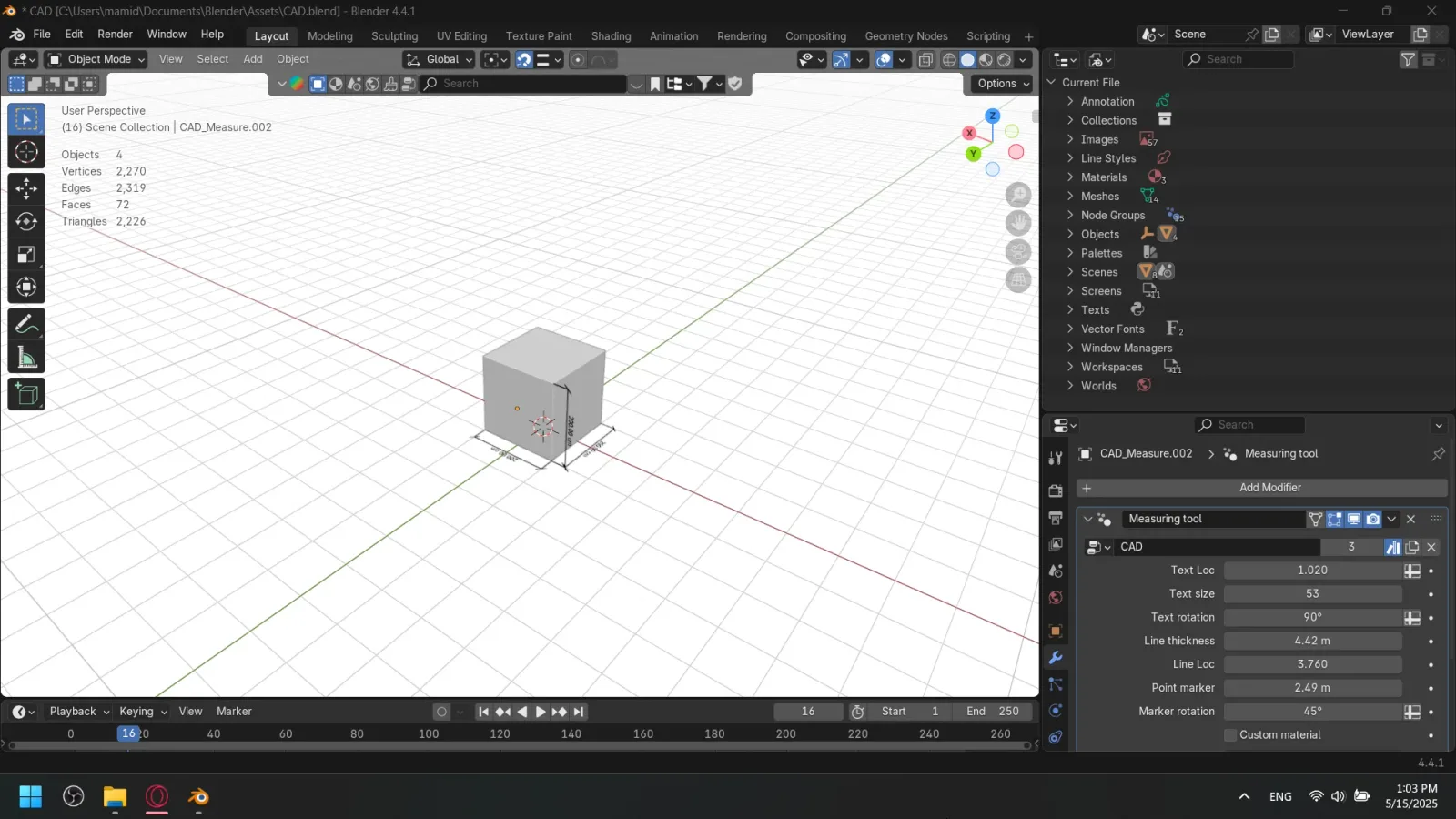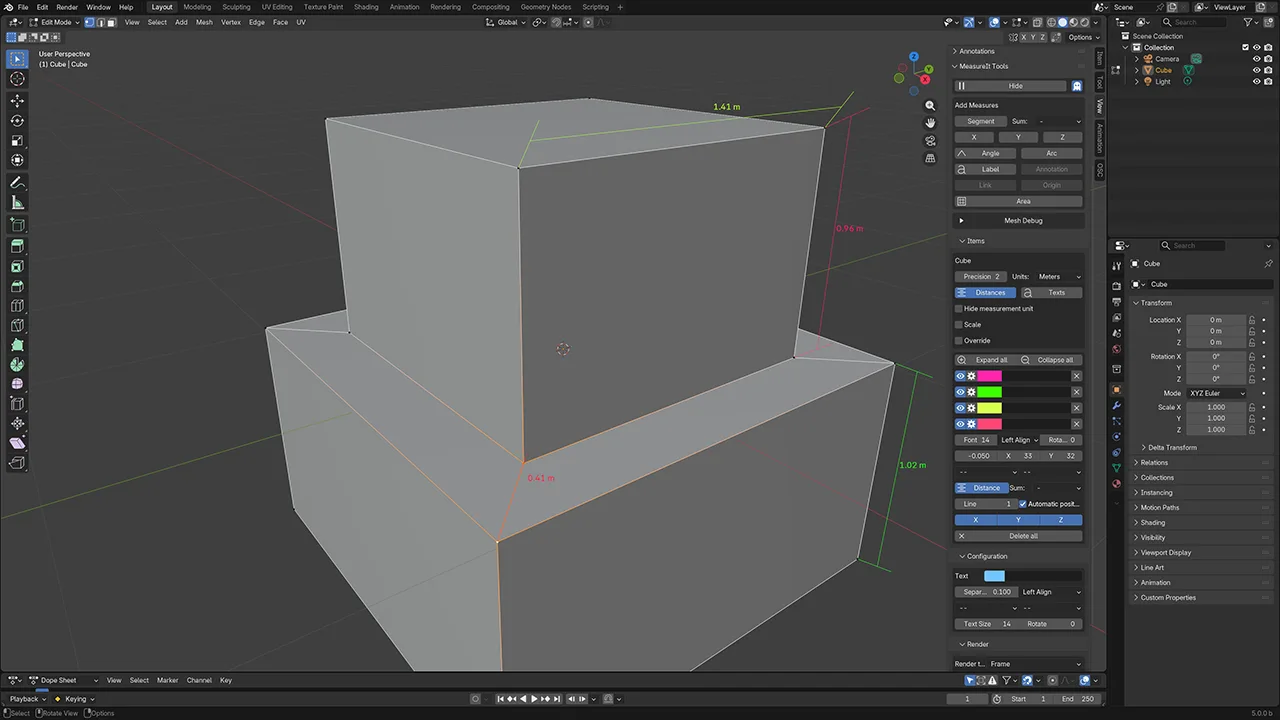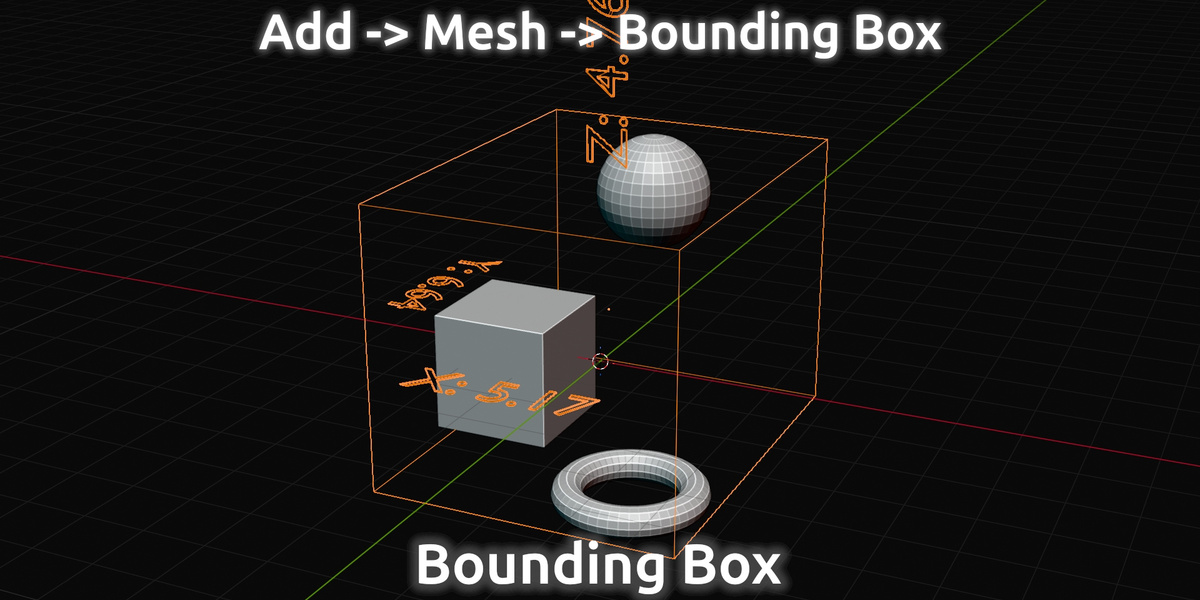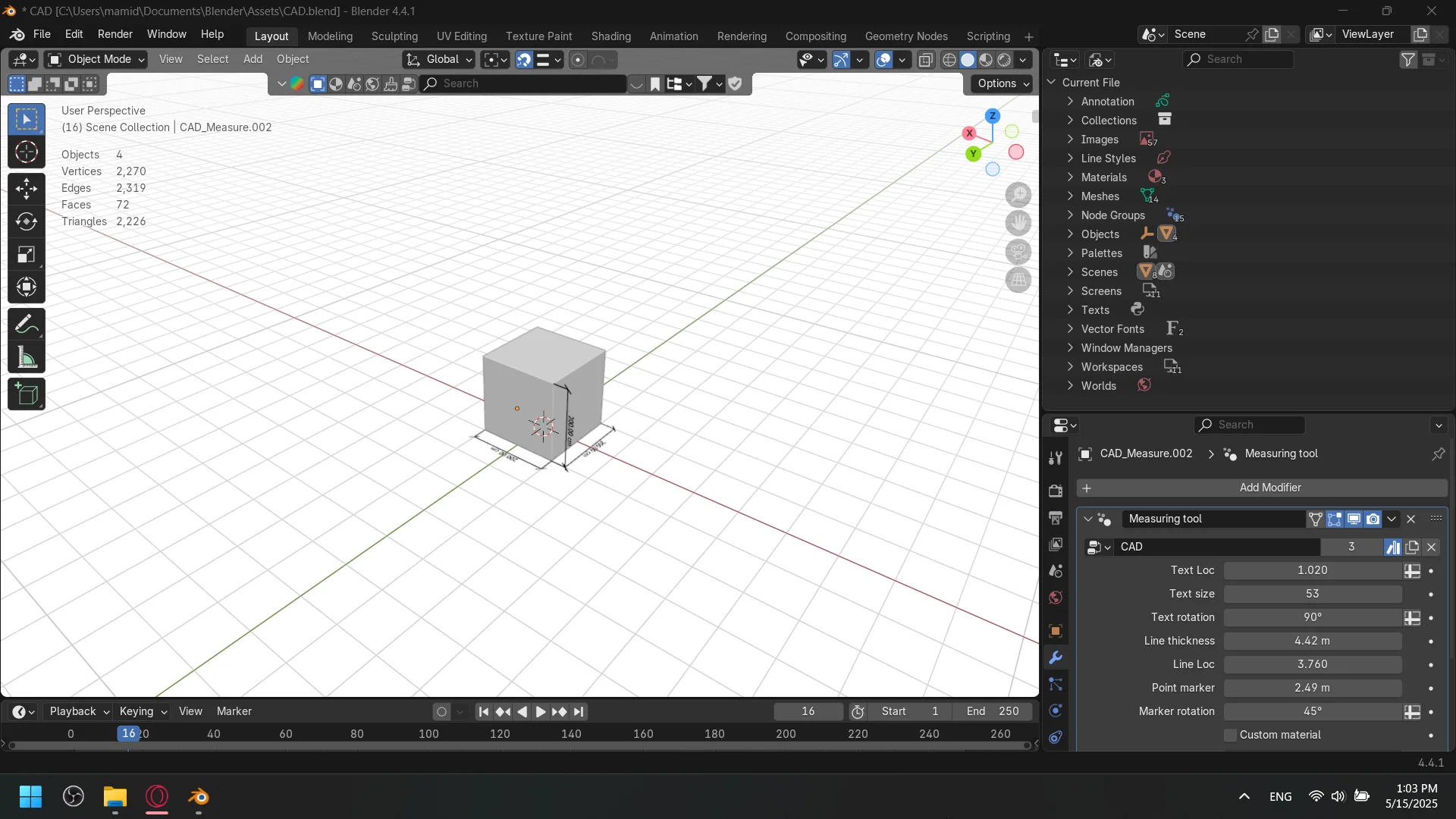
Cad_Dimensions adds a CAD-like measuring workflow to Blender. Its X, Y and Z controls create measuring tools aligned to each axis, and you can adjust dimension text location, size and orientation. The extension also includes Cadify, which changes the viewport appearance to mimic ArchiCAD.
Measure along the model axes
Choose the X, Y or Z control aligned with the direction you want to measure, then adjust the dimension text so it is legible in the viewport. The dimensions stay with the model for review or presentation.
Move a label when it overlaps geometry, resize it for legibility, or change its orientation for a particular view. The available feature description does not specify tolerance handling or precision settings, so check the developer's release details if those matter to your work.
Cadify changes the viewport look
Cadify changes the viewport appearance to mimic ArchiCAD; the X, Y and Z controls create the measuring tools.
Version 2.0.0 improved the dimension tool, added measuring tools and introduced rudimentary conversion to imperial units. The feature description does not specify the conversion options; check the release details if your workflow depends on them.
Compatibility, license and installation
The Blender Extensions record lists version 2.0.0, maintained by Mr.Nobody3d, with Blender 4.2.0 as the minimum version and a GPL-3.0-or-later license. Check the official extension page for release and compatibility details before installing.
The feature listing describes adding Cad_Dimensions by dragging the extension into Blender or installing it from disk. Blender's Install from Disk instructions cover that route.
Who may find it useful
Cad_Dimensions may suit Blender users who need axis-aligned measurements while working with a model. For projects that depend on measurement precision, unit behavior or CAD exchange, check those requirements in the developer's current release information before choosing it.