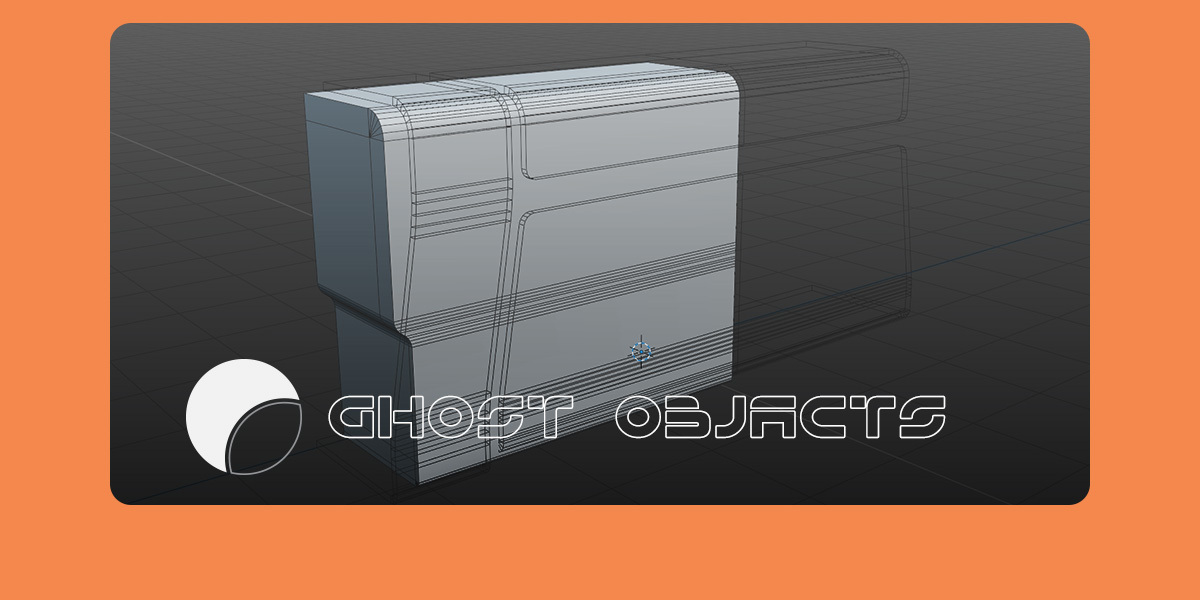
Annotation Show In Front Toggle is a Blender add-on that adds X-ray on/off buttons to layers in the upper annotation panel. Use the buttons to turn off annotation X-ray display when needed.
Controls and compatibility
The Superhive listing names Blender 2.8, 2.81, 2.82, 2.83, 2.9, 2.91, 2.92, and 2.93. It does not confirm compatibility with later releases, so check with the creator if you use a newer version.
The listing identifies the license as Royalty Free and includes a video preview. See the product page for its current details.
Common questions
What does Annotation Show In Front Toggle do?
It adds X-ray on/off buttons to annotation layers in Blender's upper annotation panel, letting you turn off the X-ray display when needed.
Where do the X-ray controls appear?
The product listing places the buttons on the layers in the upper annotation panel.
Which Blender versions are listed as compatible?
The listing names Blender 2.8, 2.81, 2.82, 2.83, 2.9, 2.91, 2.92, and 2.93.
Does it support Blender versions newer than 2.93?
The listing does not confirm support for versions newer than 2.93. Check with the creator before installing it on a later release.
What license does the listing show?
The Superhive listing identifies the license as Royalty Free.
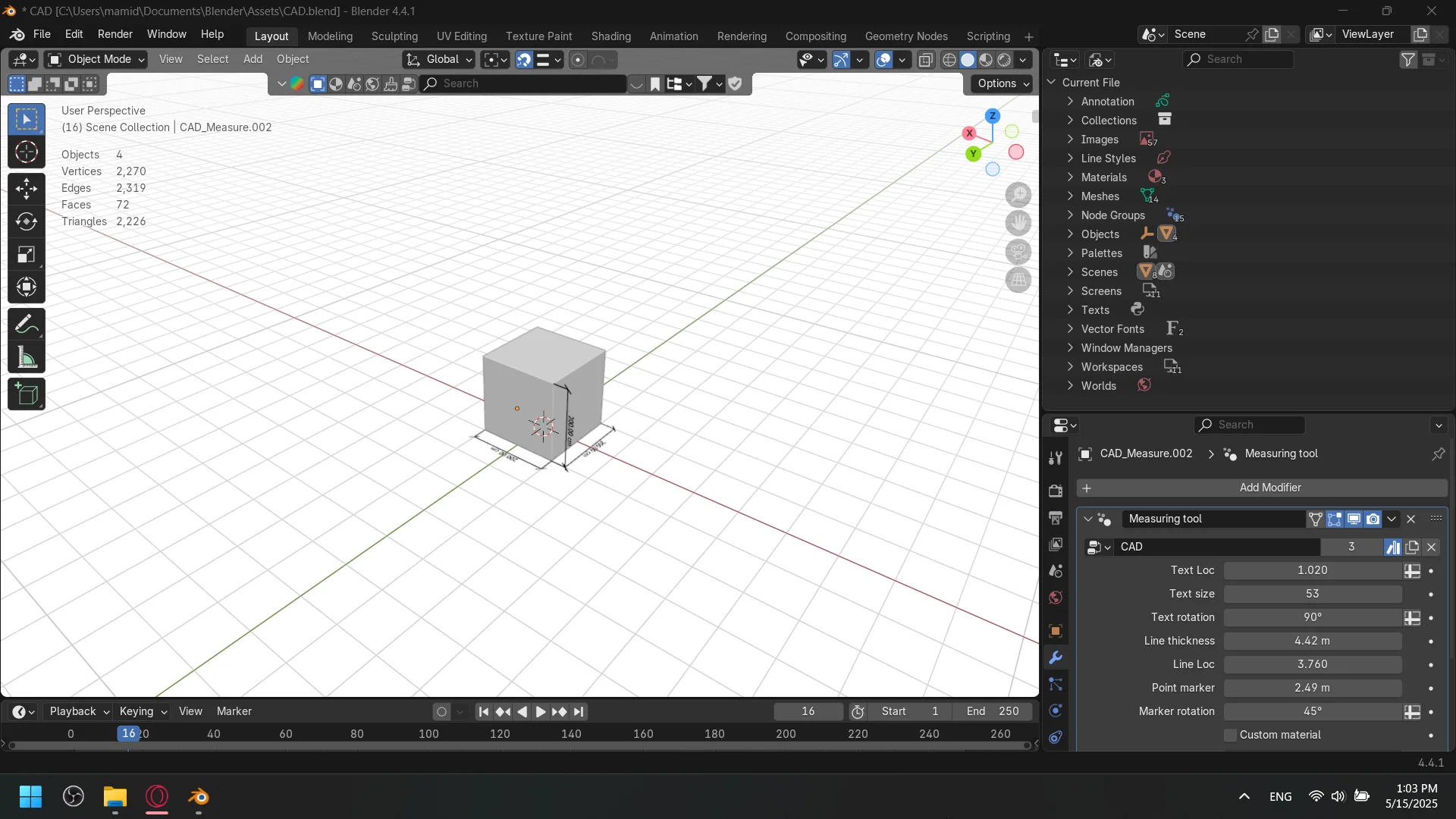
Add X, Y and Z measuring tools to Blender with Cad_Dimensions; adjust their text and use rudimentary imperial conversion. It requires Blender 4.2.0 or newer.
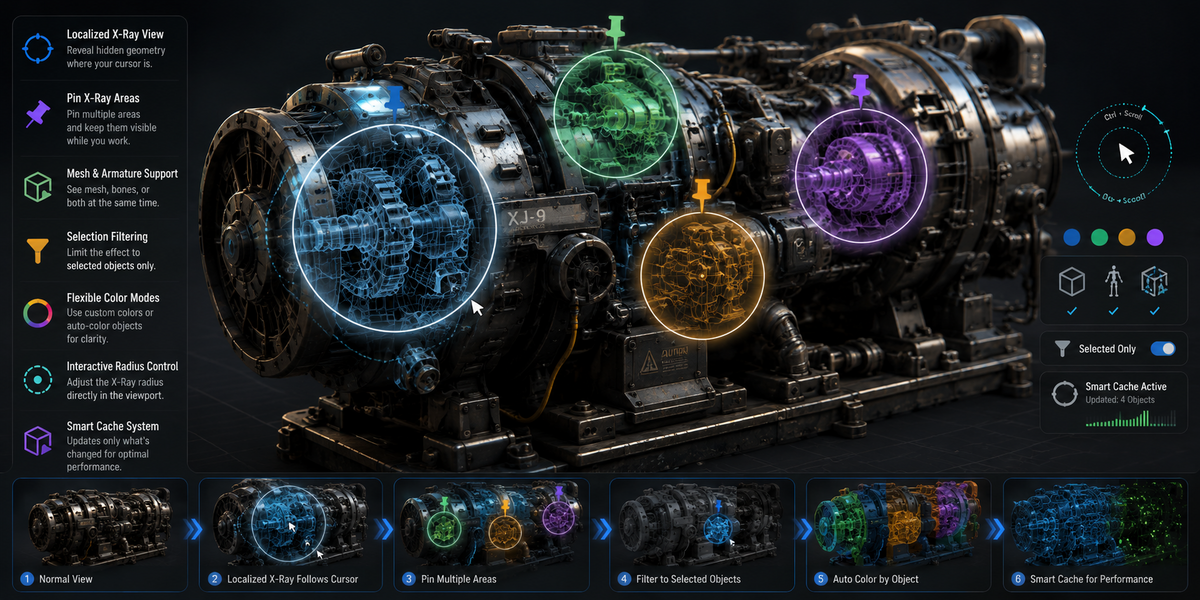
Cursor X-Ray adds a localized X-Ray area in Blender for inspecting meshes and bones. See its controls, GPL license and Blender 3.0–5.2 support on the listing.