StepForge imports and exports STEP/STP files in Blender using Python and NumPy. It reads B-rep geometry, including curved surfaces and trimmed faces, and can write meshes back to STEP. The Blender Extensions catalog lists the add-on for Blender 4.2.0 and newer.
StepForge is listed under developer Blenderhead-engineer. Its catalog entry describes a pure-Python add-on that does not require OpenCASCADE, cascadio or platform-specific wheels. See the Blender Extensions listing for the current version, compatibility and license.
Import STEP geometry into Blender
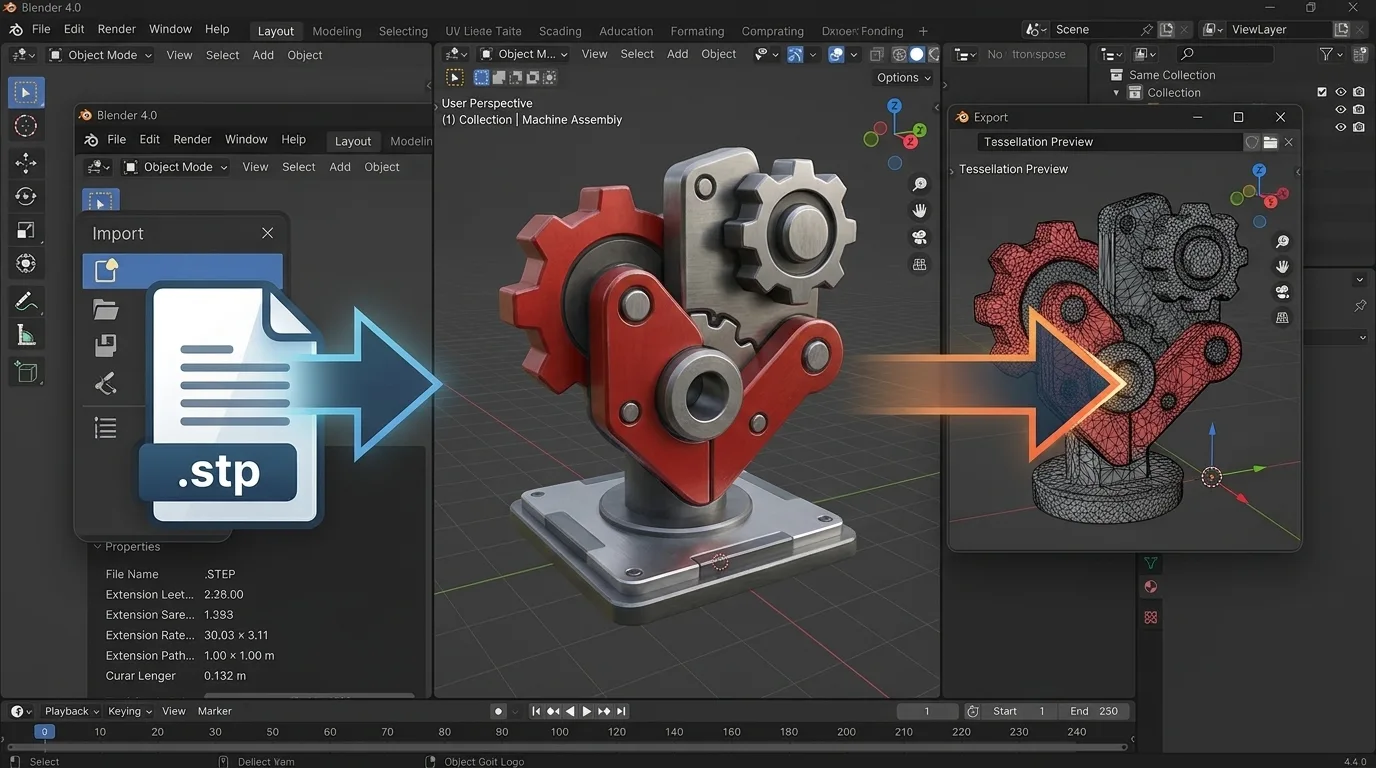
For B-rep STEP files, StepForge reads the geometry as surfaces rather than as an STL-style faceted mesh. Supported surfaces include planes, cylinders, cones, spheres, tori and NURBS (B-spline) surfaces. Trimmed faces and holes are handled during import. It also imports AP242 tessellated STEP files, which contain mesh geometry.
The Detail percentage setting adjusts tessellation tolerance to the size of the part. For more control, Manual Settings includes Rough-to-Very-Fine presets, chord tolerance, automatic or forced units, weld distance and shading options. Automatic smooth-by-angle shading keeps sharp corners crisp.
Choose an export mode
Tessellated export writes the Blender mesh as it is. The listing describes it as the safe option for repeated STEP round-trips, where the mesh should remain unchanged through repeated import and export.
Curved export is experimental. It uses surface fitting to reconstruct planes, cylinders and cones, along with spheres and freeform B-spline surfaces. A curved export can represent a radius as a curve in another CAD tool instead of as a ring of facets. The listing recommends this mode for a one-time hand-off; use tessellated export for repeated back-and-forth work.
Keep Blender responsive while files process
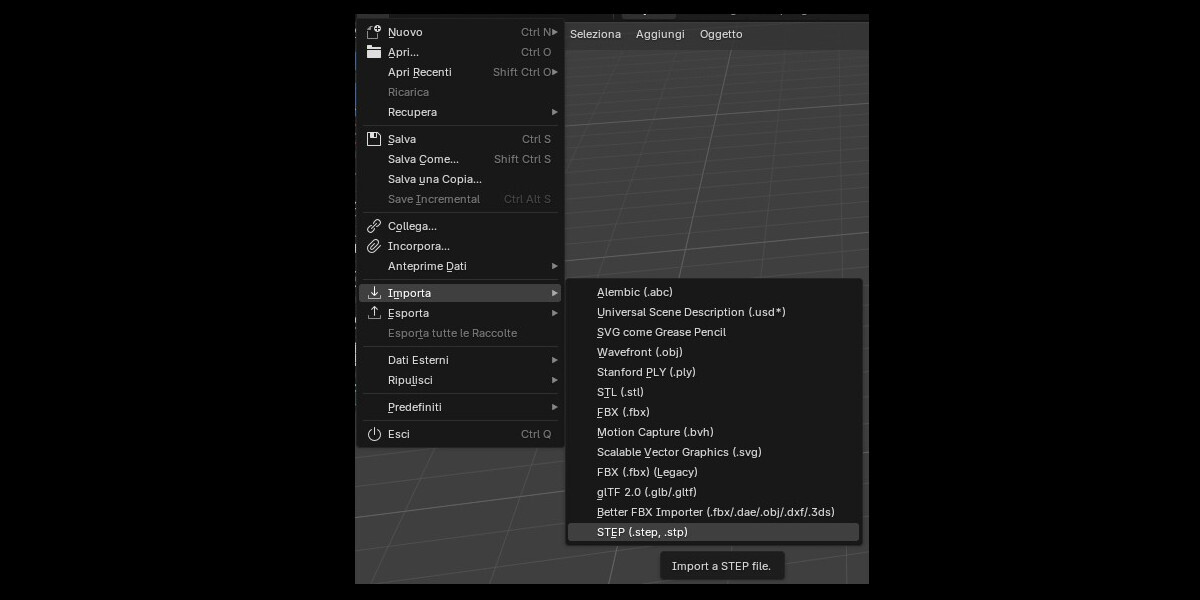
Reading, tessellating and writing run in a separate, low-priority process. A viewport progress bar shows the operation, and Esc cancels it. Large files can use several CPU cores. To begin an import, drop a .step or .stp file into the 3D viewport or use File > Import.
Imported solids become separate mesh objects named from the STEP file's PRODUCT entities. For an assembly with more than one part, StepForge creates a wrapper collection named after the file.
Version and license
The catalog lists version 3.9.9. Its release notes report that import is about 1.5 times faster and curved export about 3.3 times faster. StepForge is licensed under GNU GPL version 3.0 or later.