Super3D Import & Export .Iges is a Blender add-on for opening and writing IGES (.iges) CAD files. It adds import and export entries to Blender’s File menus and uses the Super3D cloud service for conversion. The workflow suits people who need to bring IGES geometry into Blender for visualization or send Blender geometry to an IGES recipient.
How import and export work
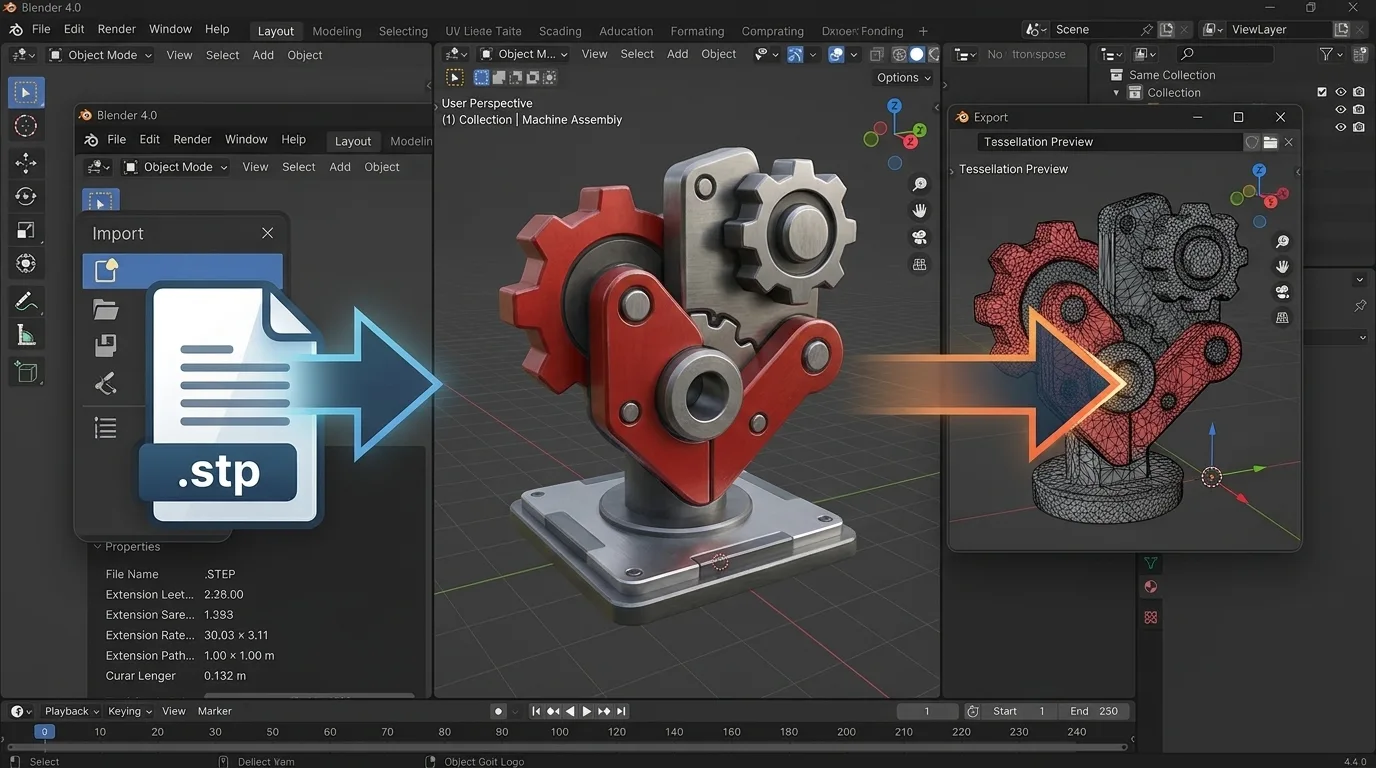
For import, choose File > Import > Super3D: IGES. The add-on uploads the file to the conversion service, then downloads the result and merges it into the active Blender scene. The product record says imported NURBS surfaces become polygon meshes and assembly hierarchy is preserved where present.
For export, the add-on converts the Blender scene to OBJ, sends it to the Super3D service for conversion to IGES, and saves the result. Since the geometry passes through polygon mesh, this export is lossy for NURBS-focused CAD work.
What the geometry conversion means
Imported surfaces become polygon geometry, so this workflow does not preserve editable NURBS surfaces in Blender. Keep the original IGES file if you may need its source curves or surfaces for later CAD work. Treat the converted scene as a mesh-based handoff for visualization or other Blender work, and inspect the result before relying on it in an engineering pipeline.
Internet access and compatibility
Cloud conversion requires an internet connection. Since importing uploads the source file to the Super3D service, check your organization’s rules before sending confidential or client-owned geometry. The AnyPlugins product record reports testing on Blender 4.2 through 5.1. Confirm compatibility with the creator before relying on a different release.
Availability
As of November 27, 2026, the Superhive listing says Super3D Import & Export .Iges is no longer available for purchase. The AnyPlugins catalog record still labels it free, but the current price and download availability cannot be confirmed from these pages. Check the marketplace or creator before planning an installation.