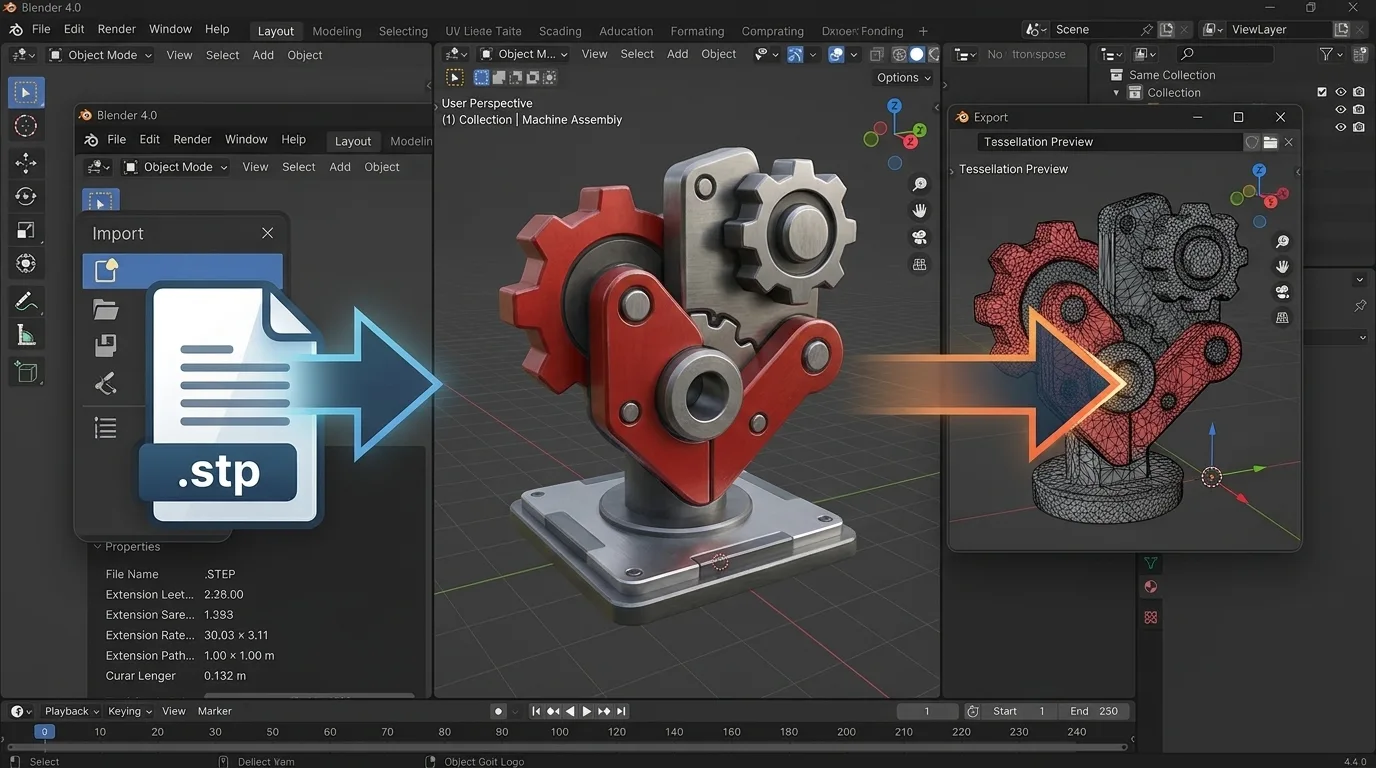
Super3D Import & Export .Igs is a Blender add-on for importing and exporting CAD interchange files with the .igs extension. Its conversion runs through the Super3D cloud service, according to the AnyPlugins listing.
Import .igs files
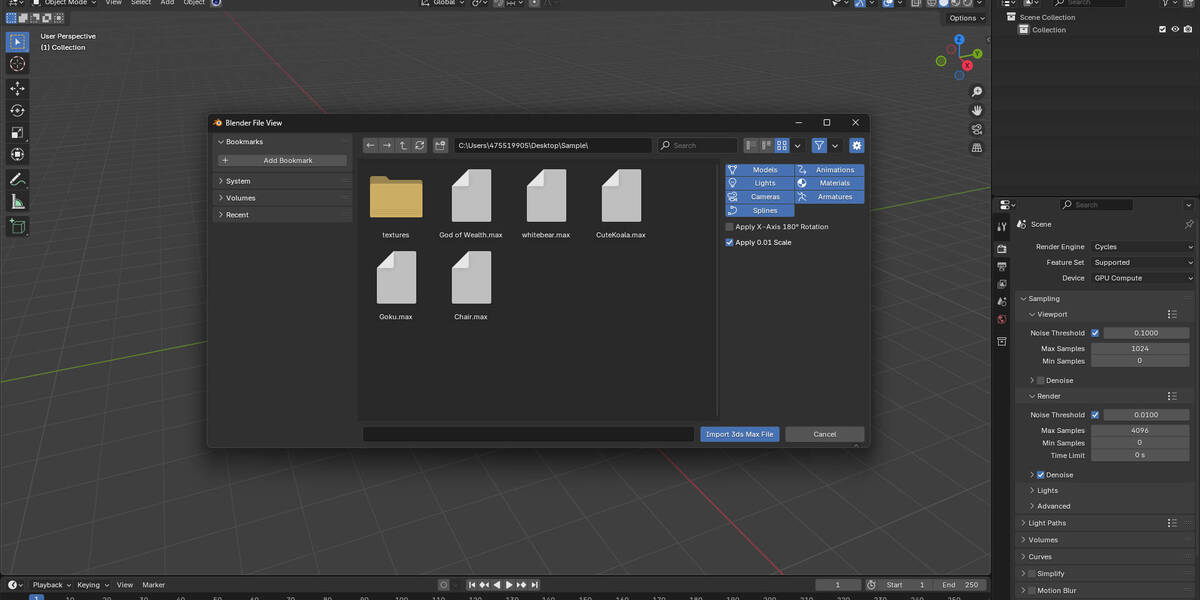
In Blender, choose File > Import > Super3D: IGS (.igs) and select a file. The add-on uploads it to the conversion service, then downloads the converted result and merges it into the active scene. The listing says imported surfaces are tessellated to mesh and the object hierarchy is preserved. It also notes that PMI is not transferred and some surfaces may need fill-holes repair.
Export from Blender
For export, the add-on writes the scene to OBJ on Blender’s main thread, sends it through Super3D for conversion to .igs, and saves the converted file to disk. Both directions rely on the cloud service, so an internet connection is required.
Compatibility and license
AnyPlugins' listing, updated July 16, 2026, reports testing on Blender 4.2 through 5.1, legacy add-on metadata for Blender 4.0 and later, and GPL licensing. The Superhive product page does not confirm those details, so check the current package and its license before installing or reusing it.
Availability
AnyPlugins' listing, updated July 16, 2026, marks the add-on free and available, while Superhive's page says it is no longer available for purchase. Superhive directs product questions to the creator; ask whether the package can still be obtained before planning a workflow around it.
When the .igs extension fits
The AnyPlugins listing describes .igs as carrying the same CAD interchange data as .iges, with the older three-letter extension. This add-on is the focused option when a supplier or existing pipeline specifically expects .igs; choose the extension your files and handoff process require.