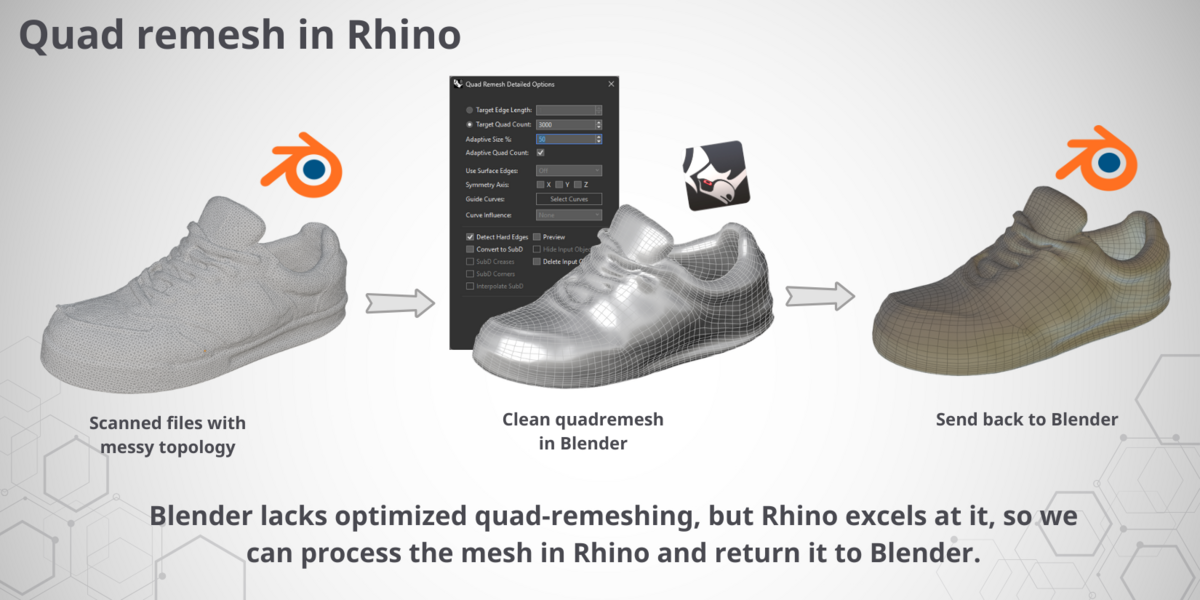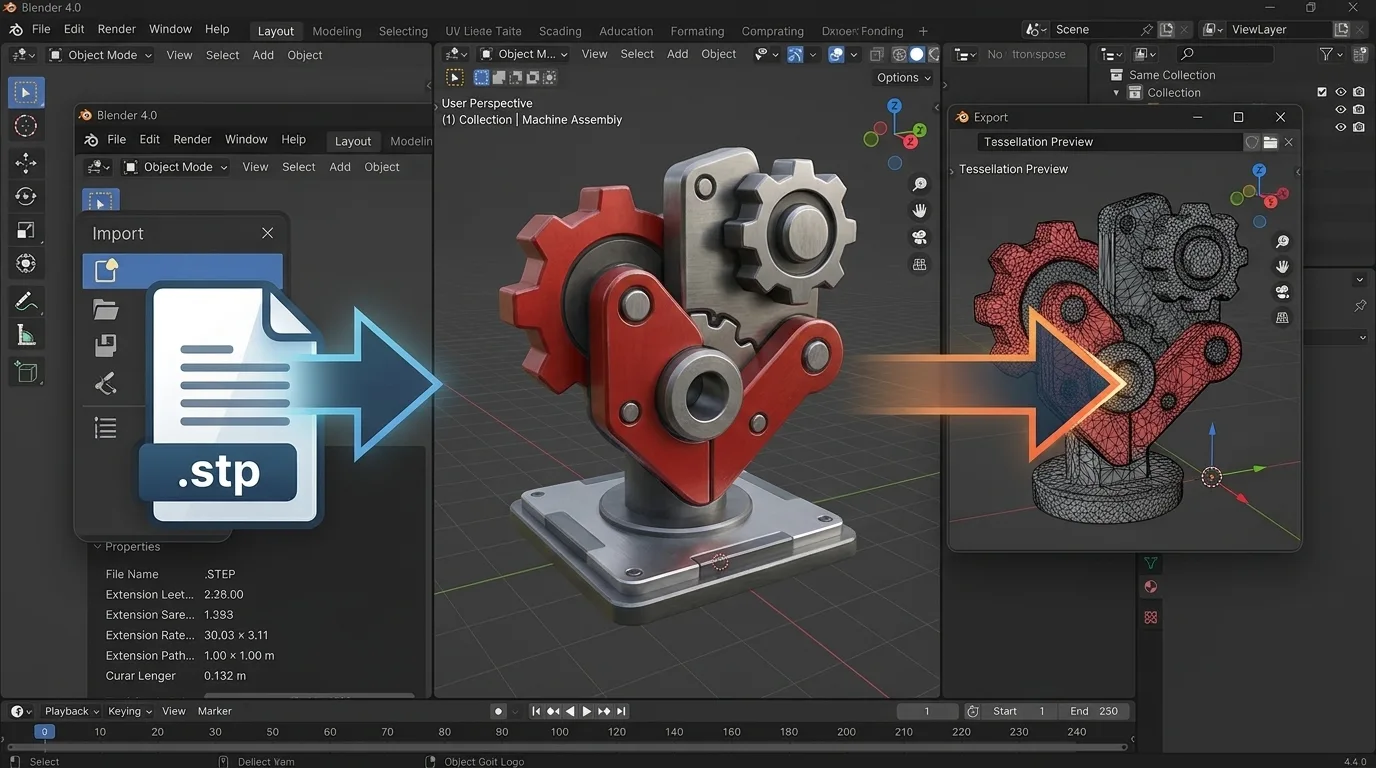
Rhino Blender Exchange (RBE) is a Blender add-on by ShoeMaster for transferring geometry between Rhino and Blender. The seller listing identifies version 1.5.9, released November 10, 2026. RBE is intended for people who model in Rhino and want to continue working with transferred objects in Blender.
The add-on provides one-click transfer and selective updates, so you can refresh all meshes or chosen objects. The listing also describes updates that preserve an object's transform, rotation, scale, animation, and parenting relationships. These options are useful when the Rhino model remains the source for geometry while the Blender scene contains additional setup.
What transfers between Rhino and Blender?
Mesh transfer is the clearest supported use. The seller's current compatibility section says the current version supports meshes, and the documentation describes mesh-only geometry support. The documentation says simple PNG or JPG texture maps can transfer when material export is enabled. The latest listing mentions simple PNG maps and warns that complex Blender shader setups may not be interpreted correctly in Rhino.
Curve support is described inconsistently. The seller's version 1.2 notes say curve export to Blender was added, while the current-version compatibility section says meshes only and lists curves among planned data types. Confirm curve transfer with the seller before making it part of a production workflow. NURBS, SubD objects, dimensions, and hatches are also listed as planned rather than currently supported.
Compatibility and version details
The version 1.5.9 listing and the documentation labeled v1.0.0 both specify Rhino 8 with Blender 4.4 or 4.5. The marketplace's general details strip gives a broader Blender range, 4.4 through 5.3. Because those source details differ, check the current seller package and version notes for your Blender release before installing.
The documentation page still refers to version 1.3.1 in its Rhino installation instructions, while the seller listing identifies version 1.5.9. Use the documentation for basic setup, then confirm that its package names and steps match the version you download.
Transfer files and setup
The older documentation describes a dedicated exchange folder with controls to clean or delete it. The version 1.5.9 listing says files are now stored temporarily and deleted automatically after the geometry is sent, without creating the RBE folder in the selected location. Follow the current version's behavior if it differs from the older documentation.
For the documented setup, install the Rhino package through Rhino's package manager or by dragging its RHC file into Rhino. In Blender, install the Rhino Exchange ZIP through Edit > Preferences > Add-ons, then enable the add-on. The documentation says to save a Rhino .3dm file, use the Rhino Exchange panel in Blender's 3D Viewport sidebar, and link that file before sending or updating meshes.
Who may find RBE useful?
RBE is aimed at designers, architects, engineers, and 3D artists who use both applications. It can suit product, industrial, furniture, footwear, jewelry, automotive, or architectural work when the handoff involves supported mesh geometry. Check the version and data-type limitations first if your project depends on curves, NURBS, complex shaders, or another unsupported format.